Cutout.Pro
AI-powered visual design platform for photo and video editing.

Overview
Cutout.Pro: AI-Powered Visual Design Platform for Photo and Video Editing
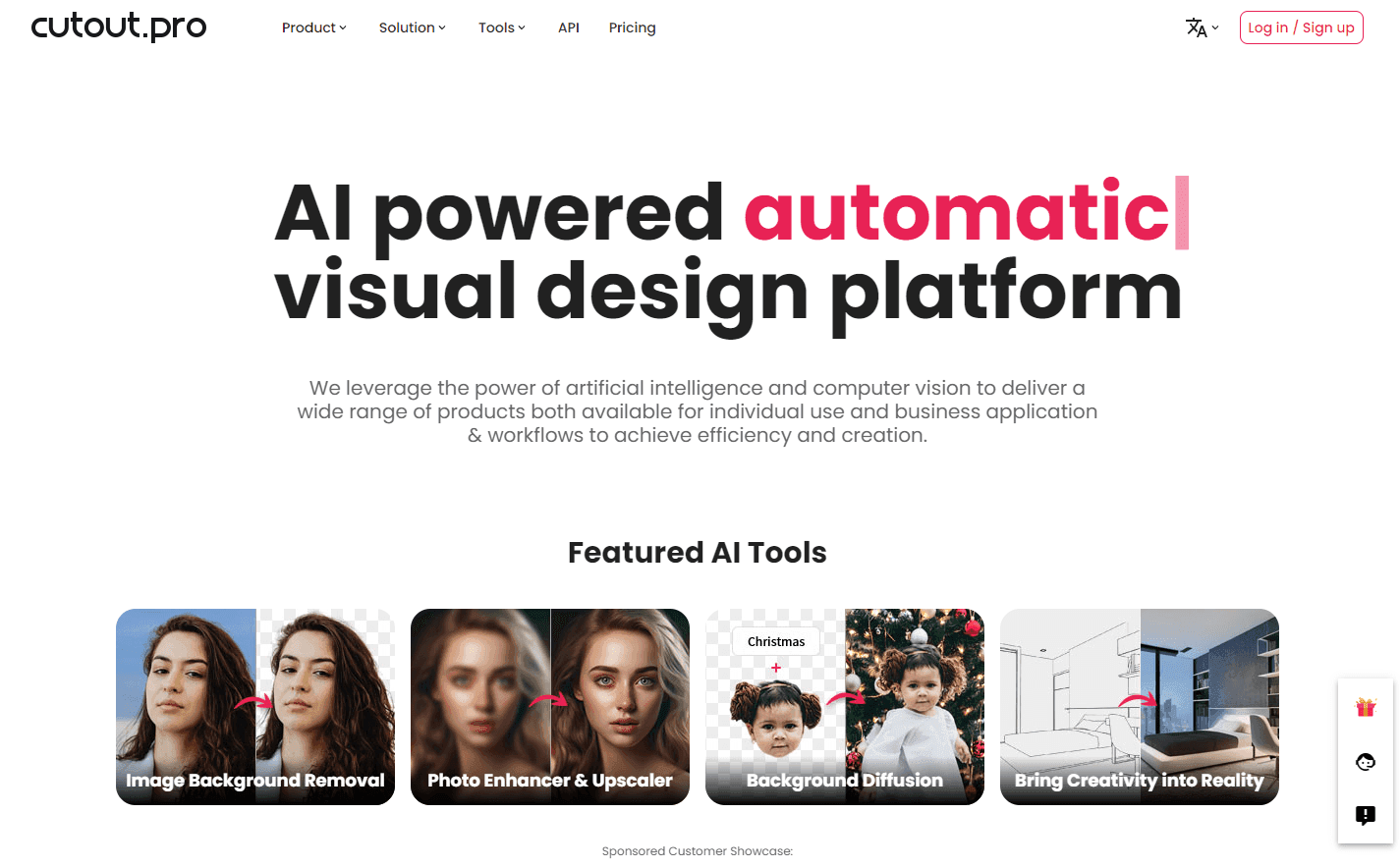
Cutout.Pro is an all-in-one visual design platform that harnesses the power of artificial intelligence to offer a suite of photo and video editing tools. The platform provides automatic processes for background removal, image restoration, graphic design, and content generation. With Cutout.Pro, users can optimize their content and transform their design ideas into special assets effectively. From removing unwanted objects to generating AI art, Cutout.Pro offers a comprehensive set of tools to cater to a wide range of design needs.
Key Features: -
- Image Background Removal: Easily remove backgrounds from images.
- Photo Enhancer & Upscaler: Improve photo resolution and quality.
- Background Diffusion: Add creative backgrounds using text.
- AI Art Generator: Access unlimited AI art generation.
- Video Background Removal: Remove video backgrounds without the need for green screens.
Ideal Use Case:
Cutout.Pro is perfect for designers, content creators, and businesses looking to enhance their visual content with AI-powered tools, ensuring high-quality results and efficient workflows.
Why use Cutout.Pro:
- Comprehensive suite of AI-driven photo and video editing tools.
- Streamlined design processes with automatic features.
- High-quality results with attention to detail.
- Suitable for both individual and business applications.
tl;dr:
Cutout.Pro offers a comprehensive suite of AI-powered tools for photo and video editing, enabling users to create high-quality visual content with ease and efficiency.
FAQ
Q: What does Cutout.Pro do? A: AI-powered visual design platform for photo and video editing.
Q: Is Cutout.Pro free? A: Pricing varies by plan. Visit the Cutout.Pro pricing page for current tiers and details.
Q: What problem does Cutout.Pro solve? A: Cutout.Pro helps designers and visual creators generate images, edit photos, and produce visual assets at scale.
Q: What competes with Cutout.Pro? A: Top alternatives to Cutout.Pro include Midjourney, Runway Research, and Krea AI. See our directory for in-depth comparisons.
Related
Looking for more options? Browse the AI Art & Image Creation directory or read our best AI image generators listicle. Cutout.Pro is also tracked on Crunchbase.
Why Use Cutout.Pro
Editorial Review
Our take on Cutout.Pro.

A utility belt, not a studio: background removal, photo restoration, enhancement, and video matting in one cheap, fast toolbox with an API. For everyday e-commerce and social work it earns a bookmark. Hard edges — hair, glass, fine detail — still go to the dedicated pro tools.
What works
- One account covers background removal, restoration, enhancement, and video matting
- Fast, clean results on typical product shots and portraits
- Developer API makes it a practical building block for small apps
What doesn't
- Hard edges like hair, glass, and mesh still trail dedicated professional tools
- Credit pricing is cheap at low volume but creeps up on heavy users
Cutout.Pro is best understood as a stack of small, well-executed utilities sharing one account: background removal for images and video, photo enhancement and colorization, old-photo restoration, passport photos, and a developer API that quietly serves a lot of small apps. Nothing in it is the single best tool in its niche; nearly everything in it is fast, cheap, and good enough for the daily volume work that doesn't justify opening Photoshop.
The background removal is the anchor, and on typical product shots and portraits it delivers clean results in seconds. The video matting is more impressive than it has a right to be at this price, though it rewards simple footage and even lighting.
The limits are predictable. Difficult edges — flyaway hair, glass, mesh, fine fabric — still separate the utilities from the professionals, and retouching-grade work belongs elsewhere. The credit-based pricing is friendly at low volume and creeps up on heavy users; teams processing thousands of images a month should price the API tier against dedicated rivals before standardizing.
Best for e-commerce sellers, social media managers, and developers who want one API for a dozen small image jobs. Wrong for retouching professionals.
User Reviews
Similar Tools