Cua
Open-source sandboxed virtual machines and SDK for training, evaluating, and running computer-use agents.
Overview
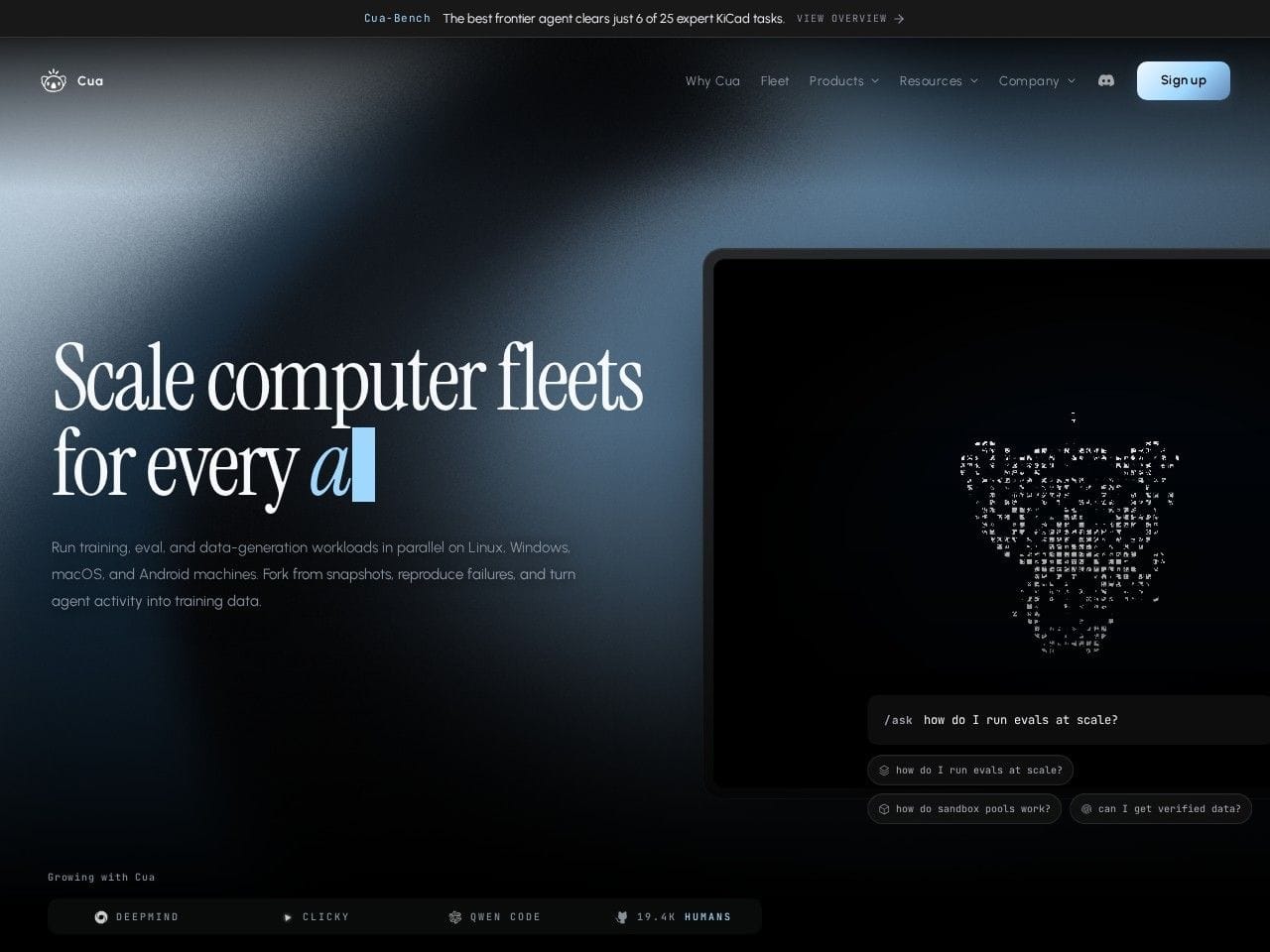
Cua: sandboxed computers for AI agents, from one VM to a fleet
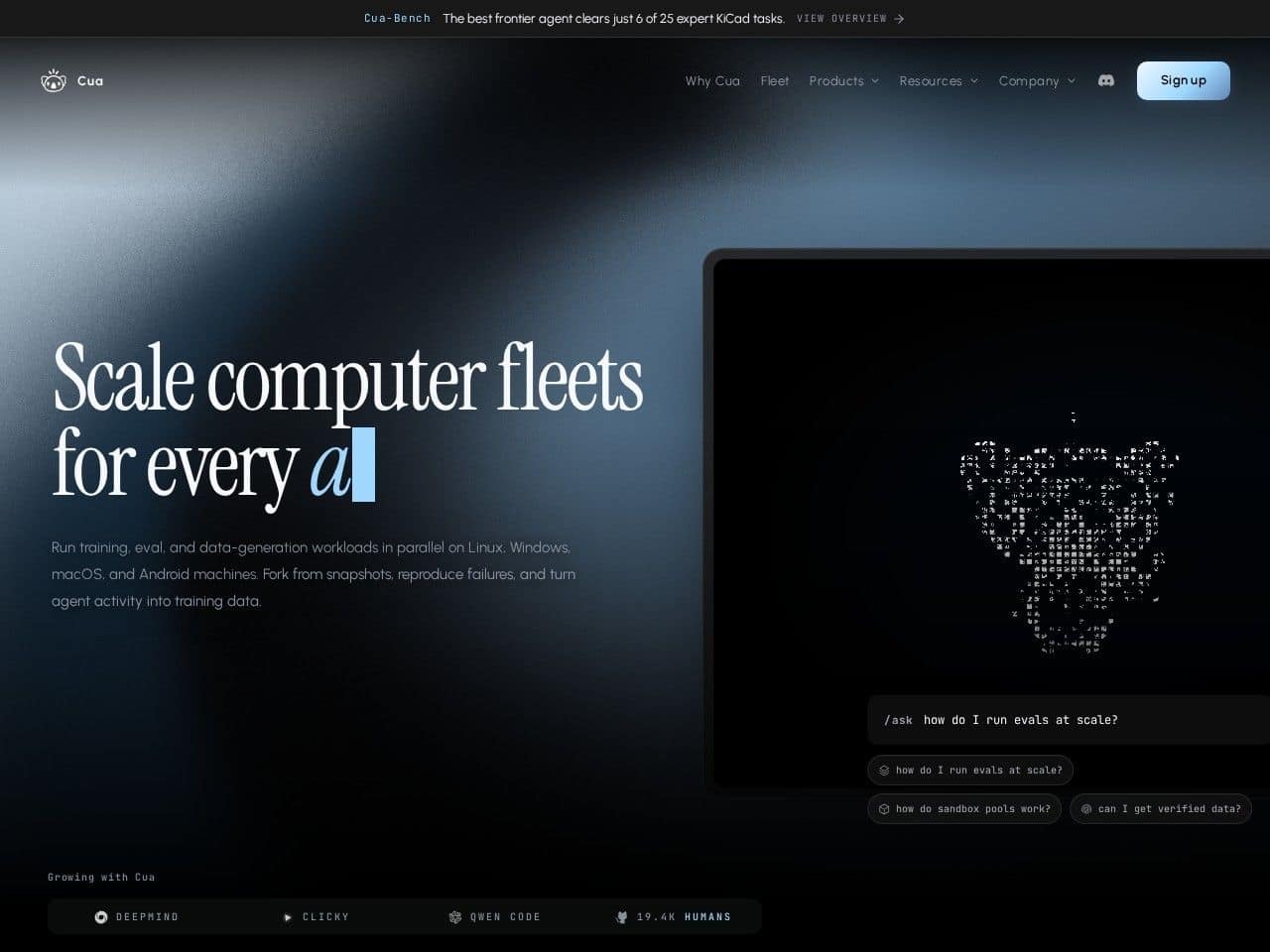
Cua (as in Computer-Use Agents) provides the infrastructure layer for agents that operate real computers. A single API boots sandboxed machines across Linux, Windows, macOS, and Android, spanning six local runtimes and cloud providers — so the same agent code that clicks through a Windows app locally can run against a fleet of cloud machines for training, evaluation, or production automation.
The platform is built for the workloads that make computer-use agents hard at scale. Snapshot-native rollouts fork machine state with copy-on-write storage, letting you run parallel episodes from an identical starting point or reproduce a failure exactly. Warm machine pools keep pre-booted machines claimable in milliseconds and scale to zero when idle. The open-source Cua Driver gives agents the primitives — click, type, scroll, inspect accessibility trees — while MCP server and CLI surfaces plug the whole thing into existing agent stacks.
Key Features
- Cross-OS fleet management: one API for Linux, Windows, macOS, and Android machines across six local runtimes and cloud providers
- Snapshot-native rollouts with copy-on-write forking for parallel episodes and exact failure reproduction
- Warm machine pools claimable in milliseconds, scaling to zero when idle
- Open-source Cua Driver (MIT licensed) for click, type, scroll, and accessibility-tree inspection
- Verified trajectory data: human-reviewed golden trajectories with step-level annotations for agent training
- Deployment flexibility: free open-source stack, hosted cloud, BYOC, or on-premises, with SOC 2-ready posture
Ideal Use Case
Cua fits two audiences: research and model teams that need thousands of reproducible OS environments for training and evaluating computer-use models, and product teams shipping agents that must drive real desktop software — legacy Windows apps, native macOS tools, Android flows — beyond what browser-only automation reaches. Start free on the open-source stack, then move to hosted or BYOC fleets when concurrency and compliance requirements grow.
How Cua differentiates
Cua is Y Combinator-backed, MIT licensed, and its GitHub repository has over 19,000 stars; its site notes Google DeepMind evaluating Gemini computer-use capabilities on the platform, alongside users like Qwen Code. Browser-sandbox providers such as Browserbase stop at the web, and code-sandbox platforms like E2B stop at the terminal — Cua's scope is the entire operating system across four OS families, with snapshot forking and warm pools designed specifically for RL-style parallel rollouts.
FAQ
Is Cua open source? Yes — the core stack and Cua Driver are MIT licensed on GitHub, with a free tier to start.
Which operating systems are supported? Linux, Windows, macOS, and Android, bootable through a single API across local runtimes and cloud providers.
What are snapshots used for? Forking machine state with copy-on-write storage — run many parallel agent episodes from one starting point, or replay a failure exactly.
How do I deploy at scale? Options include Cua's hosted cloud, bring-your-own-cloud, and on-premises deployments; dedicated fleets are available by request.
tl;dr
Cua provides open-source, sandboxed virtual machines across Linux, Windows, macOS, and Android — with snapshots, warm pools, and an SDK — for training, evaluating, and running computer-use agents.
Related
Looking for more options? Browse the Developer Tools directory or read our best AI coding tools listicle. Cua is also tracked on Crunchbase.
Why Use Cua
User Reviews
Similar Tools