Canva
Online graphic design platform for creating various visual content.
Overview
Canva: The Ultimate Design Tool for Professionals and Novices
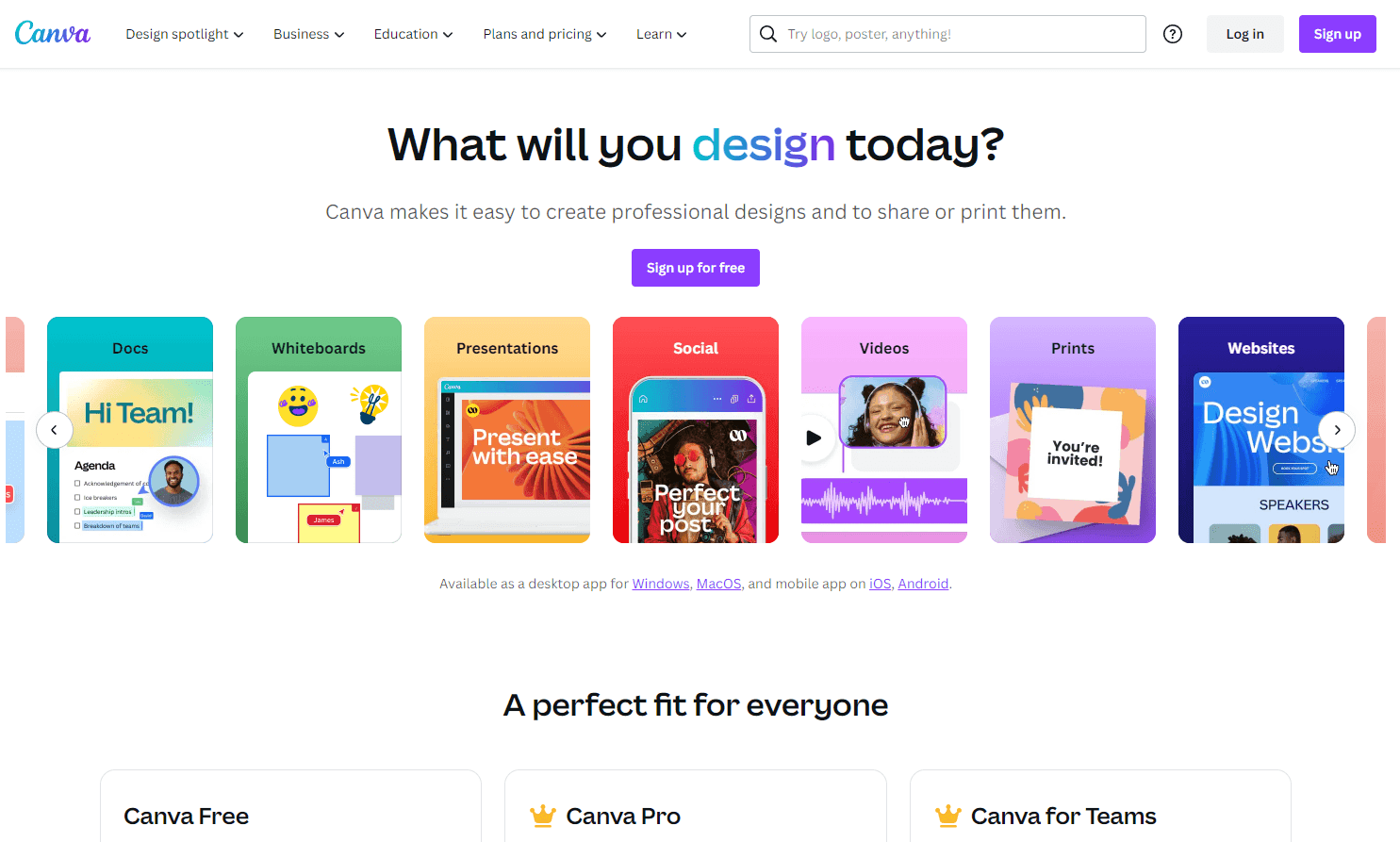
Canva is an online platform that revolutionizes the way individuals and businesses approach graphic design. With its user-friendly interface, vast library of templates, and versatile design tools, Canva empowers users to create stunning visuals ranging from social media posts to professional presentations. Whether you're a seasoned designer or someone with no design experience, Canva's platform is tailored to meet your needs, ensuring that you produce top-notch designs every time.
Key Features:
- Extensive Template Library: Choose from thousands of professionally designed templates for various purposes.
- Drag-and-Drop Editor: Easily customize designs with a simple and intuitive editor.
- Collaboration Tools: Work on designs collaboratively with team members in real-time.
- Printing Services: Design and order prints directly from the platform.
- Video Editor: Create and edit professional videos with animations, audio, and more.
- AI-Powered Tools: Enhance photos with Magic Edit, generate designs with Magic Design, and get writing assistance from Magic Write.
Ideal Use Case:
Businesses can leverage Canva to create marketing materials, advertisements, and social media content. Educators and students can design presentations and educational materials. Individuals can use it for personal projects, from designing invitations to creating personalized gifts.
Why use Canva:
- Ease of Use: No design experience required.
- Affordability: Offers a free version with premium features available in Canva Pro.
- Versatility: Suitable for both personal and professional design needs.
- Collaboration: Allows multiple users to work on a design simultaneously.
- Continuous Updates: Regularly updated with new features and design templates.
FAQ
What can I create with Canva? Canva is an online graphic design platform that lets you make a wide range of visual content, from social media posts and presentations to flyers, posters, and custom graphics. You don't need design experience to get started—the platform includes templates and tools to help you build professional-looking designs quickly.
Who should use Canva? Canva works for anyone who needs to create visual content, whether you're a small business owner, content creator, marketer, student, or just someone who wants to design graphics without learning complex software. It's designed to be accessible to people of all skill levels.
What is Canva's pricing model? Canva operates on a freemium model, meaning you can start using it for free with access to basic features and templates. For additional premium content and advanced tools, paid options are available. Visit the Canva pricing page for current plans.
How does Canva compare to other design tools? While Canva focuses on accessible, template-based graphic design for a broad audience, alternatives like Midjourney, Runway, and Krea AI specialize more heavily in AI-powered image generation. Canva's strength is making design approachable for non-designers with pre-built templates and drag-and-drop simplicity.
tl;dr:
Canva is a comprehensive online design tool catering to both professionals and beginners. It offers a plethora of features, from a vast template library to collaboration tools, making design accessible and enjoyable for everyone.
Related
Looking for more options? Browse the AI Art & Image Creation directory or read our best AI image generators listicle. Canva is also tracked on Crunchbase.
Why Use Canva
Editorial Review
Our take on Canva.

Canva is a freemium design platform that lets you make social posts, presentations, and print materials from templates—useful if you need something quick but not if you need precision control.
What works
- Template-first workflow eliminates blank-canvas paralysis
- Free tier substantial enough for light social media work
- Collaborative editing and brand kit features for teams
What doesn't
- Design constraints if you need unconventional layouts
- AI image tools feel secondary to the template system
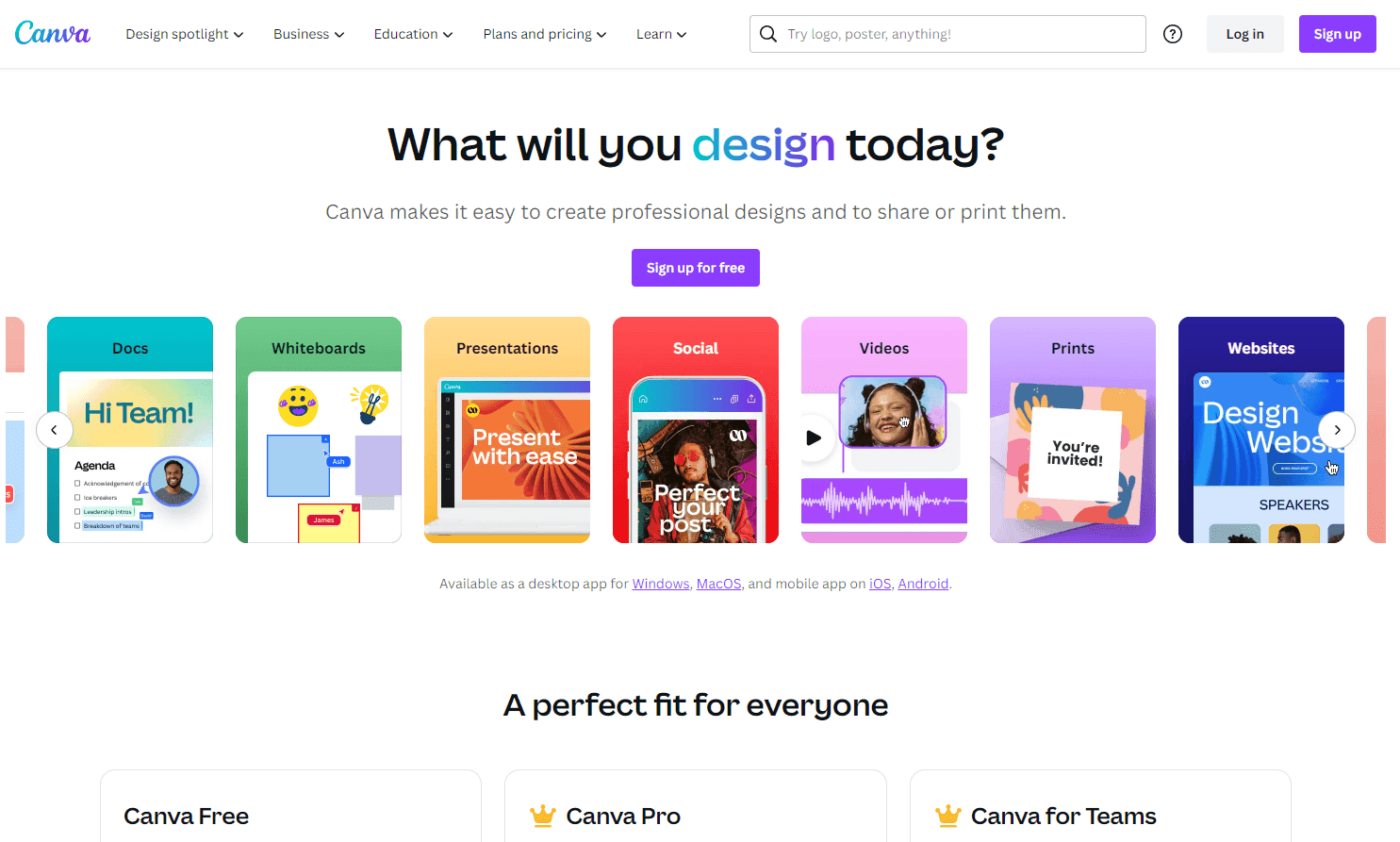
Canva handles visual content creation through a library of templates and drag-and-drop editing. You pick a template, swap in your image or text, adjust colors, and export. The barrier to entry is genuinely low—no design experience required, and the free tier gives you access to thousands of layouts. For social media graphics, simple posters, or quick deck mockups, it does the job well enough.
Where Canva hits friction: you're often locked into template thinking. The canvas feels constrained if you want to break a grid, layer with precision, or work with custom typography at the level a designer would expect. The AI image features exist but aren't the draw here—tools like Midjourney or Runway do generative work better. Canva wins on speed and accessibility, not on depth.
It's at its best when the goal is fast and adequate: team member who needs a LinkedIn banner, small business owner making an event flyer, creator publishing weekly graphics on a deadline. Just know you're trading flexibility for convenience.
User Reviews
Similar Tools