Browse AI
Web automation platform for data extraction and monitoring without coding.
Overview
Browse AI: Simplifying Web Data Extraction and Monitoring
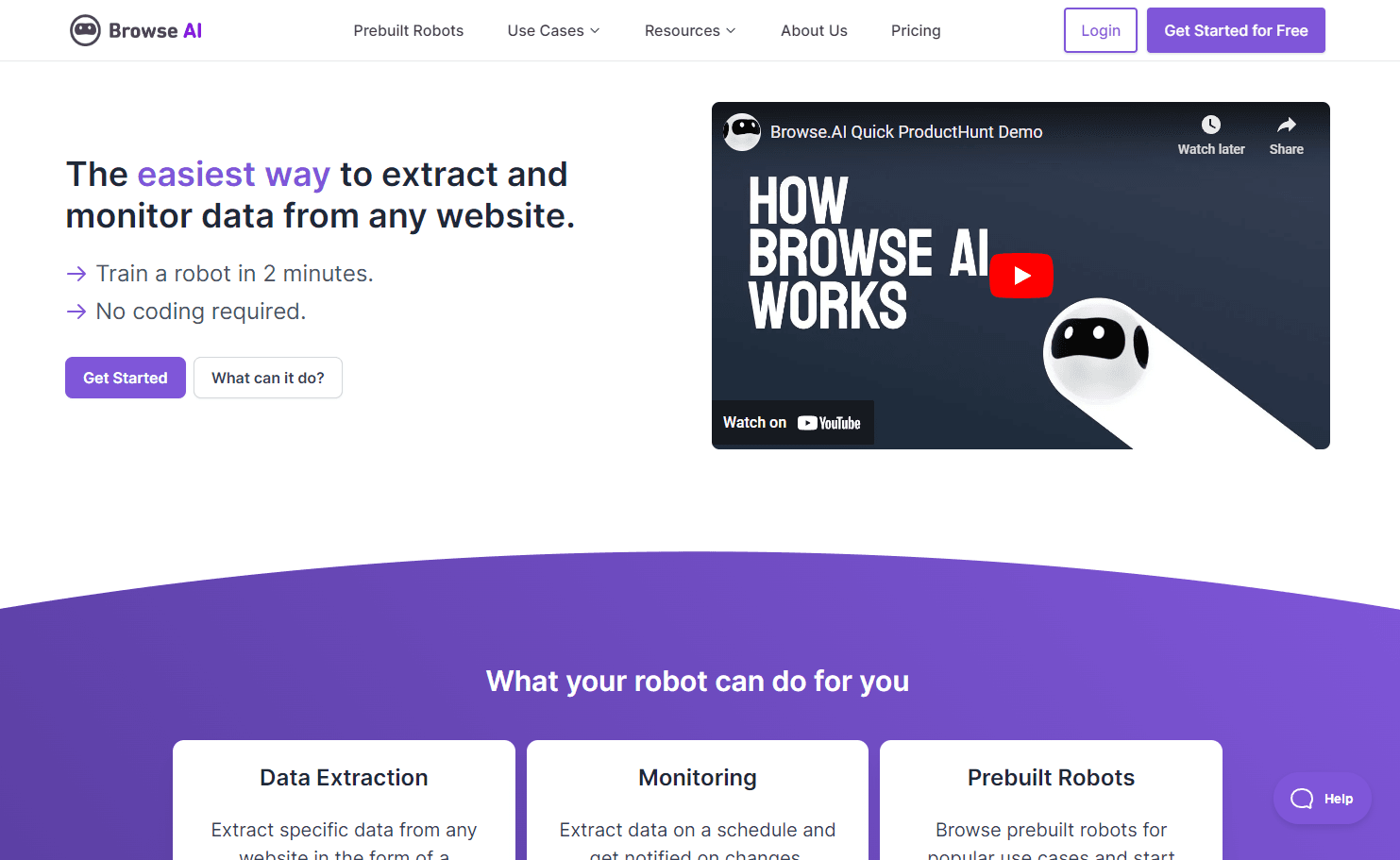
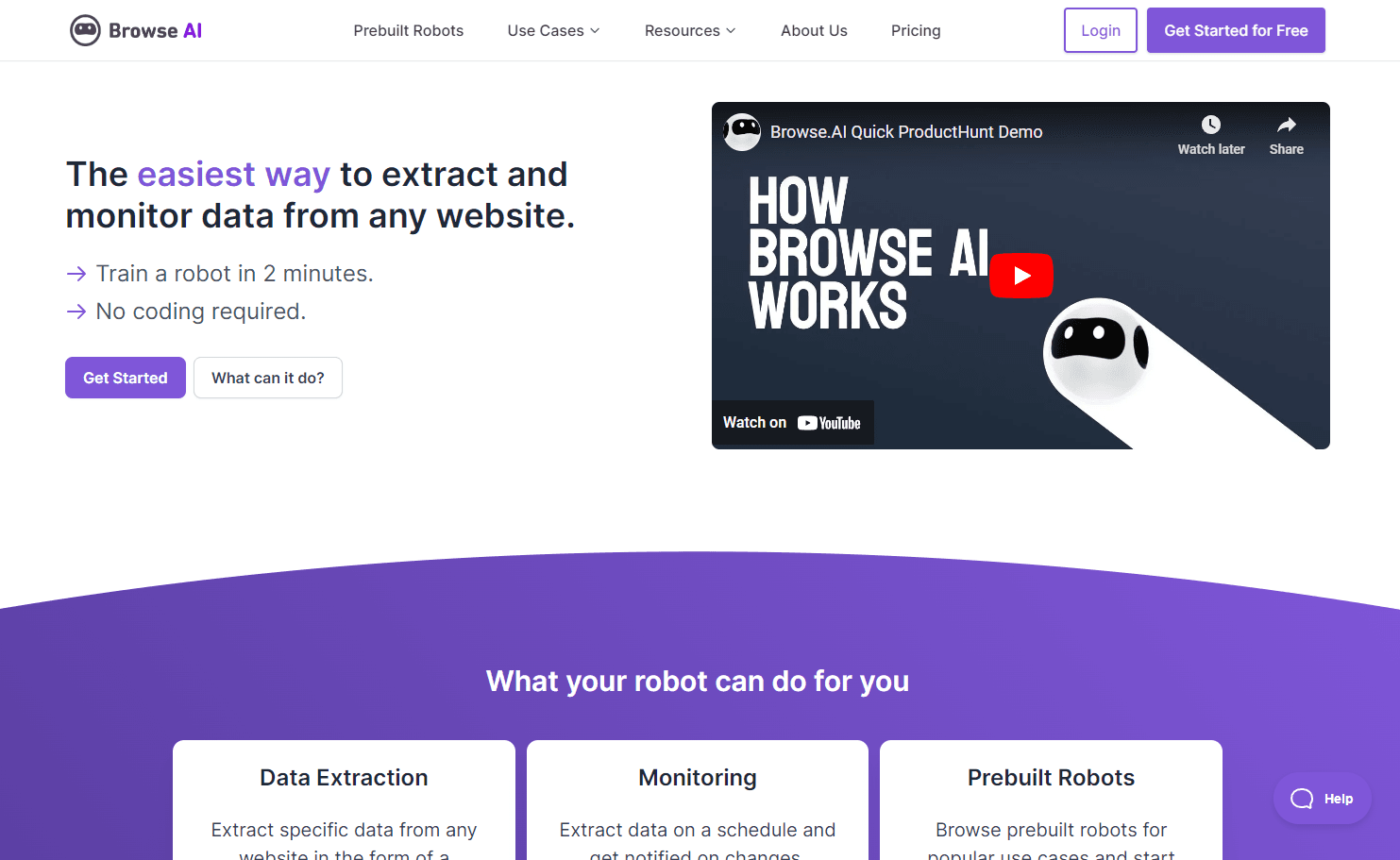
Browse AI is a powerful platform designed to make web data extraction and monitoring straightforward and efficient. With no coding required, users can train robots to extract specific data from any website, turning it into a self-filling spreadsheet. The platform also offers monitoring capabilities, allowing users to extract data on a schedule and receive notifications on changes. With a vast library of prebuilt robots for popular use cases, Browse AI streamlines the process of web scraping and automation.
Key Features:
- Data Extraction: Convert web data into self-filling spreadsheets.
- Web Monitoring: Schedule data extraction and get alerted on changes.
- Prebuilt Robots: Access robots designed for popular use cases.
- No Code: User-friendly interface with no technical expertise required.
Ideal Use Case:
Browse AI is ideal for businesses, researchers, and individuals who need to extract and monitor web data without the complexities of coding or using advanced scraping tools.
Why use Browse AI:
- Efficiency: Extract vast amounts of data in minutes.
- Automation: Schedule tasks and receive updates automatically.
- Versatility: From monitoring LinkedIn company info to extracting job listings, the possibilities are vast.
- Cost-Effective: Start for free and scale as per your needs.
FAQ
What does Browse AI help you do? Browse AI is a web automation platform that lets you extract data from websites and monitor them for changes without writing any code. It's designed to automate repetitive tasks across the web through a visual, user-friendly interface.
Who should use Browse AI? Browse AI works well for anyone who needs to collect data from websites regularly, track competitor information, or automate web-based workflows—from marketers and researchers to business analysts who want to save time on manual data gathering.
How much does Browse AI cost? Browse AI operates on a paid pricing model. Visit the Browse AI pricing page for current plans and to see which option fits your automation needs.
How does Browse AI compare to other tools? While alternatives like ChatGPT, Gemini, and Perplexity.ai focus on conversation and information lookup, Browse AI specializes in automating actual web tasks and extracting structured data from live websites without coding—making it better suited for hands-off monitoring and data collection workflows.
tl;dr:
Browse AI offers a seamless experience for web data extraction and monitoring. With its no-code interface, users can easily train robots to gather data, making web scraping accessible to everyone.
Related
Looking for more options? Browse the Productivity directory or read our best AI productivity tools listicle. Browse AI is also tracked on Crunchbase.
Why Use Browse AI
Editorial Review
Our take on Browse AI.

No-code web automation that works for monitoring and scraping, but you're paying for convenience over flexibility.
What works
- True no-code setup; non-technical users can ship automations
- Reliable scheduling and cloud infrastructure handling
- Active community and strong platform satisfaction ratings
What doesn't
- Limited flexibility for complex or edge-case extraction logic
- Vendor lock-in; automations don't port elsewhere easily
Browse AI strips away the coding requirement for web scraping and monitoring tasks—you define what data to extract or which pages to watch, and it handles the rest. That's genuinely useful if you're non-technical or time-constrained: set up a robot, let it run on a schedule, get structured data or alerts back.
The trade-off is real, though. No-code platforms always hit a ceiling. Complex logic, edge cases in HTML layouts, or integration patterns outside the happy path become friction points fast. You're also betting on their infrastructure staying reliable—if their runners go down or change their execution model, your automations are suddenly your problem again. And the pricing structure means you're committing to a service relationship rather than owning the extraction logic.
It's a solid fit for small teams doing routine data pulls—competitor pricing checks, content monitoring, lead scraping—where you value time-to-setup over long-term cost of ownership. Just don't expect it to replace a real ETL pipeline or handle industrial-scale scraping without careful architecture.
User Reviews
Similar Tools