Alpaca
Photoshop plugin combining AI with artistic capabilities.
Acquired Alpaca
Acquired · November 2024
Acquired by Captions in November 2024; the team joined Captions and the standalone Alpaca art tool was wound down.
Acquired by Captions.
Is Alpaca shut down?
Effectively, yes. Alpaca was acquired by Captions and the standalone product was sunset on November 28, 2024. Its record is preserved in the ToolDirectory.AI graveyard, our hand-reviewed registry of AI tools that shut down or were acquired.
What to use instead
Featured

Midjourney
Premier AI image and video generator known for cinematic, photorealistic, stylized output.
Paid
4.88
530

Runway
Reimagining Video and Image Creativity
Freemium
4.92
385

Krea AI
Real-time AI image and video generation with a creative pro UI — image, video, training, and edit in one canvas.
Freemium
4.92
460
Overview
Alpaca for Adobe Photoshop: Empowering Artists with AI
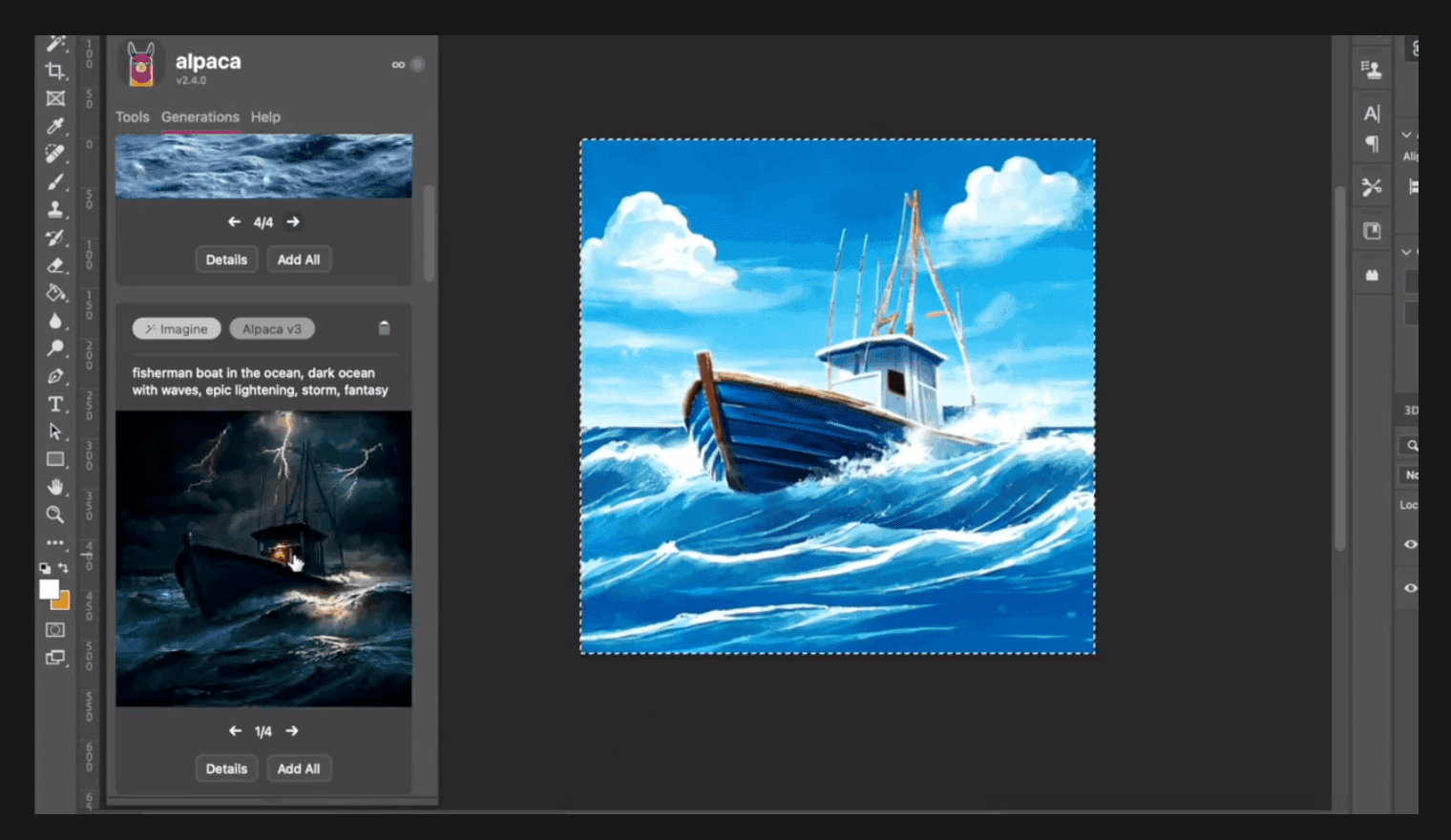
Alpaca is not just another tool; it's a revolution for artists. Designed as a Photoshop plugin, Alpaca seamlessly integrates the power of AI-driven image generation with the finesse of human creativity. Whether you're starting with a mere sketch or a detailed reference image, Alpaca ensures that your creative potential is amplified, allowing you to explore, iterate, and produce stunning artworks faster than ever.
Key Features:
- Sketch to Image: Transform your sketches into vibrant images with AI's touch.
- Reference Image Composition: Use reference images to guide the composition of your artwork.
- Rapid Iterations: Embrace quick iterations, experiment with styles, and refine concepts effortlessly.
- Custom Stylized Model: Personalize your toolset by dropping assets and picking a model that resonates with your style.
- Depth and Upscale: Add depth to your images and upscale them without compromising quality.
Ideal Use Case:
Alpaca is a boon for digital artists, graphic designers, and anyone using - Adobe Photoshop. It's perfect for those who wish to blend the precision of AI with their unique artistic touch, be it for professional projects or personal artworks.
Why use Alpaca:
- AI-Powered Creativity: Harness the power of AI to bring your sketches and doodles to life.
- Personalized Toolkit: Customize your AI model based on your style preferences.
- Efficient Workflow: Reduce the time spent on iterations and quickly experiment with different styles.
- High-Quality Outputs: Achieve professional-grade results with AI-enhanced image generation.
- Integrated Experience: Enjoy a seamless experience with Alpaca's integration into Adobe Photoshop.
tl;dr:
Alpaca offers a unique blend of AI-driven image generation within Adobe Photoshop, enabling artists to elevate their creative process and produce stunning artworks efficiently.
FAQ
Q: What is Alpaca's purpose? A: Photoshop plugin combining AI with artistic capabilities.
Q: How is Alpaca priced? A: Pricing varies by plan. Visit the Alpaca pricing page for current tiers and details.
Q: Who benefits from Alpaca? A: Typical Alpaca users include designers and visual creators.
Q: What is similar to Alpaca? A: Top alternatives to Alpaca include Midjourney, Runway Research, and Krea AI. Browse the directory for full feature comparisons across these tools.
Related
Looking for more options? Browse the AI Art & Image Creation directory or read our best AI image generators listicle. Alpaca has a Wikipedia entry and is tracked on Crunchbase.
Why Use Alpaca