AI Comic Factory
Free AI comic book generator — multi-panel comics from a text prompt, with character consistency, speech bubbles, and multiple art styles.
Overview
AI Comic Factory: Free AI Comic Book Generator
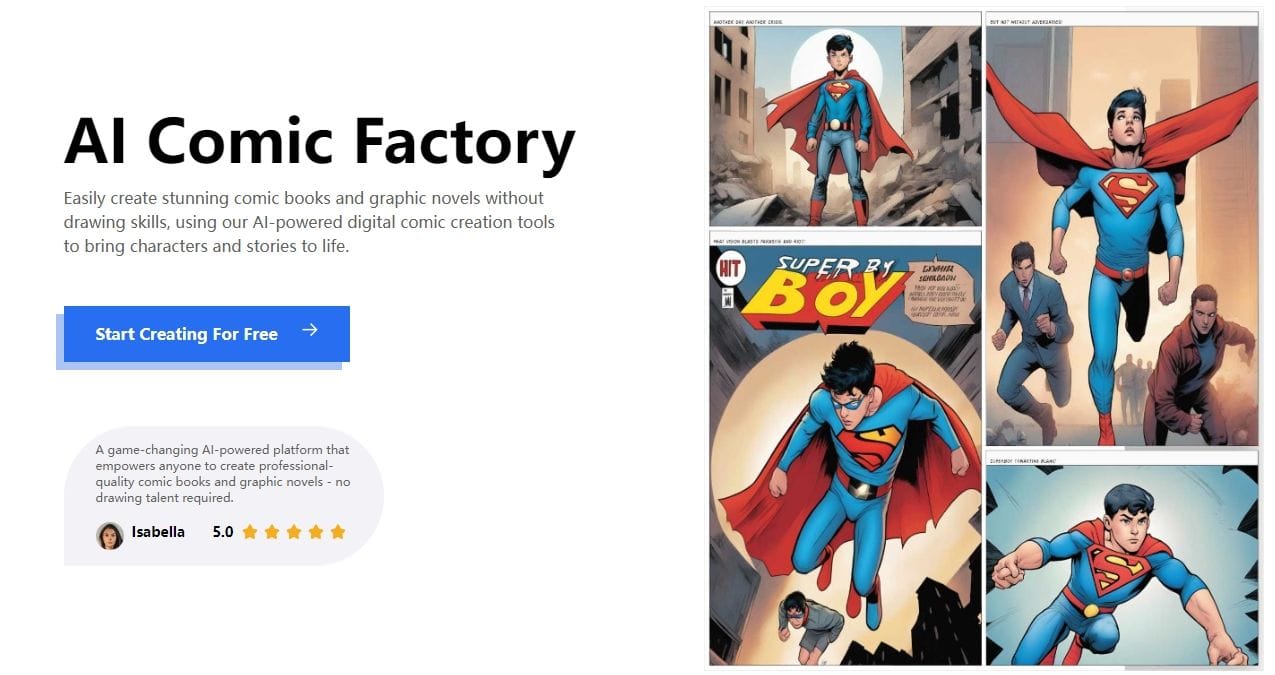
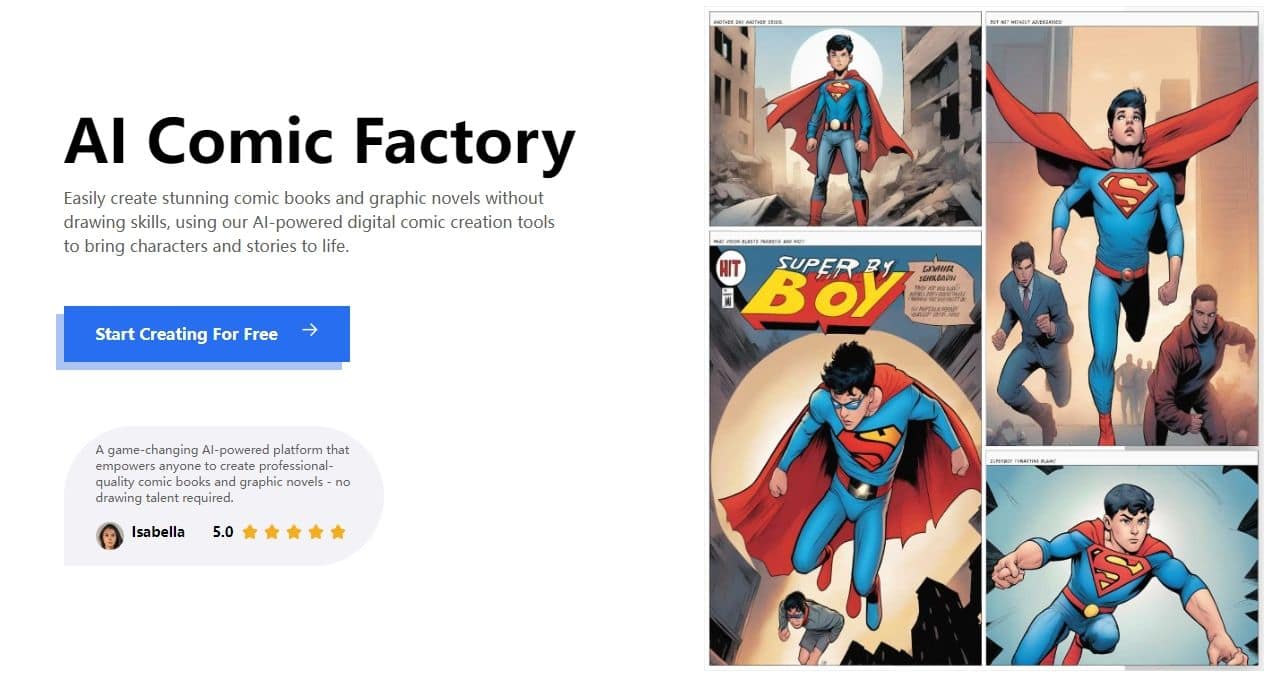
AI Comic Factory is the free, browser-based AI comic generator that turns a short story prompt into a multi-panel comic book page in seconds. Built on Stable Diffusion + Llama-class models, it handles the full pipeline: scene composition, character consistency across panels, speech-bubble layout, and styling (manga, American superhero, European, kids, sci-fi, and more).
Originally launched as a Hugging Face Space by Julian Bilcke (Hugging Face) and grew into one of the most-used AI Spaces on HF before getting a dedicated production site at aicomicfactory.art. The bet: comic creation has historically required either professional skills or expensive software — generative AI removes both barriers and lets anyone tell a visual story in minutes.
Key Features
- Multi-panel comic generation from a single text prompt
- Multiple art styles: American, manga, European, sci-fi, kids
- Character consistency across panels (with LoRAs/conditioning)
- Auto-generated speech bubbles with prompt-driven dialogue
- Free to use — no signup required for basic generation
- Open-source-friendly origins (Hugging Face Space)
Ideal Use Case
Educators creating illustrated lessons, kids creating birthday cards or short stories, indie creators prototyping comic concepts, social-media creators making shareable narrative posts, and brands building micro-comic content for marketing without commissioning a comic artist.
Why Use AI Comic Factory
Most AI image tools generate single images. Comic creation requires multi-panel composition + character consistency + dialogue layout — a much harder problem. AI Comic Factory handles the full stack and is free, while specialized comic generators tend to be paid. Strong fit for users who want narrative output, not standalone images.
FAQ
Q: Is it free? A: Yes — free to use, with optional pro features for higher resolution or commercial use.
Q: Open source? A: The original Hugging Face Space is open source. The production site at aicomicfactory.art is the hosted commercial version.
Q: Character consistency across panels? A: Yes — that's the killer feature vs running a generic image model panel-by-panel.
Q: What styles? A: American superhero, manga, European bande-dessinée, sci-fi, kids, and more.
tl;dr
Free AI comic book generator with multi-panel composition, character consistency, and speech bubbles. Originally a Hugging Face Space, now also at aicomicfactory.art.
Related
Looking for more options? Browse the AI Art & Image Creation directory or read our best AI image generators listicle. AI Comic Factory is also tracked on Crunchbase.
Why Use AI Comic Factory
Editorial Review
Our take on AI Comic Factory.

The rare free tool that actually is free: type a prompt, get a comic page in under a minute, no account required. Panel-to-panel character drift and garbled speech-bubble text keep it in sketch territory, but for quick visual storytelling it's a joy.
What works
- Genuinely free — no account, watermark, or credit card
- Prompt to finished multi-panel page in under a minute
- Panel redraw and PDF export built in
What doesn't
- Characters drift in appearance between panels and generations
- Speech-bubble text often comes out garbled
AI Comic Factory is a free AI comic generator that turns one text prompt into a finished multi-panel comic page — speech bubbles, captions, and a choice of art styles included, with no account and no credit card. The original is an open-source Hugging Face Space, and in 2026 it's still the easiest comic generator for going from story idea to drawn page in under a minute; a crowd of lookalike mirror sites now rides on the name, so it's worth knowing the source project is the real thing.
The craft ceiling is real, though. Characters drift in appearance between panels and between generations, lettering inside bubbles can come out garbled, and there's no notion of a continuing story — you get one page at a time, with no multi-page management or character library to build on. The redraw-a-panel option softens the sting, and PDF export makes sharing painless.
Treat it as a sketchbook, not a studio. For storyboards, classroom projects, one-shot gags, and testing whether an idea has legs before you commit to a paid pipeline, it's a small delight.
User Reviews
Similar Tools