Webflow
Create professional, custom websites with no code.
Overview
Design, Build, and Launch Custom Websites Without Code
Webflow is a powerful no-code website builder that enables users to design, build, and launch custom websites visually, without writing any code. It offers a user-friendly interface and a wide range of features that make it easy for anyone to create professional websites. Webflow is suitable for freelancers, agencies, startups, enterprises, and classrooms looking to create custom websites quickly and easily.
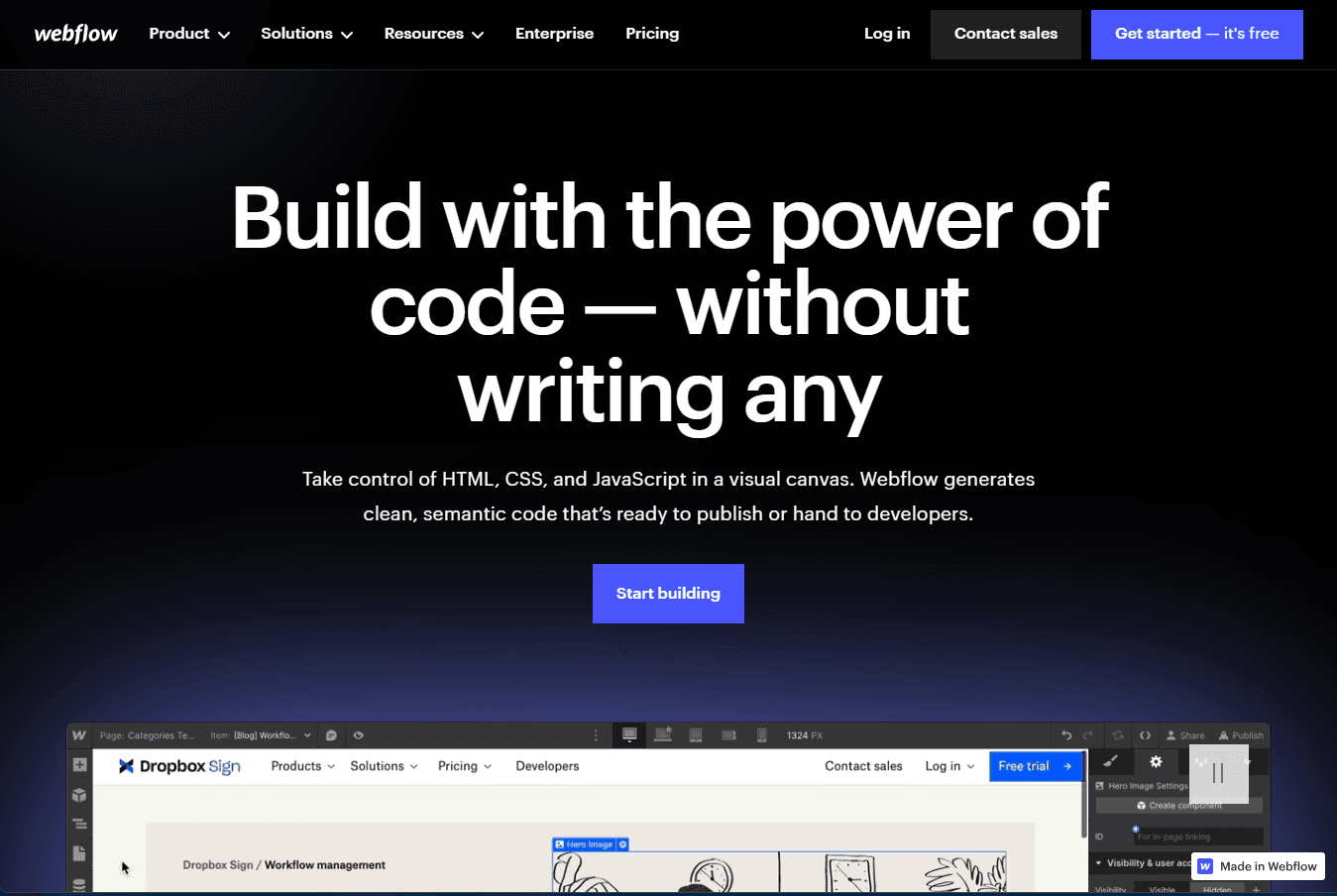
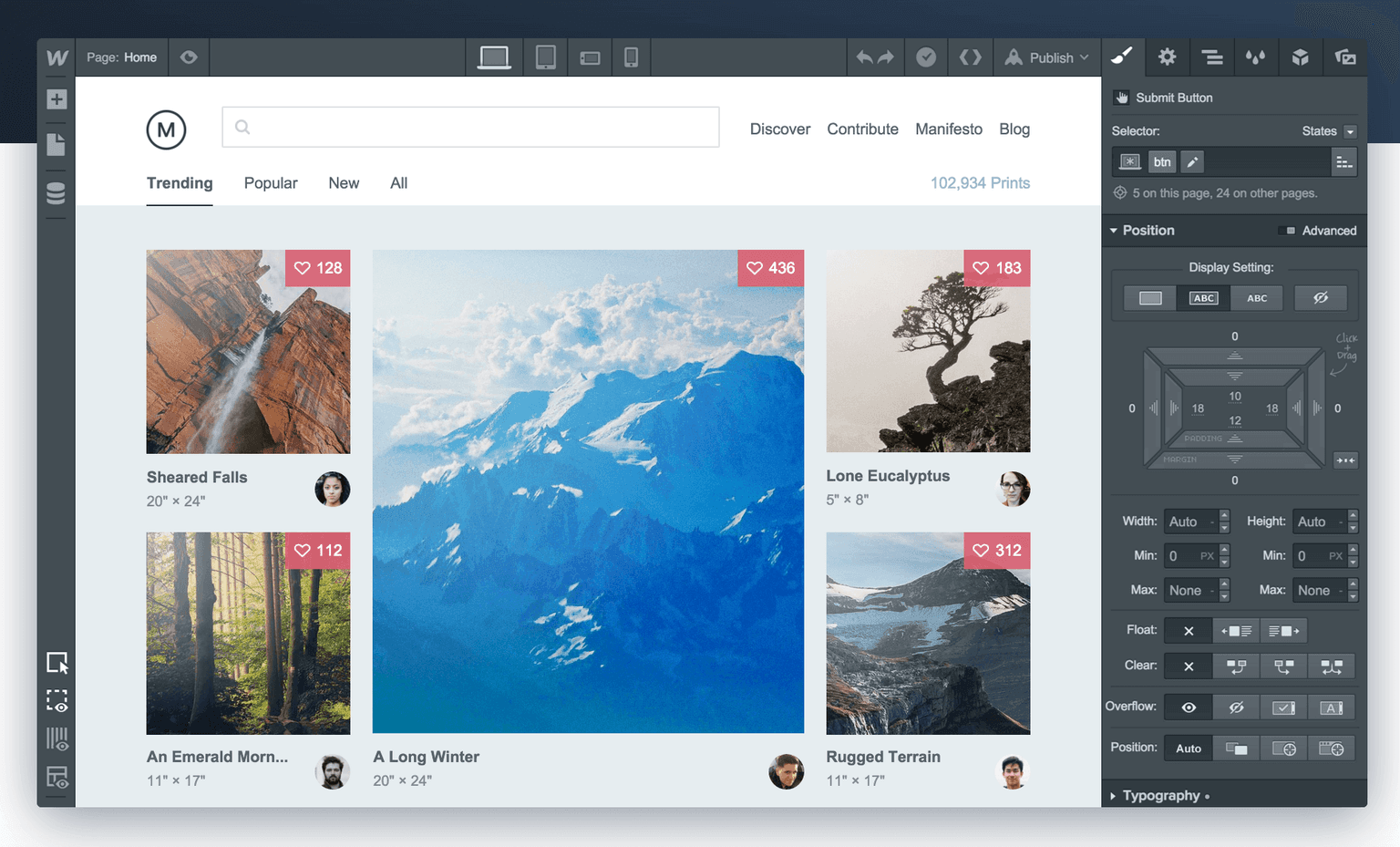
Webflow is a powerful no-code website builder that gives you the power of code without writing any. It allows you to take control of HTML, CSS, and JavaScript in a visual canvas, generating clean, semantic code that’s ready to publish or hand to developers.
Key Features:
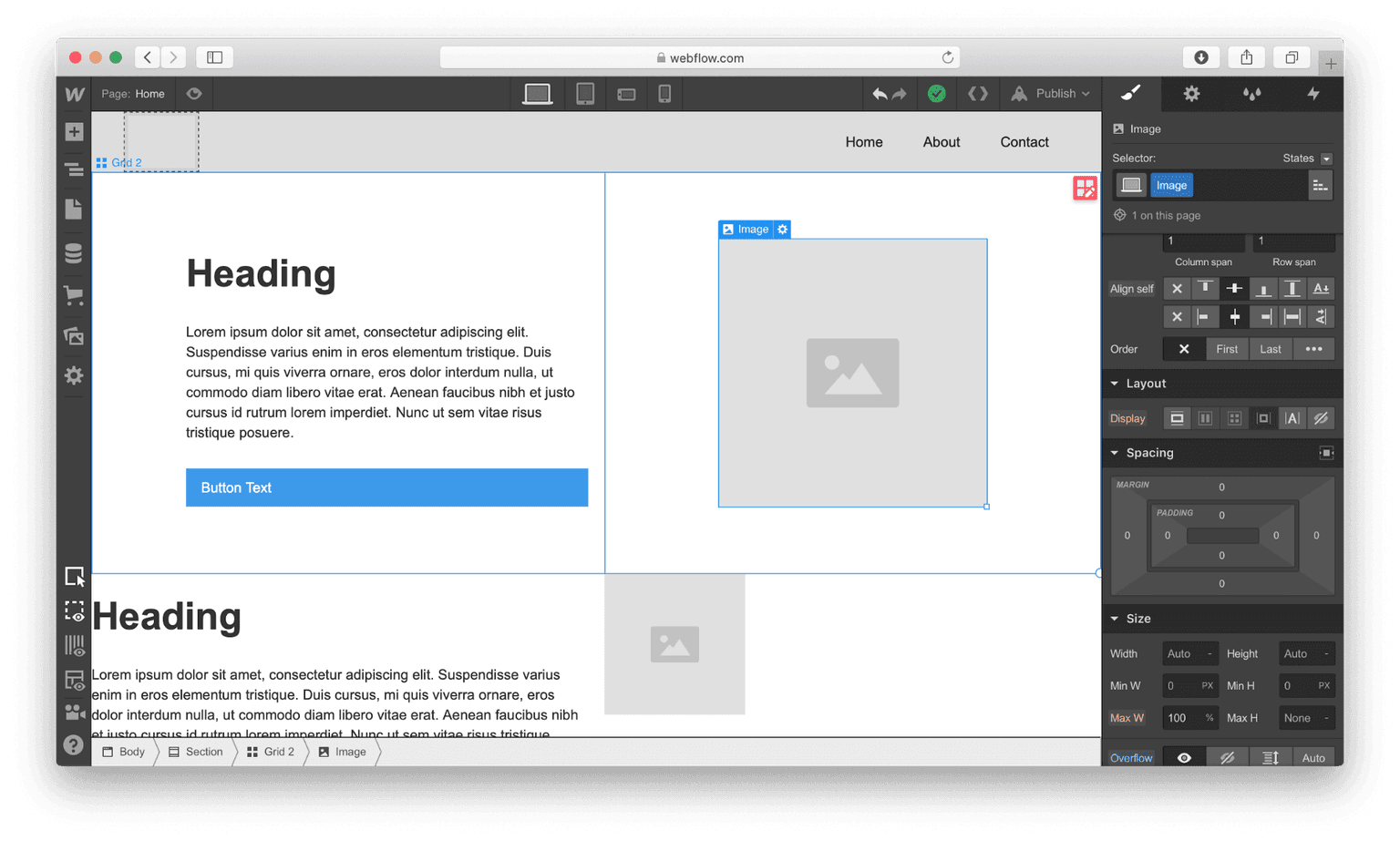
- Visual Canvas: Design custom sites that give you full control over the user experience.
- Code Generation: Webflow generates clean, semantic code that’s ready to publish.
- CMS: Automatically pull live content from Webflow's powerful CMS into any page.
- SEO Tools: Optimize your SEO and improve discoverability with fine-tuned controls.
- Integrations: Connect your site to your existing tech stack with Webflow’s extensible platform.
Ideal Use Case:
Webflow is ideal for businesses and individuals who want to build, launch, and update sites quickly without hiring more developers. It's also perfect for those who want to design custom sites that give full control over the user experience.
Why use Webflow:
- Speed: Build, launch, and update sites as quickly as your business moves.
- Cost-Effective: Get the power of code without the cost of developers.
- Customization: Design custom sites that give you full control over the user experience.
- SEO Optimization: Ship more high-impact campaigns, more often — all while optimizing for conversions.
FAQ
What can you build with Webflow? Webflow lets you create professional, custom websites without writing any code. You design visually and Webflow handles the technical side, making it accessible to designers and non-developers alike.
Who should use Webflow? Webflow is ideal for designers, freelancers, and small businesses who want full creative control over their websites without learning to code. It's built for people who need both design flexibility and professional results.
What's the pricing model for Webflow? Webflow uses a freemium model, meaning you can start for free and upgrade to paid plans as your needs grow. Visit the Webflow pricing page for current plans.
How does Webflow compare to similar tools? Unlike Softr, Uizard, and Replit Agent, Webflow is specifically designed for building full-featured websites with complete design control. If you need a no-code website builder with extensive customization, Webflow offers a more specialized approach than these alternatives.
tl;dr:
Webflow is a powerful no-code website builder that allows users to design, build, and launch custom websites visually. It offers a user-friendly interface and a wide range of features, making it easy for anyone to create professional websites. Webflow is suitable for freelancers, agencies, startups, enterprises, and classrooms.
Related
Looking for more options? Browse the No-Code / Low-Code directory or read our best no-code AI tools listicle. Webflow has a Wikipedia entry and is tracked on Crunchbase.
Why Use Webflow
Editorial Review
Our take on Webflow.

Webflow trades a steep learning curve for genuine design control—best if you want pixel-perfect sites without touching code.
What works
- Genuine design freedom without writing code; builds responsive sites properly
- Strong community, templates, and learning resources ease the initial curve
- CMS and hosting baked in; one tool instead of juggling services
What doesn't
- Steeper learning curve than simpler no-code builders; takes real time investment
- Pricing scales with ambition; hosting and advanced features add up
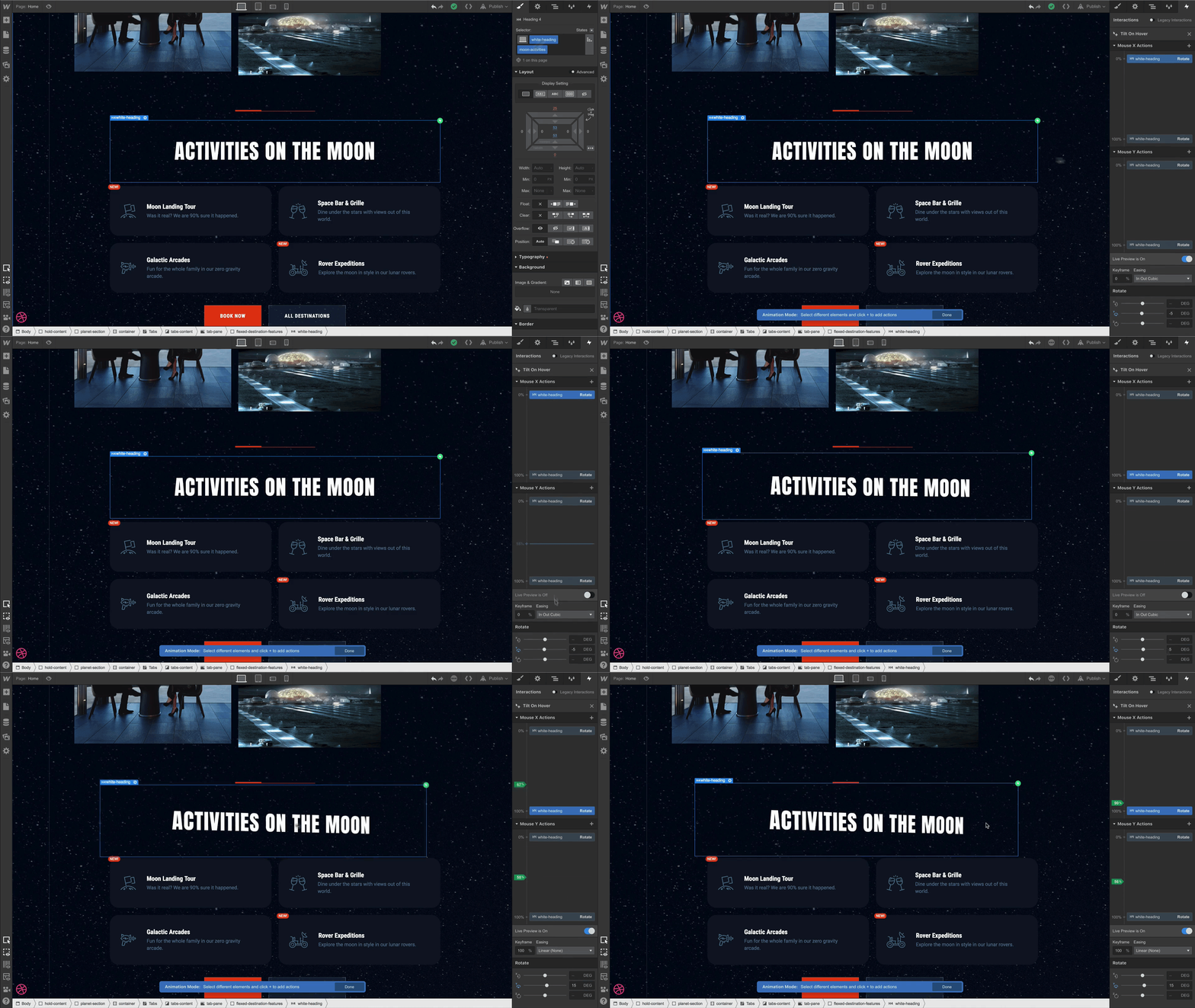
Webflow sits in an interesting middle ground: it's genuinely no-code, but it requires learning its own visual logic before you stop fighting it. Unlike drag-and-drop builders that constrain you into templates, Webflow gives you the canvas and the tools to build almost anything a developer could—responsive layouts, custom interactions, CMS functionality. The interface rewards patience and curiosity; once it clicks, you can create things that feel bespoke rather than obviously templated.
The friction point is real, though. You're not dropping a button and typing text. You're thinking in terms of flex containers, breakpoints, and interaction triggers. The learning curve means it's less "set up a site in an afternoon" and more "invest a weekend or two to feel competent." If you're coming from Figma or have design instincts, the mental model feels natural. If you want to publish something immediately, you'll hit walls.
Webflow's strength is for people who care how their site feels—animation, spacing, responsiveness—and who want to own that layer without hiring a developer. It's also usable for freelancers and agencies building client work, though managing projects and hosting scales with complexity. The freemium model lets you test the core experience before committing to a paid plan, which is the right call given the learning investment.
User Reviews
Similar Tools