SaneBox
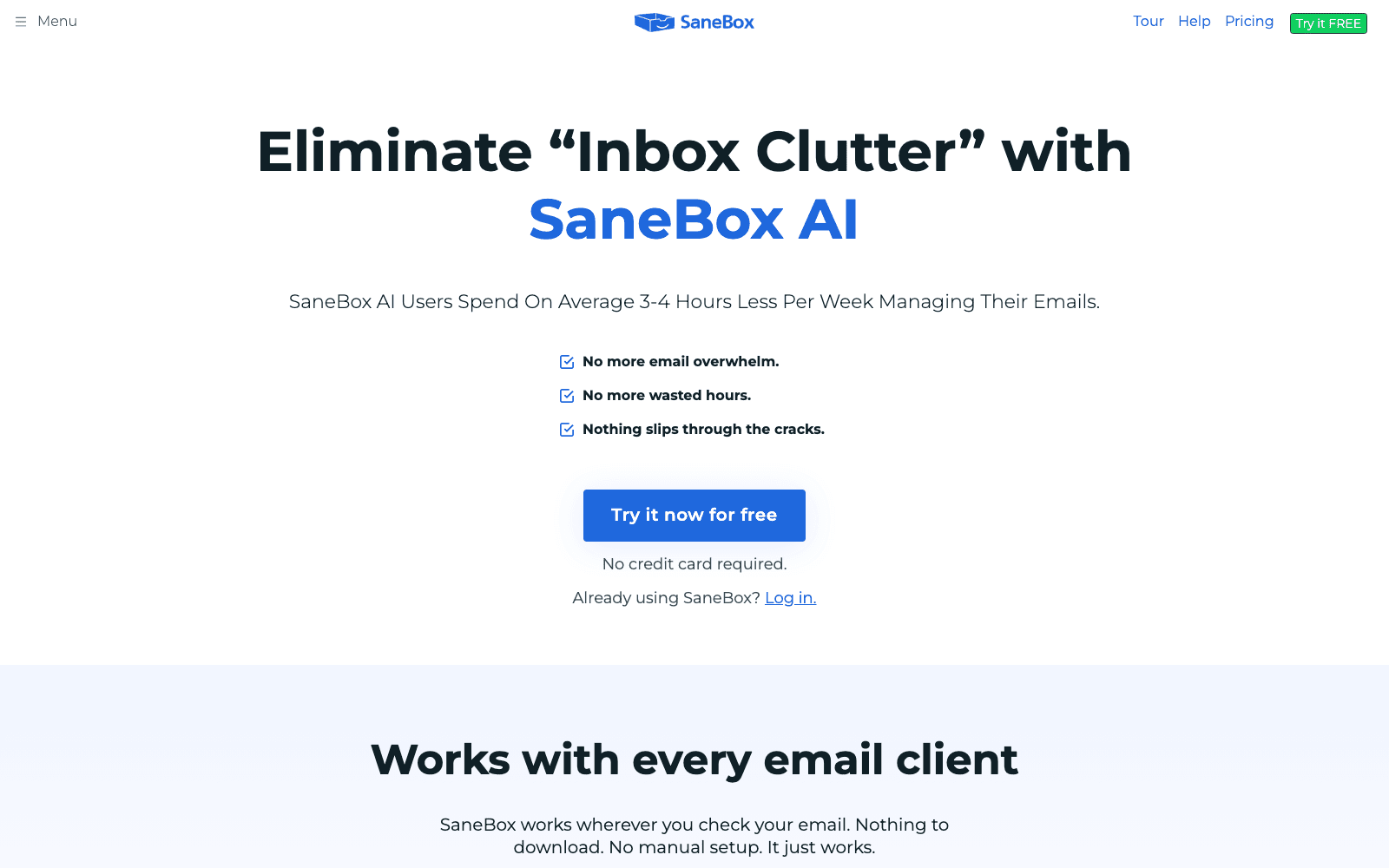
AI email management for Gmail, Outlook, and any IMAP. Sorts important emails to inbox, banishes the rest. Avg saves 12+ hours/month per user.
Overview
SaneBox: AI Email Triage & Inbox Cleaner
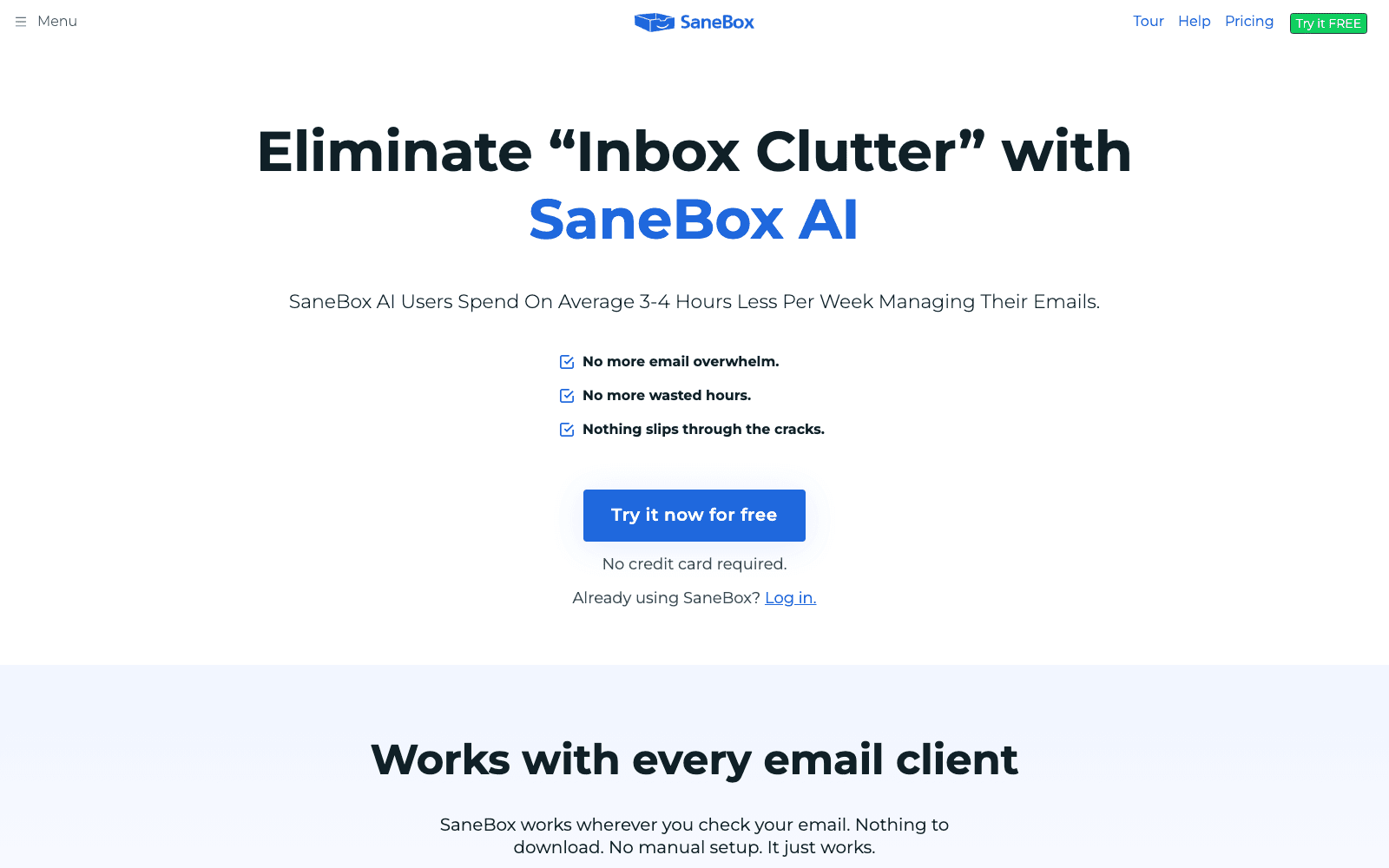
SaneBox is AI sorts incoming email by personalized importance learned from your behavior. SaneBox doesn't replace your email client — it sits on top of any IMAP account and cleans up server-side. The training period is short and the time savings show up week 1.
Key Features
- AI sorts incoming email by personalized importance learned from your behavior
- Works with Gmail, Outlook, iCloud, and any IMAP-compatible provider
- SaneLater, SaneNews, SaneCC folders auto-organize without rules
- Snooze and follow-up reminders for unanswered messages
- Saves average user 12+ hours per month
Ideal Use Case
Knowledge workers and executives drowning in 200+ daily emails who want AI to surface the few that actually need attention.
Why Use SaneBox
SaneBox doesn't replace your email client — it sits on top of any IMAP account and cleans up server-side. The training period is short and the time savings show up week 1.
FAQ
Q: Is SaneBox free? A: 14-day free trial. Paid plans from $7/mo for Snack tier; $24/mo for Lunch tier.
Q: Privacy? A: SaneBox doesn't read email content — it analyzes metadata and your interaction patterns.
tl;dr
AI email triage. Sorts important to inbox, banishes the rest. Saves 12+ hours/month. Works on any IMAP.
More Details
- SaneLater folder for low-priority email; SaneNews for newsletters
- Snooze emails to reappear at a chosen time
- Daily digest summarizing what was filtered out
Additional FAQ
Q: Onboarding time? A: Initial sort is automatic; accuracy improves over the first 1-2 weeks of use.
Q: Mobile? A: Folders sync to any IMAP-compatible mobile client; no separate app required.
Related
Looking for more options? Browse the Productivity directory or read our best AI productivity tools listicle. SaneBox is also tracked on Crunchbase.
Why Use SaneBox
Editorial Review
Our take on SaneBox.

SaneBox is one of the most dependable ways to tame an overloaded inbox, and it works on top of whatever email provider you already use — no client switching required.
What works
- Works on top of Gmail, Outlook, Apple Mail, or any IMAP account
- Analyzes only email headers, never message contents
- SaneBlackHole and snooze make inbox triage genuinely fast
What doesn't
- Paid subscription, with the best features locked to higher tiers
- Needs a week or two of correction to reach full accuracy
SaneBox is an AI inbox-management layer that works on top of Gmail, Outlook, Apple Mail, or any IMAP/Exchange account and decides what actually deserves your attention. It scans a few weeks of email headers — not the message contents, a privacy detail worth calling out — then routes lower-priority mail into a SaneLater folder so your inbox holds only what matters.
The day-to-day tools are where it earns trust. SaneBlackHole banishes a sender for good when you drag a single email into it, snooze pushes messages back until you're ready for them, Do Not Disturb mutes non-urgent mail during focus time, and SaneAttachments offloads big files to your cloud storage. It's provider-agnostic and learns quickly, with accuracy climbing as you correct it over the first week or two.
SaneBox says the average user saves around 12 hours a month; how much you reclaim depends on how noisy your inbox already is. It's a paid subscription and the lower tiers gate the better features, so check the plan breakdown before you commit. For anyone drowning in email who doesn't want to abandon their current client, it's an easy tool to recommend.
User Reviews
Similar Tools