Superhuman
Fast, AI-assisted email client; acquired by Grammarly in July 2025 and now shipping as Superhuman Mail.
Acquired Superhuman
Acquired · July 2025
Grammarly announced its acquisition of Superhuman on 1 July 2025. The email client keeps shipping, but the naming has since inverted: in October 2025 the parent company renamed itself Superhuman, and the email app is now Superhuman Mail, sold inside a suite alongside Grammarly writing assistance, Superhuman Docs (formerly Coda) and the Superhuman Go assistant.
Acquired by Grammarly.
Is Superhuman shut down?
No — Superhuman is still operating. Its acquisition by Grammarly was announced on July 1, 2025, and the product continues to ship. We list it in the ToolDirectory.AI graveyard's acquired-but-operating section and watch for post-acquisition changes.
What to use instead

ChatGPT
OpenAI's flagship AI assistant for chat, coding, image and video generation, and agentic tasks.
Freemium
4.88
581

Gemini
Google's flagship AI assistant powered by Gemini 3 with Deep Research, native video understanding, and Workspace integration.
Freemium
4.92
397
Featured

Perplexity.ai
Perplexity.ai is a platform designed to assist users in searching and understanding complex topics.
Freemium
4.92
423
Overview
Superhuman: The Pinnacle of AI-Powered Email Experience
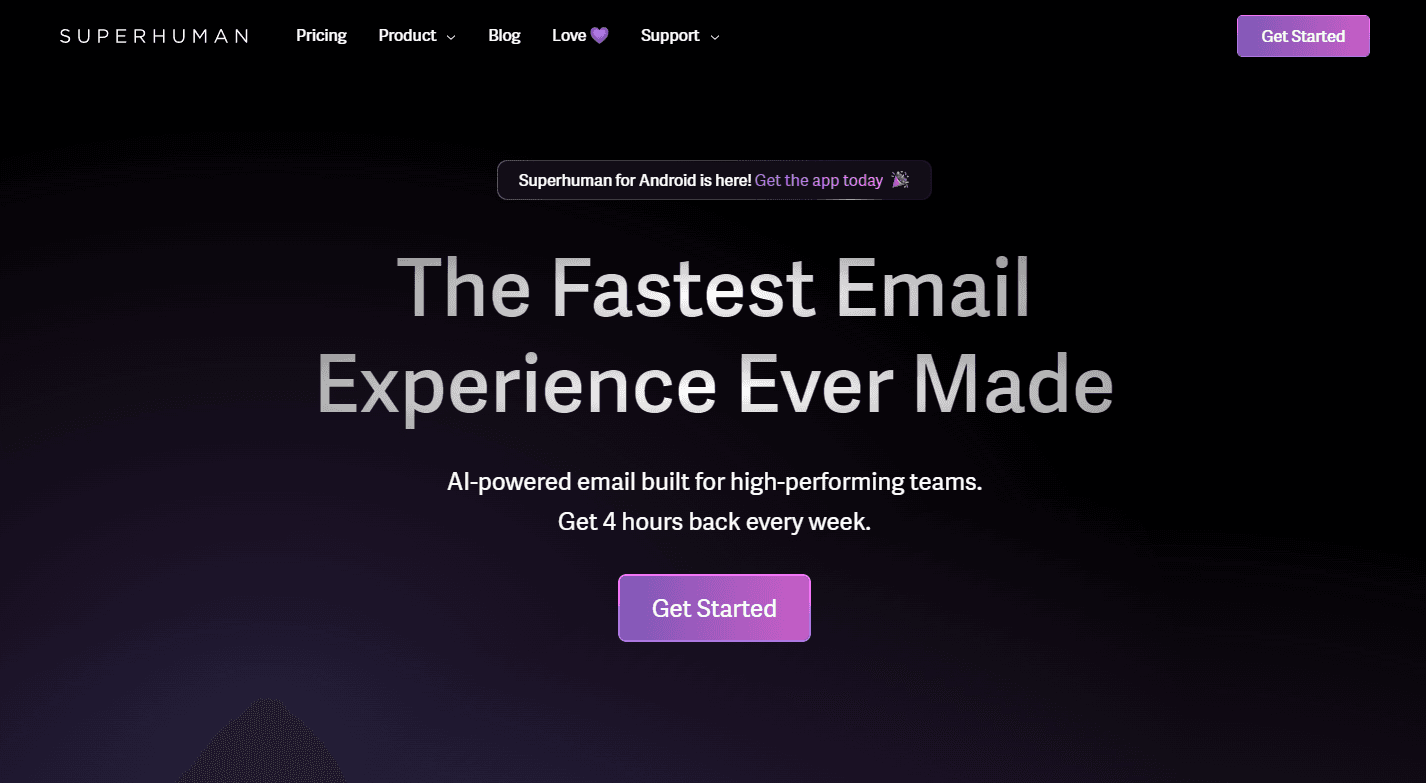
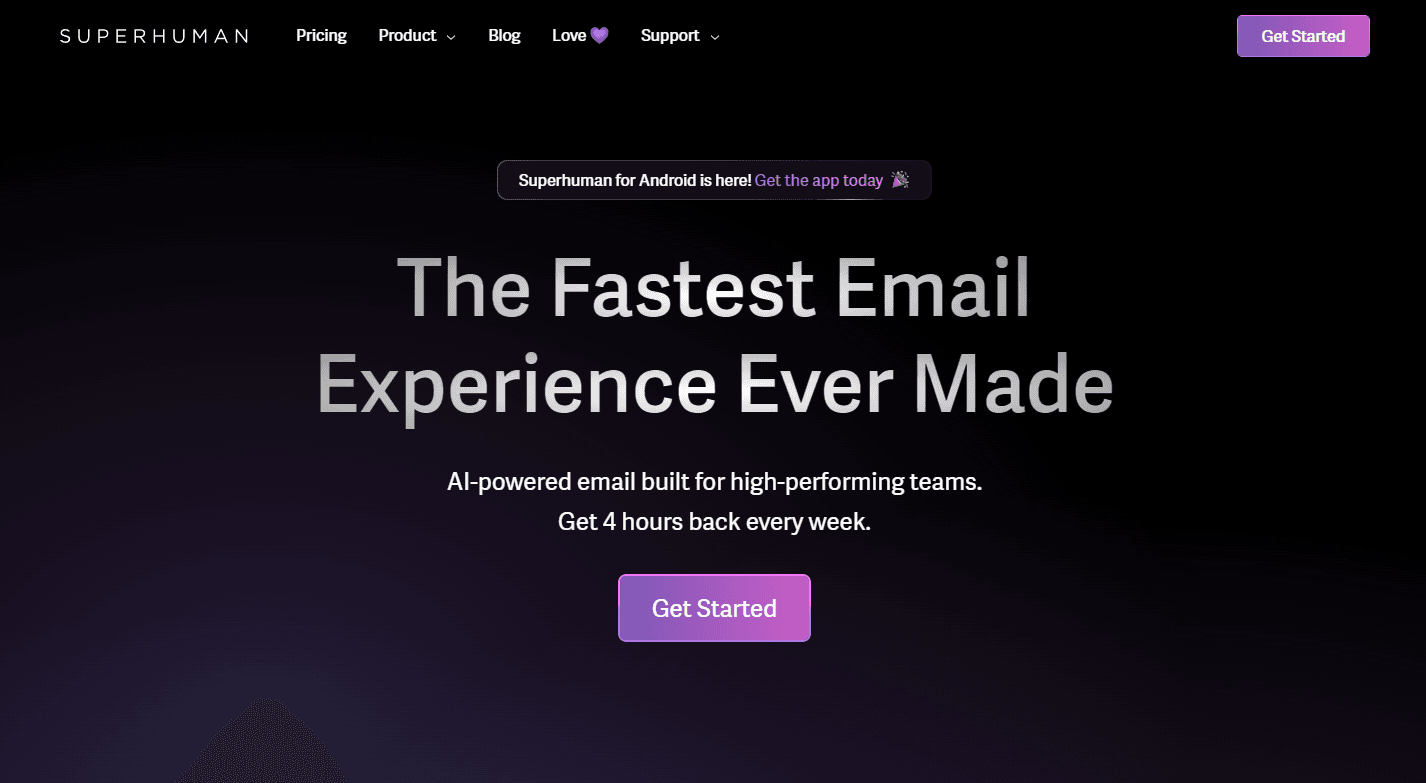
Superhuman is not just another email client; it's an AI-powered email platform designed for both teams and individuals. It promises to deliver the fastest email experience ever made, aiming to give users back several hours every week. With its intuitive interface and powerful features, Superhuman transforms the way users handle their emails, making the process blazingly fast, delightful, and stress-free.
Key Features:
- AI-Powered Email: Intelligent features that help you manage your emails efficiently.
- Speed: Designed for rapid email processing, allowing users to fly through their emails.
- Responsiveness: Prioritize and respond to the most crucial emails swiftly.
- Eliminate Email Anxiety: With Superhuman's features, say goodbye to email overload.
- Integration: Built for teams using Gmail or Outlook.
Ideal Use Case:
Superhuman is perfect for professionals who deal with a high volume of emails daily, teams aiming for productivity, and anyone looking to reclaim their time from their inbox. Whether you're in leadership, sales, marketing, or customer support, Superhuman can elevate your email management game.
Why use Superhuman:
- Time Efficiency: Get back 4 hours every week, as claimed by Superhuman.
- Team Productivity: Superhuman claims to save teams over 10 million hours every year.
- Stress Reduction: Manage your emails without feeling overwhelmed.
- Optimized for Teams: Whether you use Gmail or Outlook, Superhuman has got you covered.
FAQ
What does Superhuman do? Superhuman is an email client that uses AI to help you manage your inbox faster and with less stress, focusing on speed and efficiency in your email workflow.
Who should use Superhuman? Superhuman is designed for professionals and teams who want to streamline their email management and spend less time on routine inbox tasks.
How much does Superhuman cost? Superhuman operates on a paid subscription model. Visit the Superhuman pricing page for current plans.
How does Superhuman compare to other productivity tools? While tools like ChatGPT, Gemini, and Perplexity.ai focus on general-purpose AI assistance, Superhuman specializes specifically in transforming the email experience with AI-powered features built directly into your inbox workflow.
tl;dr:
Superhuman offers an unparalleled email experience powered by AI. It's more than just an email client; it's a productivity powerhouse designed to make email management fast, efficient, and stress-free.
Related
Looking for more options? Browse the Productivity directory or read our best AI productivity tools listicle. Superhuman has a Wikipedia entry and is tracked on Crunchbase.
Why Use Superhuman
Editorial Review
Our take on Superhuman.

Polished email client with AI assists, but positioning as transformative oversells what's fundamentally still email triage.
What works
- Thoughtful UX design and keyboard-first workflow
- Strong community satisfaction signal
- AI summaries and compose assistance work cleanly
What doesn't
- Paid model hard to justify vs. free Gmail + free AI tools
- Doesn't solve email overload—just makes triage faster
Superhuman is a paid email client that layers AI features onto a Gmail-like experience—smart compose, priority filtering, and thread summaries. The interface is clean and keyboard shortcuts are thoughtfully designed, which matters for power users who live in email.
That said, calling this transformative strains credibility. It's not solving the underlying problem: email volume and context-switching. AI assists here are helpful but incremental—you still need to process inbound, still need to decide what matters. The paid model at this price point is also a hard sell when Gmail is free and integrations with ChatGPT or Gemini can add AI layers cheaply. For someone managing 200+ emails daily and money isn't a friction point, the UX wins might justify it. For most teams, this is a nice-to-have, not essential infrastructure.