
Roo Code
Open-source VS Code AI coding assistant with specialized modes and full model agnosticism.
RIP Roo Code
Shut down · May 2026
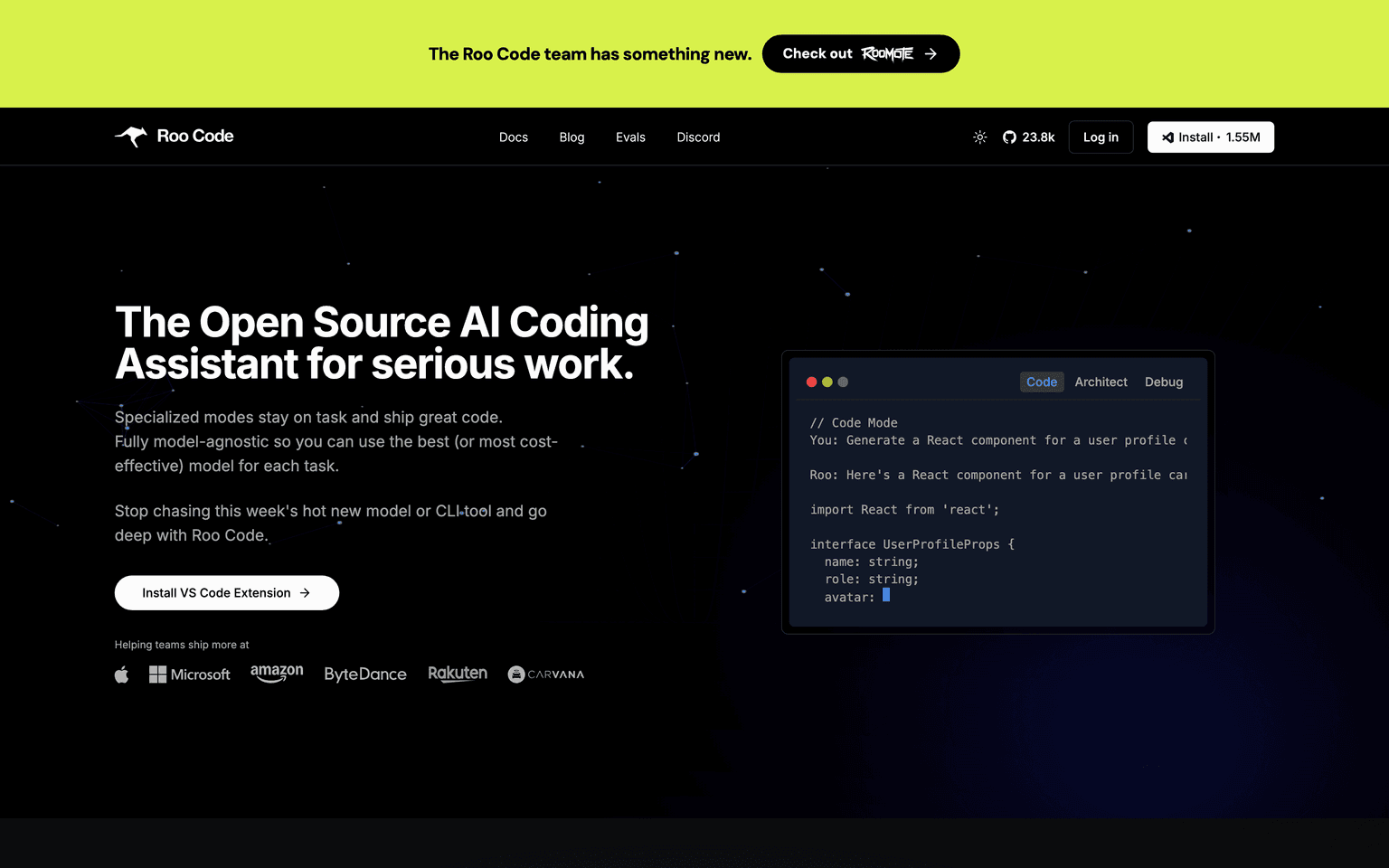
Roo Code was an open-source VS Code extension that put a team of specialised AI agents — Code, Architect, Debug — in the editor, reaching 24k GitHub stars and 1.5M installs. The repository was archived in May 2026 and roocode.com now redirects to Roomote, a cloud coding agent from the same team. The extension remains forkable under its open licence; it is no longer maintained.
Is Roo Code shut down?
Yes. Roo Code shut down on May 15, 2026 and is no longer available. Its record is preserved in the ToolDirectory.AI graveyard, our hand-reviewed registry of AI tools that shut down or were acquired.
What to use instead
Featured

Replit
AI agent that turns ideas into deployable apps in minutes — no coding required.
Freemium
4.93
497


TRAE
ByteDance's AI IDE — agentic coding, autonomous SOLO mode, and multi-agent problem-solving.
Freemium
4.93
496

Browser Use
Most popular open-source framework for AI browser agents — 89% on WebVoyager benchmark, the OSS that backs many production browser-using AI products.
Freemium
4.93
470
Overview
Roo Code: The Open-Source AI Coding Assistant for Serious Work
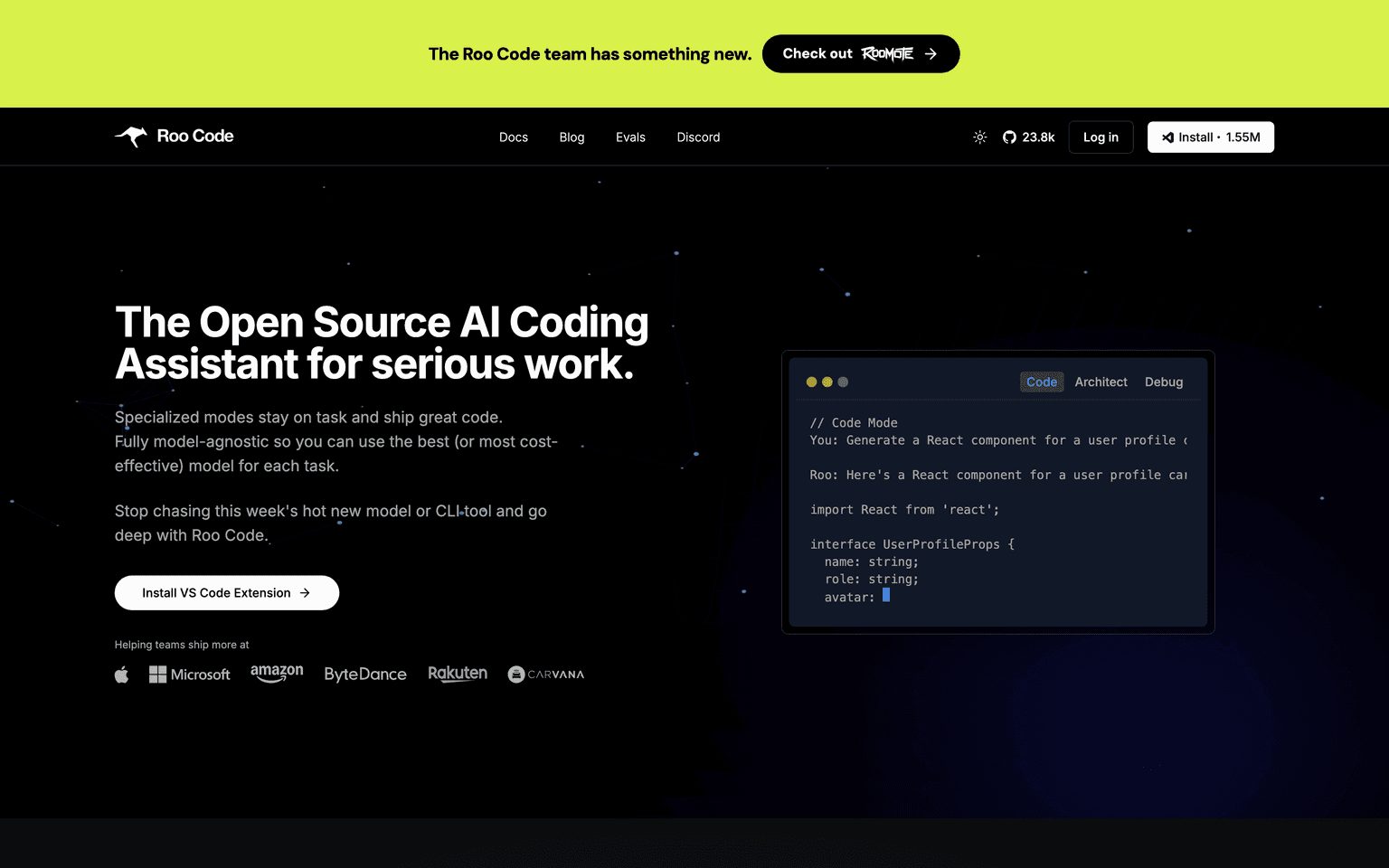
Roo Code is an open-source AI coding assistant that lives in your editor as a VS Code extension. It puts an entire AI dev team — Code, Architect, Debug, and other specialized modes — at your fingertips, and stays fully model-agnostic so you can use the best (or most cost-effective) model for each task.
With 1.55M installs and 23.8k GitHub stars, Roo Code outpaces closed coding tools through deep project-wide context, multi-step agentic coding, and an unusual amount of developer-centric flexibility. Stop chasing this week's hot new model or CLI tool and go deep with one assistant that works with all of them.
Status note (May 2026): the Roo Code repository was archived in May 2026 and roocode.com now redirects to Roomote, a separate cloud coding agent built by the same team. The extension is still forkable but is no longer maintained or updated.
Key Features:
- Open-source VS Code extension
- Specialized modes: Code, Architect, Debug, and more
- Fully model-agnostic — bring your own key
- Works with frontier and open-weight models
- Deep project-wide context awareness
- Multi-step agentic coding
- 1.55M+ installs, 23.8k+ GitHub stars
- Active community and rapid release cadence
Ideal Use Case:
Roo Code is ideal for developers who want a serious open-source AI coding assistant inside VS Code, with the flexibility to switch models task-by-task and the depth to handle real, multi-step engineering work.
Why Use Roo Code:
- Open source — no vendor lock-in
- Use any model — frontier, open-weight, or local
- Specialized modes keep the agent on task
- 1.55M devs already using it
- VS Code-native — fits your existing workflow
FAQ
Is Roo Code free? Yes — fully open source. You only pay the LLM provider.
Which models does Roo Code support? Tens of models, frontier to open-weight. Bring your own API key.
What are specialized modes? Pre-built workflows like Code, Architect, and Debug that keep the agent focused on one job at a time.
Where do I install it? As a VS Code extension. 1.55M installs and counting.
tl;dr:
Roo Code is the open-source AI coding assistant for serious work — a VS Code extension with specialized modes (Code, Architect, Debug), full model agnosticism, and deep project-wide context. 1.55M installs, fully free.
Related
Looking for more options? Browse the Developer Tools directory or read our best AI coding tools listicle. Roo Code is also tracked on Crunchbase.
Why Use Roo Code
FAQ
Editorial Review
Our take on Roo Code.

Roo Code is no longer maintained: the repository was archived in May 2026 and roocode.com now redirects to Roomote, a cloud coding agent from the same team. The extension remains forkable under its open licence, but this review describes a product that has stopped shipping.
What works
- Model-agnostic; swap LLMs without re-architecture
- Open-source; no licensing, no vendor lock-in
- Specialized agentic modes for multi-file workflows
What doesn't
- Community-maintained; no dedicated support or uptime SLA
- Niche user base; unproven at scale or in large teams
No longer maintained. Roo Code's repository was archived in May 2026 and roocode.com redirects to Roomote, the same team's cloud coding agent. The extension can still be forked under its open licence, but nothing below should be read as a recommendation to adopt it today; Cline is the open-source, bring-your-own-key option that took over this slot.
Roo Code is an AI coding assistant built directly into VS Code as an open-source project. It's model-agnostic, meaning you can wire it to Claude, GPT, Llama, or whatever else you want—no vendor lock-in. The tool ships with specialized modes (agentic reasoning, multi-file edits, terminal control) that go beyond basic autocomplete. You're not paying a monthly fee; you bring your own model API keys or run local inference if you prefer.
The trade-off is responsibility. Open-source means you inherit maintenance and integration work. There's no support team, and adoption depends on the community staying active.
If you want to avoid vendor dependency and are comfortable self-hosting or managing your own model keys, Roo Code removes a real friction point. If you need a polished, hands-off experience with guarantees, this is a harder sell.


