Paperpal
Real-time academic writing assistant with language and plagiarism checks.
Overview
Paperpal: AI Academic Writing Assistant for Researchers and Students
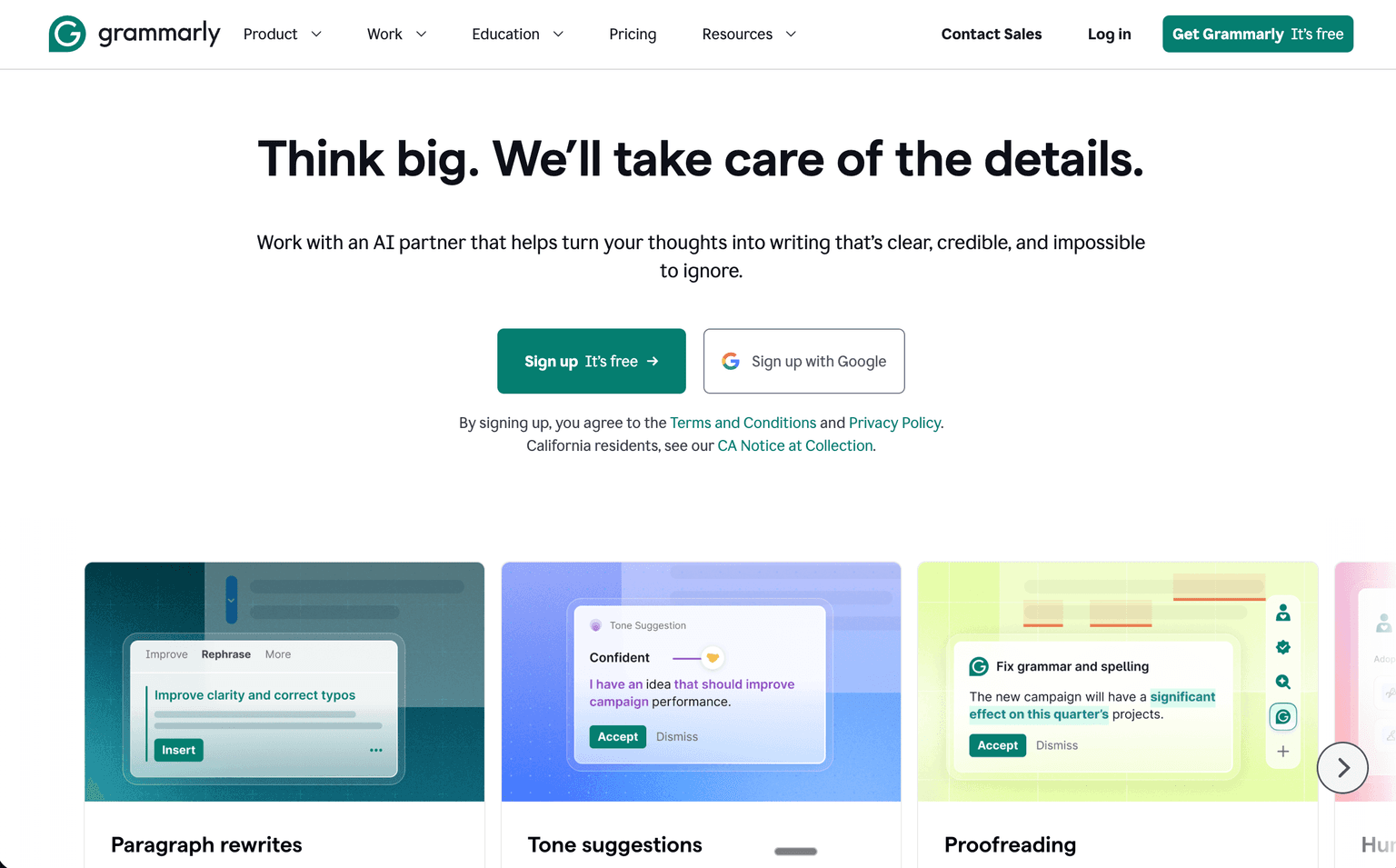
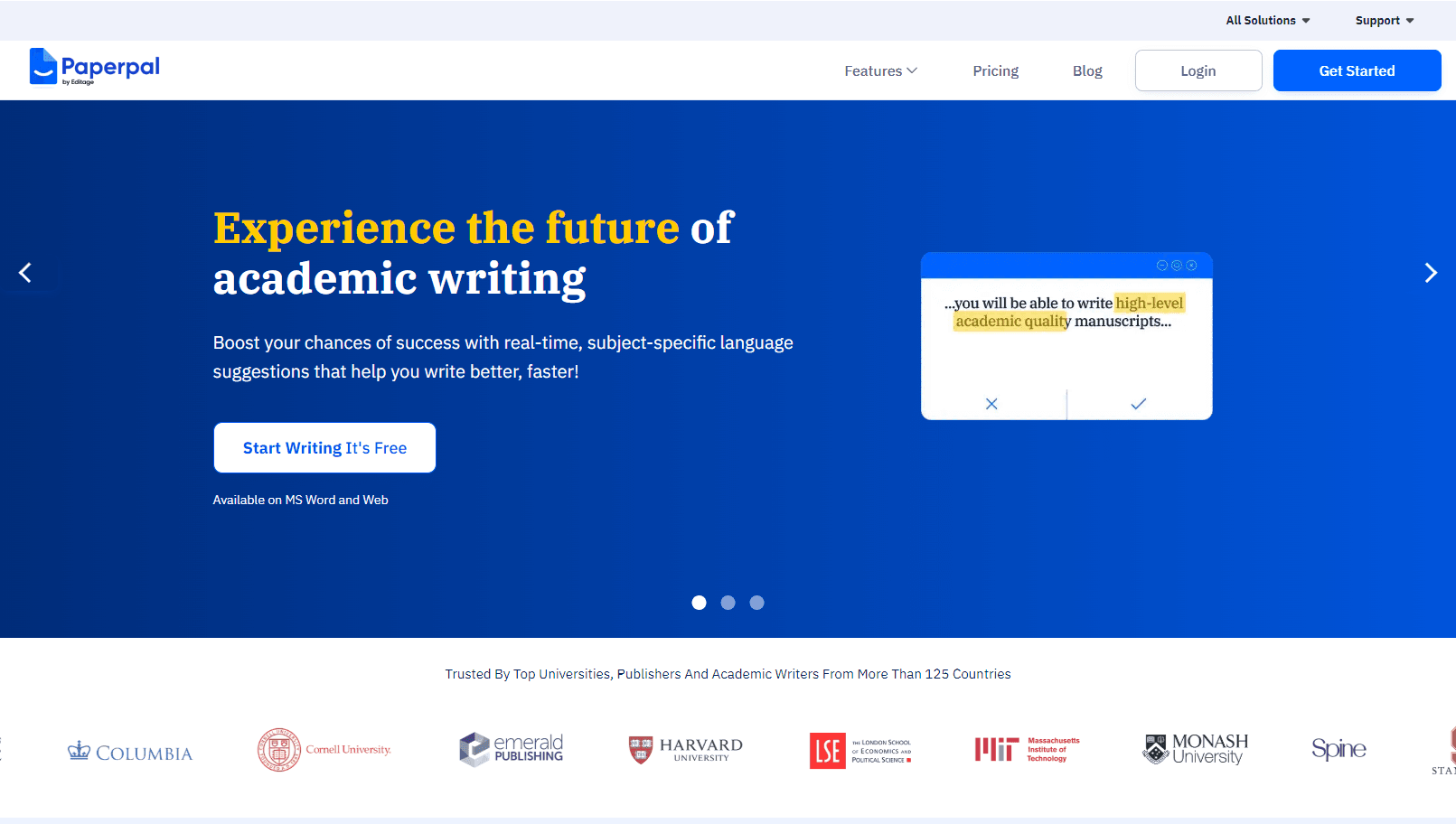
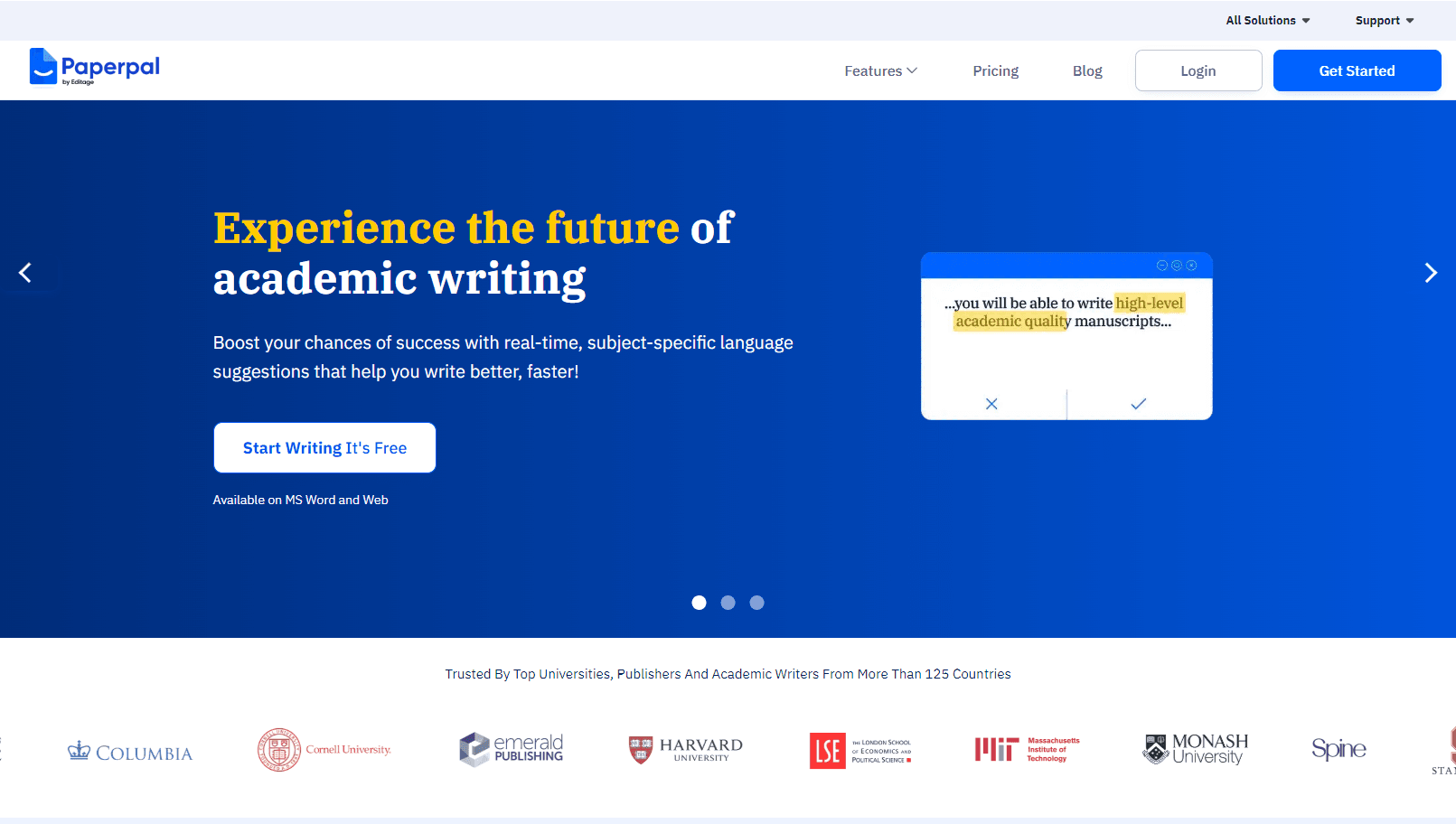
Paperpal is an AI writing assistant built specifically for academic work. It gives subject-aware language suggestions that leave references, equations, technical terms, and non-English words alone, checks manuscripts against journal submission requirements, and runs plagiarism scans — inside MS Word, a Chrome or Edge extension, or the web editor.
The audience is narrower than a general grammar checker, and that is the point: the corrections are tuned to academic register, and the pre-submission report targets the reasons journals desk-reject papers.
Key Features:
- Real-time, subject-specific language suggestions that skip references, equations, and technical terms
- Submission readiness report with 30+ language and technical checks used to avoid desk rejections
- Plagiarism checker with similarity scores, colour-coded results, and side-by-side source comparison
- Research assistant with answers drawn from over 250 million research articles, with citations saved to your library
- Generative features for outlines, abstracts, summaries, paraphrasing, and journal-submission emails
- Contextual synonyms validated against published literature
- Translation into academic English from 25+ languages
- Works in MS Word, Chrome, Edge, and the browser editor
Pricing
- Free — 200 language suggestions a month, 5 AI uses a day, unlimited citation generation, and plagiarism checks on 7,000 words a month.
- Paperpal Prime — $25/month, $55/quarter, or $139/year. Unlimited language corrections and consistency checks, unrestricted generative features (Rewrite, Research, Translate, Write), pre-submission checks, and 10,000 words a month of plagiarism scanning.
- Institutions — separate enterprise plan for universities and publishers.
Ideal Use Case:
- Researchers preparing a manuscript for journal submission, especially where English is a second language.
- Postgraduate students writing theses and dissertations who need academic register rather than generic grammar fixes.
- Publishers and institutions standardising language quality across submissions.
How Paperpal differentiates:
General writing assistants flatten academic prose — they rewrite technical terms, mangle citations, and push toward business English. Paperpal is trained on the opposite requirement, and the submission-readiness report is the part that has no real equivalent in a consumer tool: it maps your draft against the checks journals actually apply. The limits are worth naming. The free tier is a sampler at 200 suggestions a month and 5 AI uses a day, plagiarism scanning is metered by word count on both tiers, and the annual price is far better value than monthly, so the monthly plan mainly suits a single submission push.
FAQ
Is Paperpal free? There is a free tier: 200 language suggestions a month, 5 AI uses a day, unlimited citation generation, and 7,000 words a month of plagiarism checking. Paperpal Prime removes the language limits at $25/month, $55/quarter, or $139/year.
What does Paperpal Prime add? Unlimited language corrections and consistency checks, unrestricted generative features including Rewrite, Research, Translate, and Write, pre-submission checks, and 10,000 words a month of plagiarism scanning.
Does Paperpal work inside Word? Yes. There is an MS Word add-in, extensions for Chrome and Edge, and a web editor, so suggestions appear where you are already drafting.
Will Paperpal break my citations or equations? Its language model is scoped to leave references, equations, technical terminology, and non-English words untouched — the main reason researchers use it over a general-purpose grammar checker.
Does Paperpal check for plagiarism? Yes, with similarity scores, colour-coded results, and side-by-side comparison against sources. Volume is metered: 7,000 words a month on Free, 10,000 on Prime.
What are alternatives to Paperpal? For source-grounded reading and synthesis, NotebookLM (now Gemini Notebook) is the closer tool; for AI-text detection, GPTZero. Paperpal's distinct value is journal-submission readiness.
tl;dr:
AI writing assistant built for academic work: subject-aware language suggestions that respect citations and equations, a 30+ check pre-submission report, plagiarism scanning, and research answers from 250M+ articles, inside Word, Chrome, Edge, or the browser. Free tier gives 200 suggestions a month and 7,000 words of plagiarism checks; Prime is $25/month or $139/year.
Related
Looking for more options? Browse the Education & Learning directory or read our best AI education tools listicle. Paperpal is also tracked on Crunchbase.
Why Use Paperpal
Editorial Review
Our take on Paperpal.

The rare writing assistant built for academic register rather than business English: it leaves citations, equations, and technical terms alone, and its pre-submission report maps a draft against the checks journals actually apply. Metering is the thing to read carefully.
What works
- Leaves citations, equations, and technical terms untouched, unlike general checkers
- Pre-submission report maps a draft against the checks journals apply
- Works inside Word, Chrome, Edge, and the browser, where drafting already happens
What doesn't
- Free tier is a sampler, with tight monthly suggestion and daily generative caps
- Plagiarism scanning stays metered by word count even on the paid tier
General writing assistants are actively unhelpful on a manuscript. They rewrite technical terminology, mangle reference formatting, and push academic prose toward marketing cadence. Paperpal is scoped to the opposite requirement, and that scoping is the product: subject-aware suggestions that skip references, equations, and non-English words.
The submission-readiness report is the part with no real consumer equivalent. It runs more than thirty language and technical checks against the reasons journals desk-reject papers, which is a different and more useful question than whether your grammar is clean. Around it sit a research assistant drawing on a very large article corpus with citations saved to your library, paraphrasing tuned to journal word limits, and translation into academic English from more than twenty-five languages, all available inside Word, Chrome, Edge, or the browser editor.
Read the metering before committing. The free tier is a sampler: a couple of hundred language suggestions a month, a handful of generative uses a day, and a modest monthly word budget for plagiarism scanning. Prime lifts the language limits but keeps plagiarism scanning metered by word count, and the annual price is far better value than monthly, so paying by the month really only suits a single submission push.
User Reviews
Similar Tools