Motion
Streamline your workday with intelligent planning and automation.
Overview
Motion: Revolutionizing Productivity with Intelligent Planning
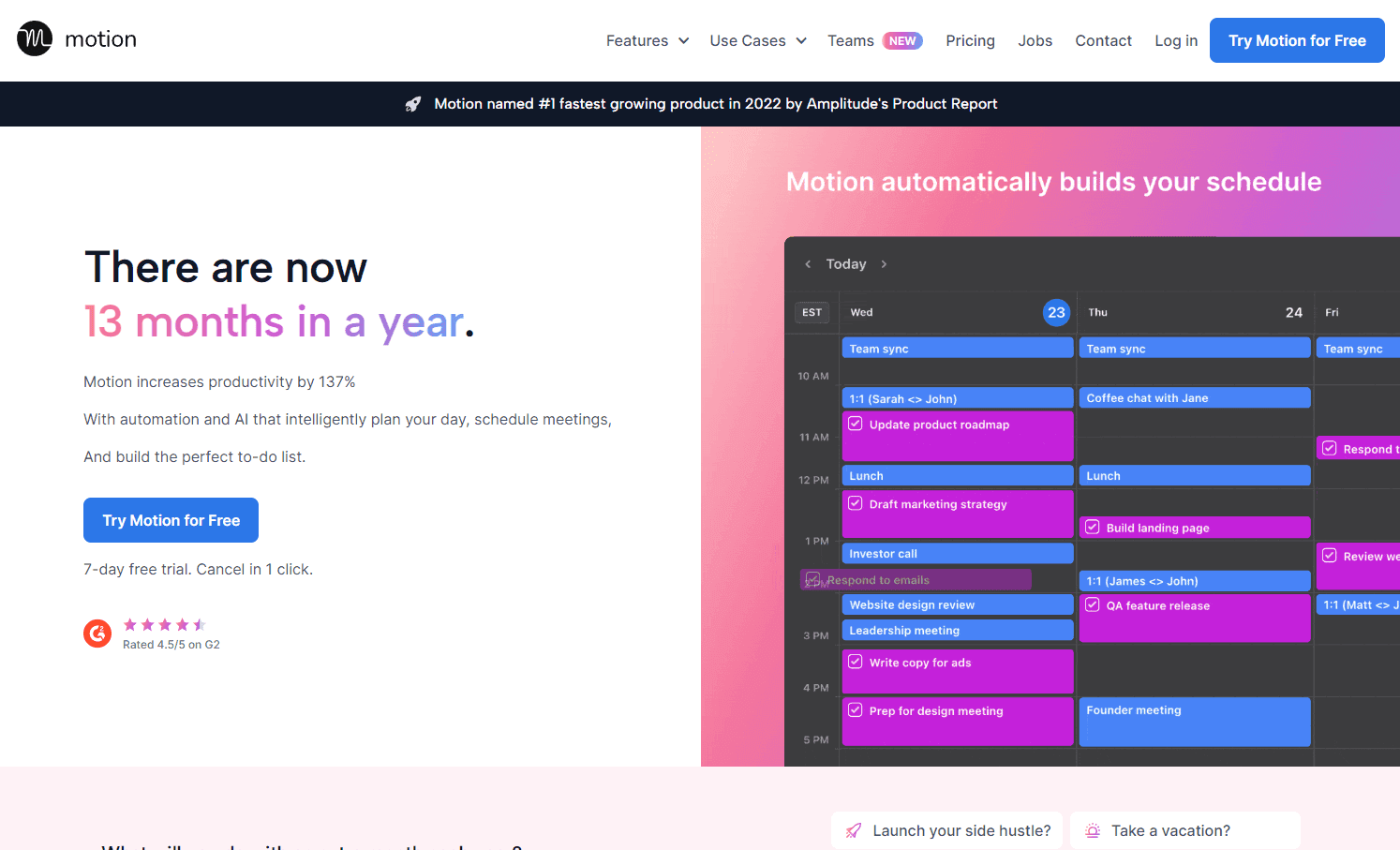
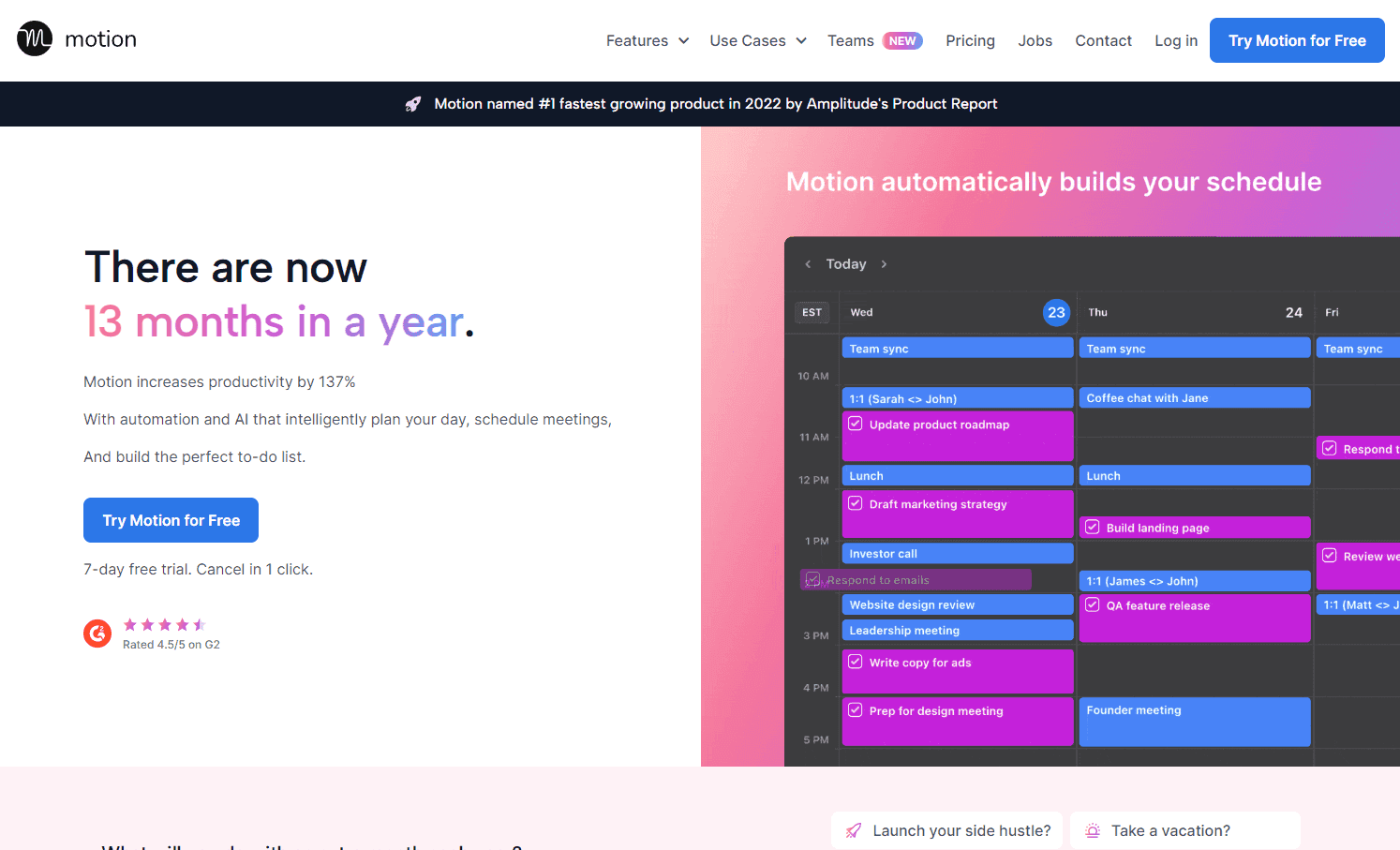
Motion is a groundbreaking tool designed to enhance productivity by automating tasks, scheduling meetings, and resolving calendar conflicts. With its unique AI-driven approach, Motion intelligently plans your day, prioritizes tasks, and builds the perfect to-do list. It's not just about getting more done; it's about achieving more with less stress and more satisfaction.
Key Features:
- Intelligent Calendar: A unique calendar system that prioritizes tasks and ensures you never miss a deadline.
- Automatic Task Manager: Say goodbye to traditional to-do lists. Motion creates one for you.
- Automatic Project Manager: Efficiently manage team projects and track individual progress.
- Meeting Scheduler: Control your meetings, share availability, and reduce interruptions.
Ideal Use Case:
Professionals, from C-suite executives to freelancers, who want to optimize their workday, reduce manual planning, and ensure that they're focusing on the most important tasks.
Why use Motion:
- Efficiency: Save up to 2 hours a day with automated planning.
- Focus: Guarded time slots for uninterrupted deep work.
- Simplicity: All productivity tools combined into one platform.
- Reliability: Ensures no task slips through the cracks.
FAQ
What does Motion do? Motion streamlines your workday by using intelligent planning and automation to help you work more efficiently. It handles scheduling and task organization so you can focus on what matters most.
Who should use Motion? Motion is designed for anyone looking to optimize their productivity and reduce time spent on manual planning and scheduling tasks. It works well for professionals who juggle multiple projects and priorities.
How much does Motion cost? Motion offers a free trial so you can test the platform before committing. Visit the Motion pricing page for current plans and pricing details.
How does Motion compare to other productivity tools? While Motion focuses on intelligent planning and automation, alternatives like ChatGPT, Gemini, and Perplexity.ai serve different purposes—they're primarily AI assistants for conversation and research rather than dedicated scheduling and workflow optimization tools.
tl;dr:
Motion is a productivity powerhouse that combines calendar management, task scheduling, and project management into one platform. With AI-driven automation, it ensures you focus on what matters most, saving you time and reducing stress.
Related
Looking for more options? Browse the Productivity directory or read our best AI productivity tools listicle. Motion is also tracked on Crunchbase.
Why Use Motion
Editorial Review
Our take on Motion.

AI-powered task scheduler that learns your workflow; solid if you're drowning in calendar and todo debt, but don't expect magic.
What works
- Repositioned around AI employees - prebuilt agents for sales, support, PM and HR
- Free trial lowers friction to validate the approach for your workflow
- Auto-scheduling reshuffles the day as work slips, rather than leaving stale tasks
What doesn't
- Requires consistent behavior change and trust in AI prioritization logic
- No visibility into conflict resolution or degradation under real chaos
Motion positions itself as an intelligent planning layer that sits between your calendar, tasks, and actual time. The pitch is reasonable: it auto-schedules work, adapts when things slip, and tries to surface what actually matters. That matters—too many scheduling tools crater because they can't handle the chaos of real calendars (meeting invites, unexpected asks, the usual mess). Free trial means you can kick the tires without commitment, which is the right move for a tool this behavioral.
The hard part with these AI schedulers is follow-through. They work only if you feed them consistently and trust their suggestions enough to act on them. Motion seems to lean on automation and learning, which is sensible, but you're betting the classifier understands your priorities better than you do initially—that's a tall order. No specifics on how it handles conflicts between stated goals and real-world chaos, or whether it degrades gracefully when you ignore its advice.
User Reviews
Similar Tools