Kane CLI By TestMu AI
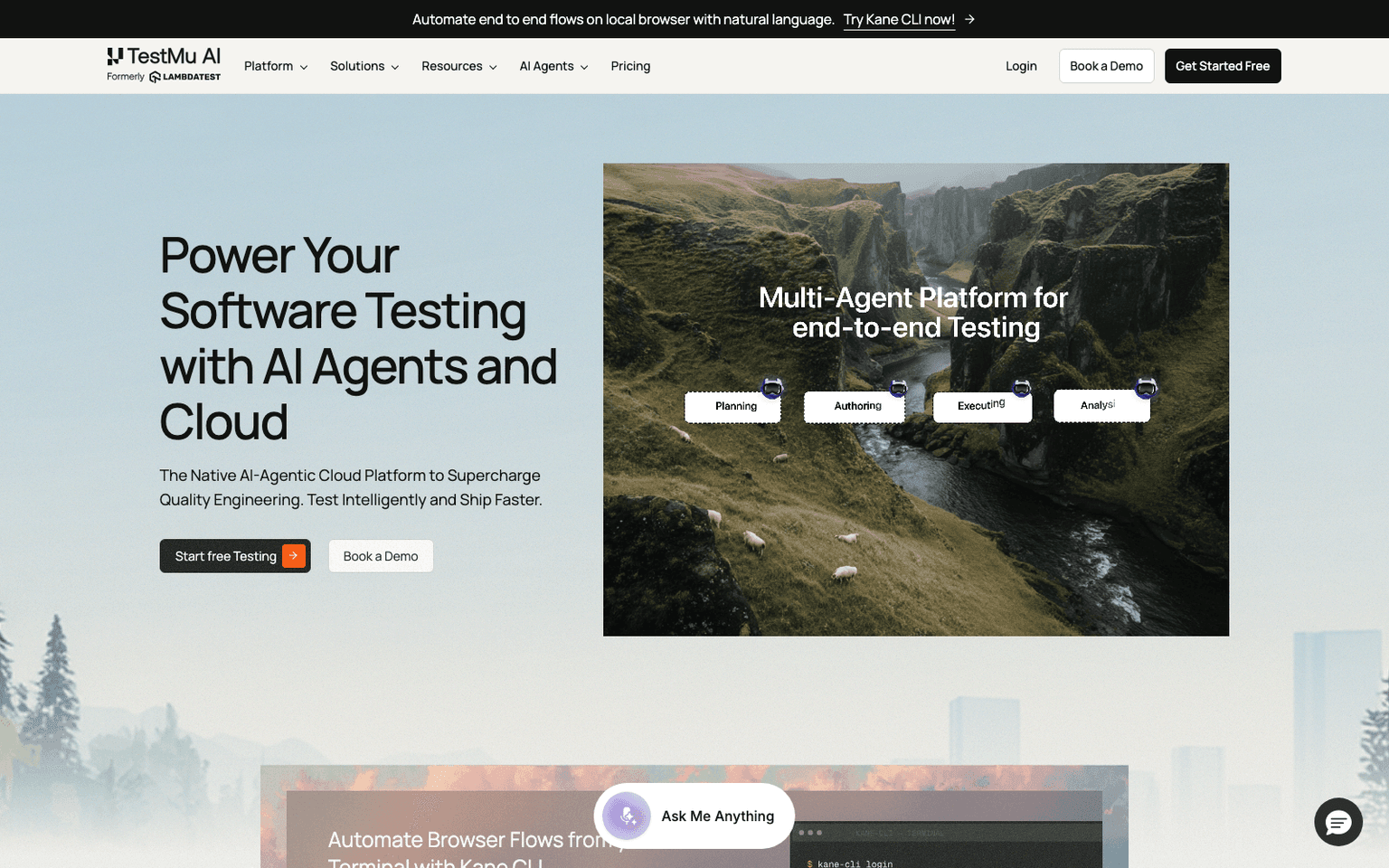
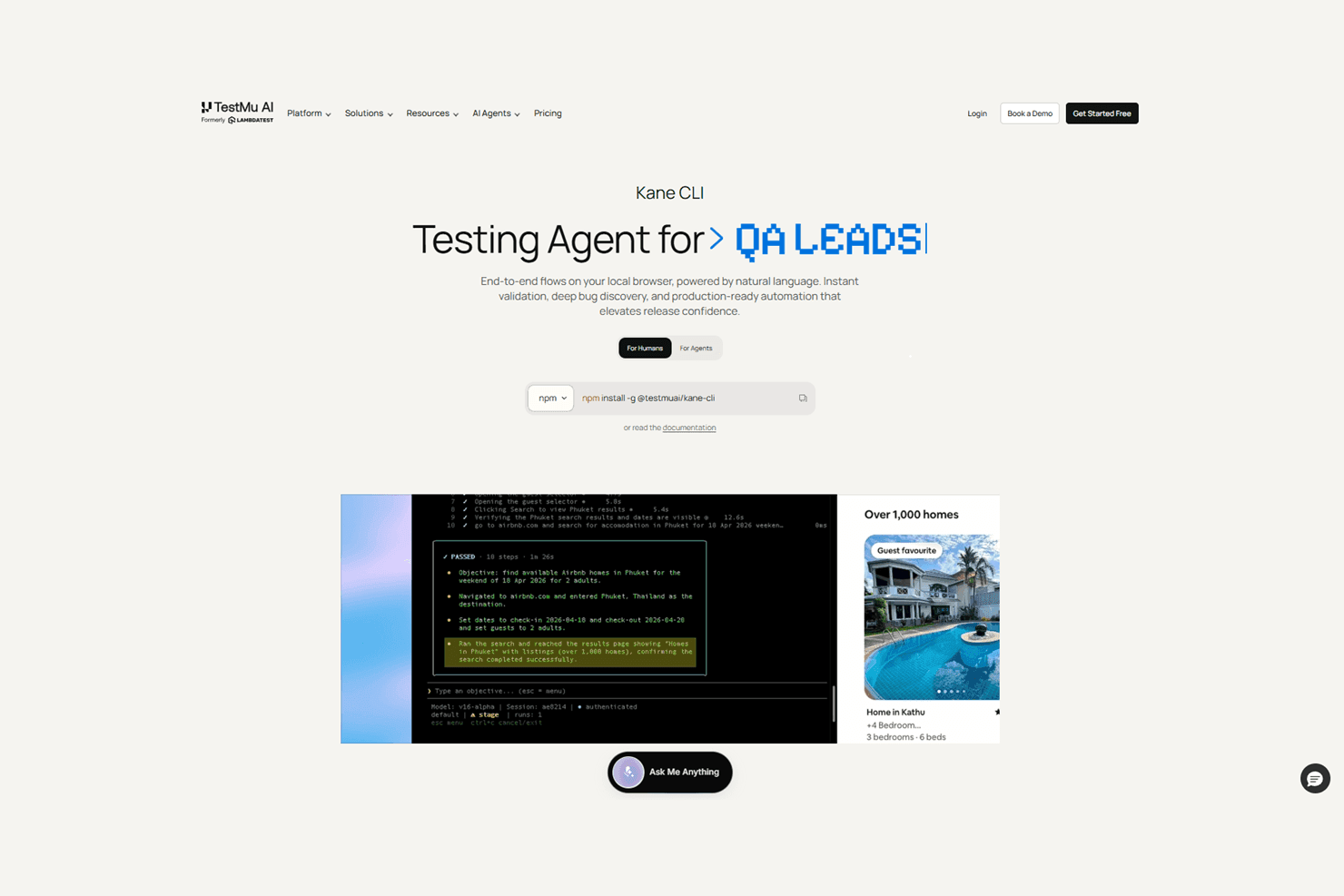
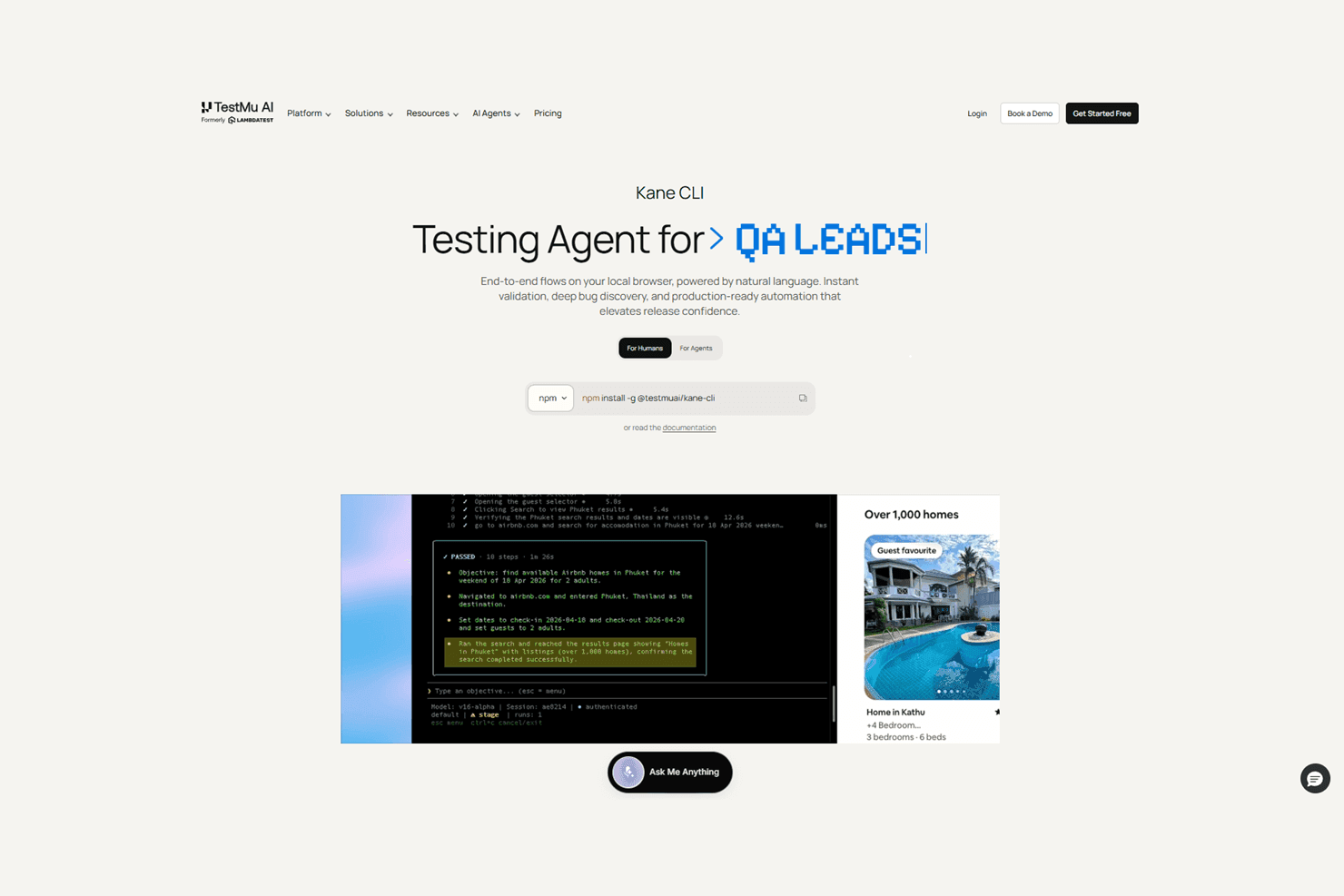
Kane CLI is TestMu AI's open-source command-line agent that runs end-to-end browser tests written in natural language on your local Chrome.
Overview
Kane CLI By TestMu AI
Kane CLI is an open-source command-line testing agent from TestMu AI (formerly LambdaTest) that turns natural language into real browser automation. You describe an end-to-end flow — "run a checkout on staging" — and Kane CLI drives a real Chrome browser on your machine, returning pass or fail in about two minutes, before a pull request ever opens. The same flow runs against staging or production by swapping the URL, headless in CI or visible while debugging, with auto-healing, smart waiting, and dynamic querying built in so tests survive UI changes. Installation is one npm command (@testmuai/kane-cli), and a free tier of 200 monthly credits covers first projects.
Production credibility: Kane CLI ships from TestMu AI, the company formerly known as LambdaTest — an established cross-browser testing cloud whose parent platform is also listed in this directory. The CLI itself is open source under Apache-2.0 on GitHub (LambdaTest/kane-cli, 227 stars shortly after launch), distributed via npm, documented publicly, and backed by an official launch video. It sits inside a full product family — KaneAI test authoring, an agentic test cloud, and an MCP server — and published pricing runs from a permanent free tier to Starter at $19/month, Pro at $99/month, and enterprise plans, with launch-offer bonus credits on paid tiers.
Key Features
- Natural-language test authoring: describe an end-to-end flow in plain English and Kane CLI executes it in a real local Chrome
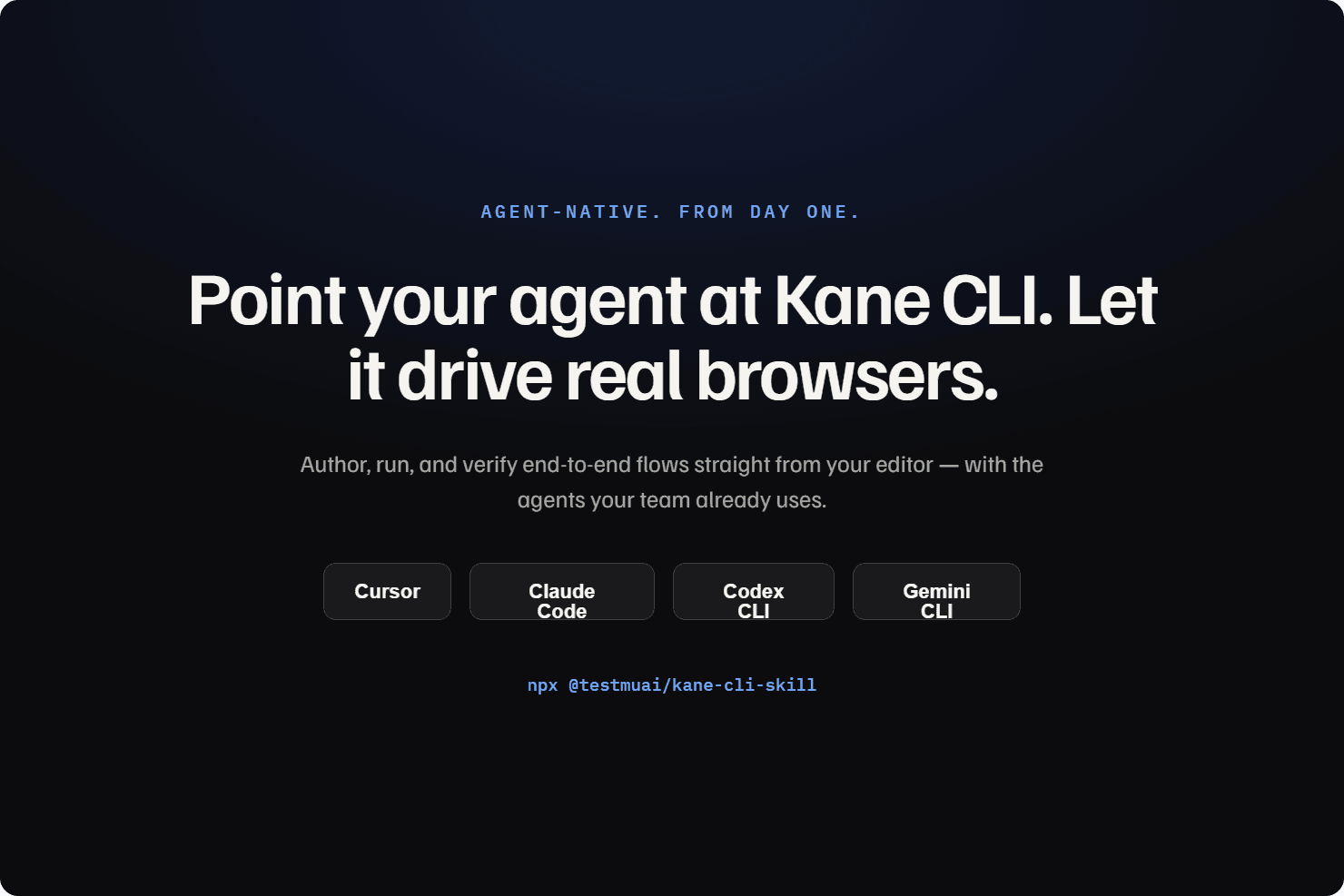
- Agent-native by design: point Cursor or another coding agent at Kane CLI to author, run, and verify flows from the editor
- Auto-heal, smart waiting, and dynamic querying keep flows passing through minor UI changes
- Ask tool keeps a human in the loop for OTPs and CAPTCHAs instead of failing the run
- Secrets and variables parameterize flows; custom profiles reuse existing authenticated sessions
- Same flow, many targets: run against staging and production by changing only the URL, headless or visible
- Shareable, persistent test-evidence links plus native Playwright script exports for hand-tuning
- Test.md, an agent-native test framework that captures any session as replayable markdown with imports and variables
Ideal Use Case
Kane CLI fits developers who want a two-minute answer to "did my change break the checkout?" without writing or maintaining Playwright scripts, and teams adopting agent-driven workflows where a coding agent needs to verify its own work in a real browser. The local-first design makes it a pre-PR habit rather than a CI-only gate, and flows graduate to TestMu AI's cloud when it's time to scale. Teams already deep in hand-written Playwright or Cypress suites can adopt it incrementally, since any Kane flow exports to a native Playwright script.
How Kane CLI By TestMu AI differentiates
Most natural-language testing products live in a cloud dashboard; Kane CLI's distinctive choice is the terminal. It meets developers where they work — the same place their coding agents work — and treats the local browser as the first testing environment rather than an afterthought. Being open source under Apache-2.0 with native Playwright export also means no lock-in: the flows you author remain portable code. Compared with its own parent platform's cloud products, Kane CLI is the entry point — validation before every push — with the cloud reserved for scale, cross-browser coverage, and orchestration.
FAQ
Q: What is Kane CLI? A: Kane CLI is an open-source command-line testing agent from TestMu AI (formerly LambdaTest). You describe an end-to-end flow in natural language and it drives a real Chrome browser on your machine, returning pass or fail — typically in under two minutes. Install it with npm install -g @testmuai/kane-cli.
Q: Is Kane CLI free and open source? A: Yes on both counts. The CLI is open source under the Apache-2.0 license on GitHub (LambdaTest/kane-cli), and there is a permanent free tier with 200 credits per month. Paid plans are Starter at $19/month (2,000 credits) and Pro at $99/month (10,000 credits), with launch-offer bonus credits, plus enterprise options.
Q: How does Kane CLI relate to TestMu AI and LambdaTest? A: TestMu AI is LambdaTest's new name. Kane CLI is the local, terminal-first member of its testing family, alongside the KaneAI test-authoring agent and the agentic test cloud — flows validated locally with Kane CLI can graduate to the cloud platform for scale.
Q: Does Kane CLI replace Playwright? A: It sits on top of the same ecosystem rather than replacing it: you author flows in natural language instead of code, and any flow can be exported as a native Playwright script to hand-tune or keep in an existing suite.
Q: How do coding agents use Kane CLI? A: It is agent-native from day one: point Cursor or another coding agent at Kane CLI and the agent can author, run, and verify browser flows itself. The Test.md format captures any session as replayable markdown, and the Ask tool pulls a human into the loop for OTPs and CAPTCHAs.
Q: Can I run the same test on staging and production? A: Yes — one flow runs against different environments by changing only the URL, with no duplicate scripts, and in headless mode for CI or visible mode for debugging.
tl;dr
Kane CLI (testmuai.com/kane-cli) is TestMu AI's — formerly LambdaTest's — open-source, terminal-first testing agent: describe a browser flow in natural language and it runs on your local Chrome with pass/fail in about two minutes, auto-healing, human-in-the-loop for OTPs, and native Playwright export. Free tier of 200 credits/month, paid plans from $19/month. Built for developers and their coding agents to validate every change before the PR.
Why Use Kane CLI By TestMu AI
User Reviews
Similar Tools