Interior AI
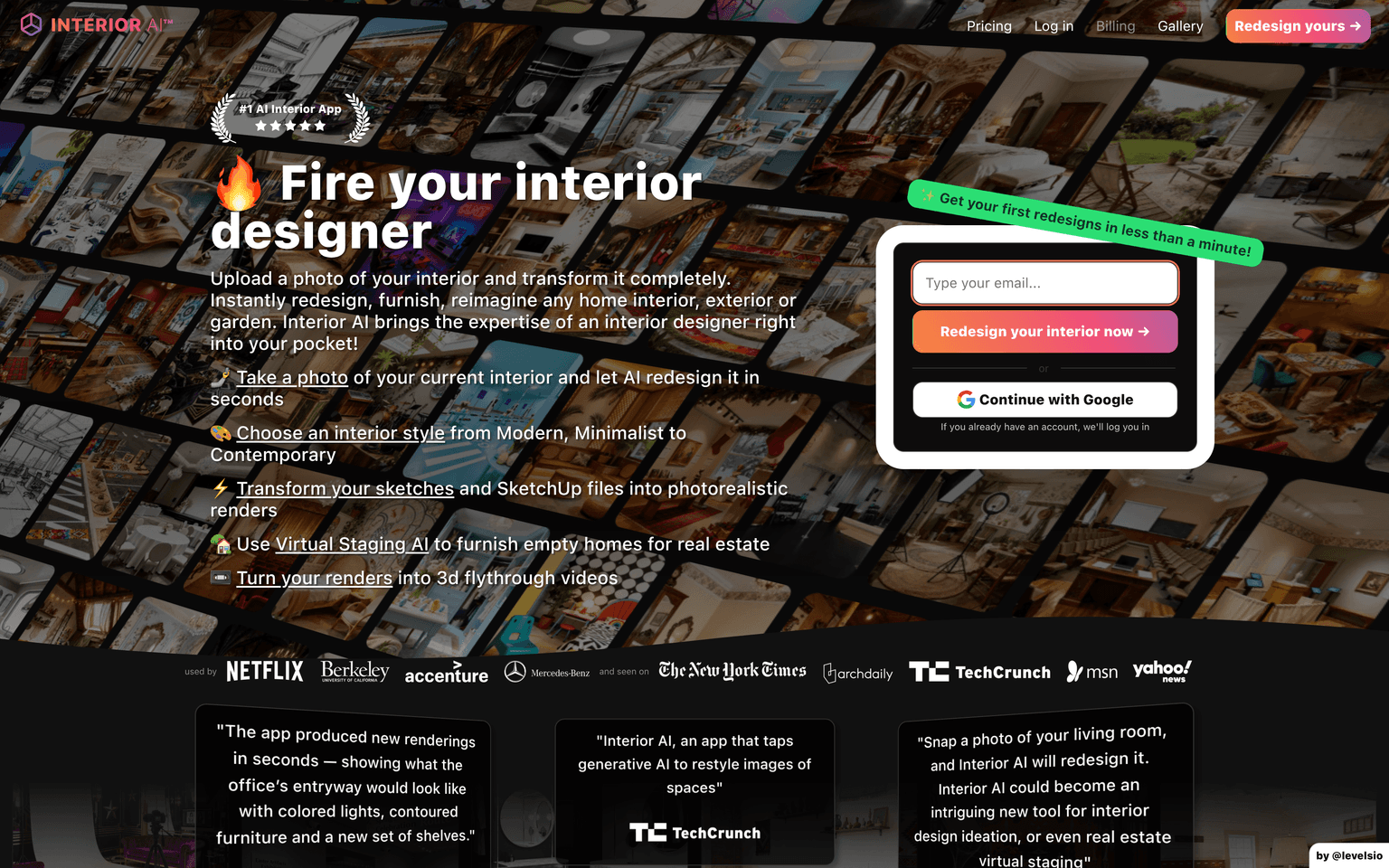
Upload a room photo and restyle it in 55+ interior design styles, or virtually stage empty spaces.
Overview
Interior AI: restyle any room from a single photo
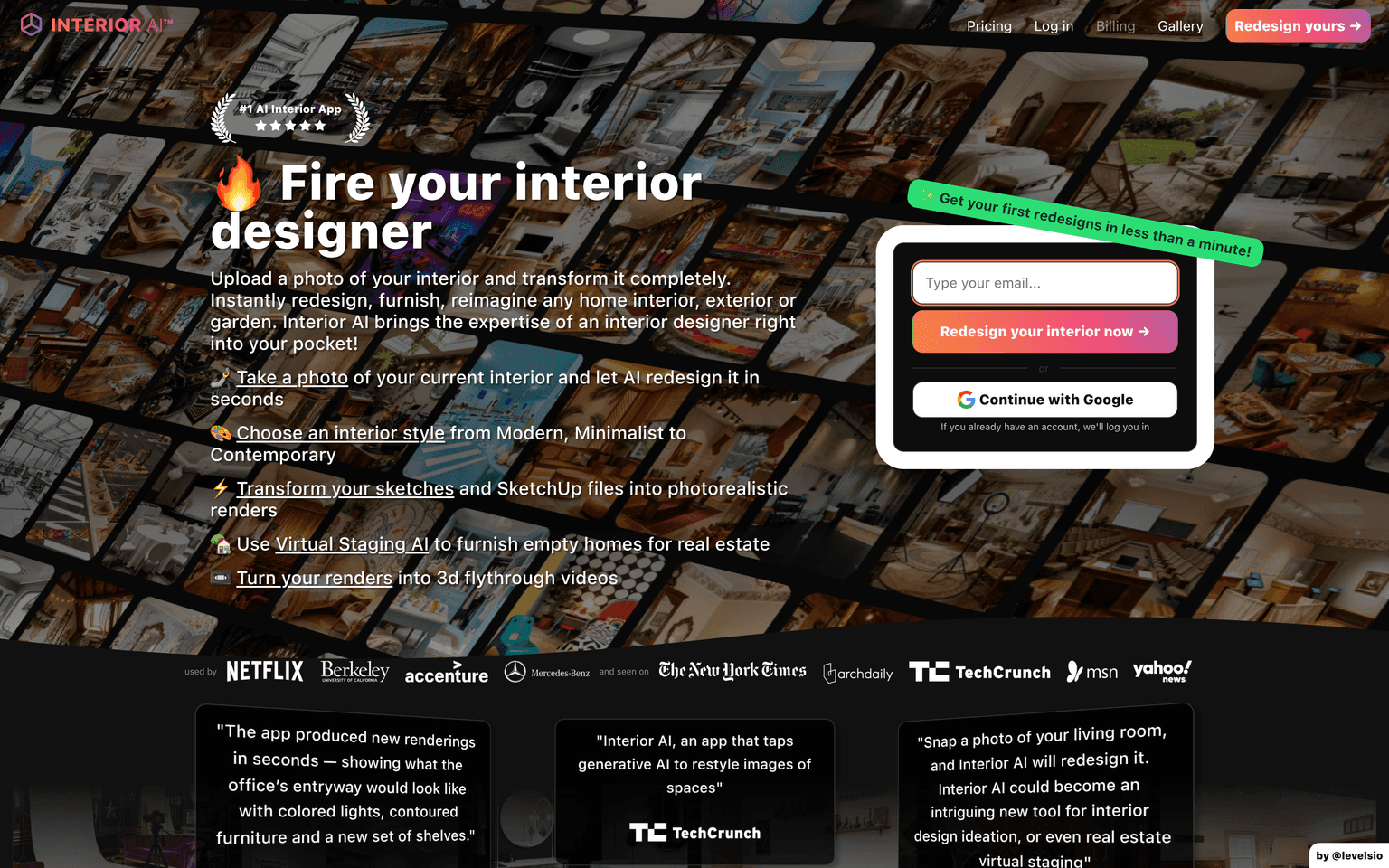
Interior AI does one thing with unusual focus: you upload a photo of a room, pick from 55+ design styles — Modern, Minimalist, Scandinavian, Luxury, and dozens more — and generative AI re-renders the space in that style while respecting the room's actual geometry. Across 30+ supported room types, from bedrooms to gardens, it turns "what could this space look like?" from an expensive consultation into a few seconds of rendering.
Beyond restyling, the toolset covers real workflows: Virtual Staging AI furnishes empty rooms for property listings, Sketch2Image turns hand sketches and SketchUp exports into photorealistic renders, and AI editing handles wall colors, lighting, and furniture placement. You can even generate 3D walkthrough videos of a redesigned space. Paid plans start at $29/month billed yearly, and every tier includes a commercial use license.
Key Features
- Photo-to-redesign across 55+ interior styles and 30+ room types, indoor and outdoor
- Virtual Staging AI that furnishes empty rooms for real estate listings
- Sketch2Image rendering from hand sketches or SketchUp models
- AI editing for wall painting, lighting adjustment, and furniture placement
- 3D walkthrough video generation and VR exploration of designs
- Commercial use license included on all paid plans
Ideal Use Case
Interior AI serves two distinct audiences well. Homeowners and renters use it to preview renovation directions before spending money — testing whether a japandi or industrial look actually suits their living room. Real estate agents and interior professionals use it commercially: virtual staging for empty listings at a fraction of traditional staging cost, and fast concept renders to align with clients before detailed design work begins.
How Interior AI differentiates
Interior AI was built by Pieter Levels (@levelsio), the Dutch indie founder behind Nomad List, Remote OK, and Photo AI, who ships and runs his products solo and in public — revenue and usage stats included. Launched in 2022 as one of the first photo-to-interior tools, it has been covered by The New York Times, TechCrunch, and Fast Company, and the site reports users at Netflix, Accenture, Mercedes-Benz, and UC Berkeley. Its longevity and constant iteration stand out in a niche full of abandoned Stable Diffusion wrappers.
FAQ
How does Interior AI work? You upload a photo of your room, choose a style and mode, and the AI generates redesigned versions that keep the room's layout and perspective. Sketches and SketchUp files also work as input.
Can I use the renders commercially? Yes. All paid plans include a commercial use license, which is why real estate agents use it for virtual staging.
What does Interior AI cost? Paid tiers run from $29/month (billed yearly; $49 monthly) up to higher-volume plans, differing mainly in monthly render volume.
Is it accurate enough for real renovation planning? Renders are concept-quality: excellent for exploring styles and staging listings, but they are inspiration and visualization, not construction documents.
tl;dr
Interior AI is the indie benchmark for AI interior design: upload a photo, get the room re-rendered in 55+ styles, stage empty listings, or turn sketches into renders — built and run by @levelsio with commercial licensing on every paid plan.
Related
Looking for more options? Browse the AI Art & Image Creation directory or read our best AI image generators listicle. Interior AI is also tracked on Crunchbase.
Why Use Interior AI
User Reviews
Similar Tools