Google Colaboratory
Google Colaboratory is a hosted Jupyter notebook service that runs Python in the browser on free GPU and TPU runtimes.
Overview
Google Colaboratory
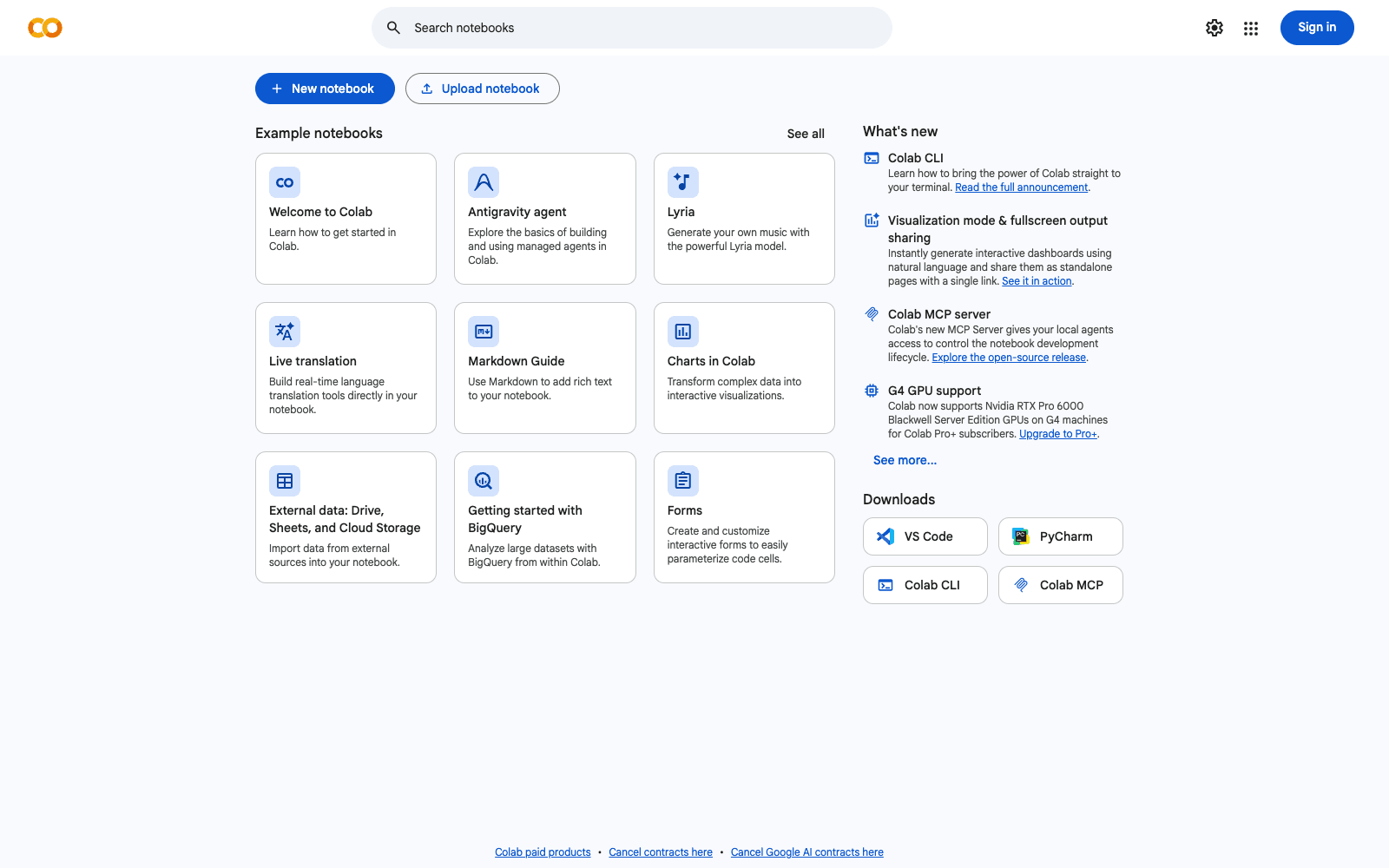
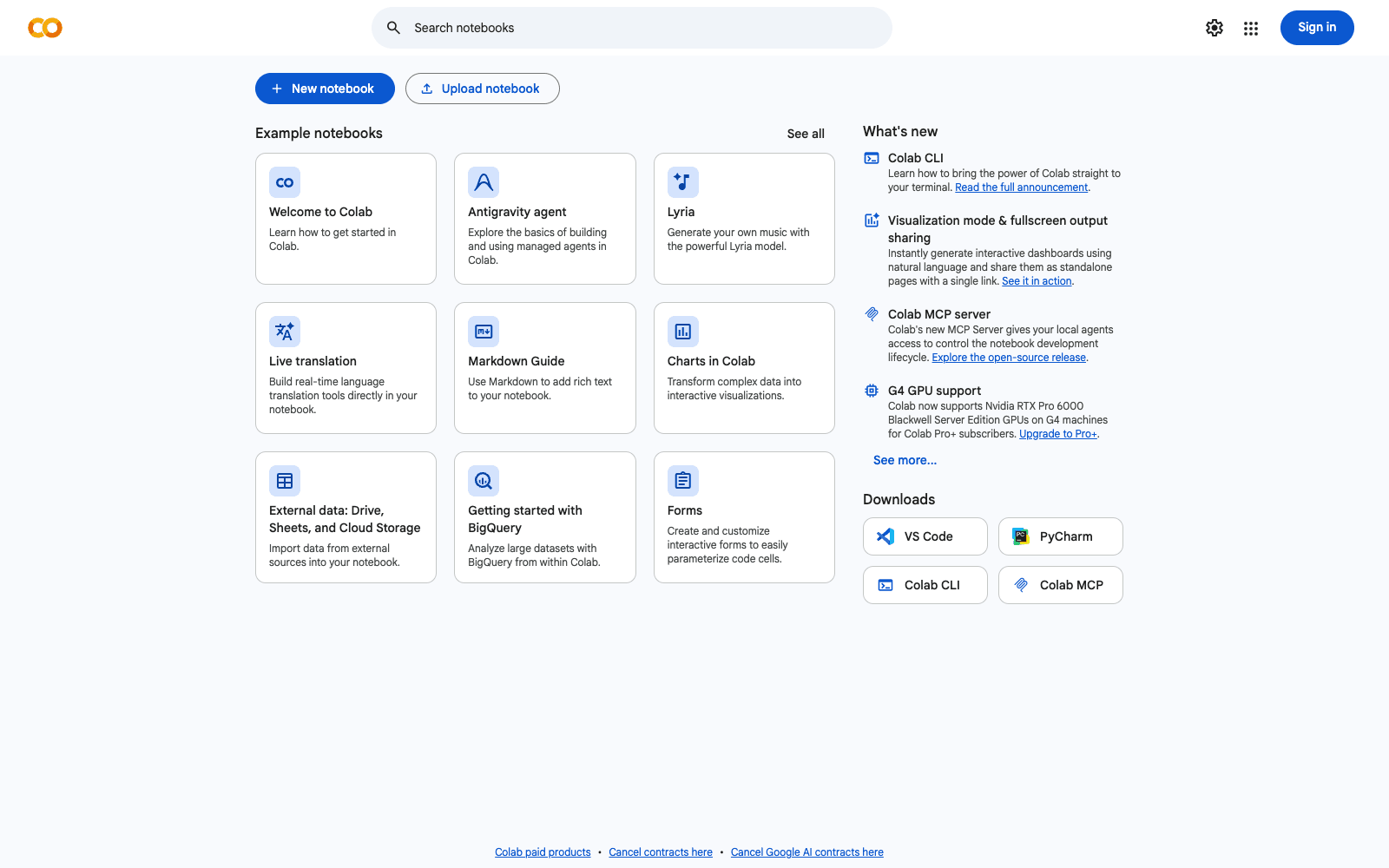
Google Colaboratory (Colab) is a hosted Jupyter notebook service that runs Python in the browser with no local setup, backed by Google-provided compute that includes GPUs and TPUs at no charge. Notebooks live in Google Drive or load straight from GitHub, and sharing works the way a Google Doc does: the code, text, outputs and comments travel with the file, while the virtual machine and any libraries you installed do not. Google Colaboratory launched out of Google Research in 2017 and is the default place students and researchers go when a laptop cannot train a model. As of 2026 the notebook also ships a Gemini assistant that writes cells from a plain-English request, proposes fixes for tracebacks in a diff view, and runs an autonomous Data Science Agent over an uploaded CSV, JSON or Excel file. The free-tier trade-off is interactivity: idle runtimes are reclaimed, sessions cap at roughly twelve hours, and the accelerator you get depends on availability.
Production credibility: Built by Google Research and public since 2017 (Wikipedia); the official Colab FAQ at research.google.com/colaboratory/faq.html documents free GPU and TPU access, the idle timeout, the roughly 12-hour free-runtime ceiling, 24-hour continuous execution on Pro+, and the Pro, Pro+ and Pay As You Go tiers; the Gemini Data Science Agent shipped 3 March 2025 and the AI-first Colab reached all users on 24 June 2025 per the Google Developers Blog; no user counts are disclosed by Google as of September 2026.
Key Features
- Zero-install Jupyter runtime in the browser with Python 3 preloaded and pip access for anything else
- Free GPU and TPU accelerators, allocated by availability; paid tiers get priority and larger accelerators
- Notebooks stored in Google Drive with Drive mounting for datasets, or opened directly from a GitHub repository
- Google-Docs style sharing and commenting, with notebook contents but not the VM shared
- Gemini assistant that generates cells from a natural-language description and refactors existing code on request
- Error fixing that proposes a patch for a failing cell and shows it as a reviewable diff before applying
- Data Science Agent that plans, executes and narrates an analysis over an uploaded CSV, JSON or Excel file
- Compute-unit billing on Pro, Pro+ and Pay As You Go, with background execution up to 24 hours on Pro+
Ideal Use Case
The core user is a student, researcher or working data scientist who needs to train or fine-tune a model, run a PyTorch or TensorFlow tutorial, or explore a dataset on hardware they do not own. Google Colaboratory is the obvious pick when the notebook must be shareable with a link, when the session can tolerate an occasional disconnect, and when the job fits inside a few hours. Teams running long training jobs, or anyone who needs a guaranteed accelerator on a deadline, should treat the free tier as a sketchpad and budget compute units or a dedicated cloud VM instead.
How Google Colaboratory differentiates
What sets Google Colaboratory apart from a self-hosted JupyterLab is that the accelerator, the storage and the collaboration layer all arrive pre-wired to a Google account, so a link is the entire onboarding. Against Kaggle Notebooks, which also give free GPUs, Colab is more general-purpose: it is not tied to a competition dataset, it mounts your own Drive, and its Gemini agent can drive an analysis end to end rather than just autocomplete a cell. The honest limitation is that free capacity is deliberately variable: the FAQ says the available GPU and TPU types change over time so Google can keep the tier free, and idle runtimes are reclaimed without warning. Colab also collects prompts, code and outputs from the AI features for up to eighteen months per its FAQ, which matters if the notebook touches confidential data.
FAQ
Q: Is Google Colaboratory really free to use? A: Yes. The base tier costs nothing and includes GPU and TPU runtimes, though the specific accelerator, session length and idle timeout depend on availability and your recent usage. Pro, Pro+ and Pay As You Go add compute units for priority access and longer or background execution.
Q: How long can a Colab notebook run? A: The official FAQ states free notebooks run for at most about twelve hours depending on availability and usage patterns, and runtimes time out when idle. Colab Pro+ supports continuous execution for up to 24 hours while you have compute units remaining.
Q: How does Google Colaboratory compare to Kaggle Notebooks? A: Both offer free hosted Jupyter with GPUs. Kaggle is built around competitions and public datasets; Colab is general-purpose, mounts your Google Drive, opens notebooks from GitHub and ships a Gemini assistant and Data Science Agent. Pick Kaggle for competition work and Colab for everything else.
Q: Can Colab write or fix code for me? A: Yes. The Gemini features generate cells from a plain-language description, refactor selected code, and when a cell errors they propose a fix shown as a diff you approve or reject. The Data Science Agent goes further and produces a whole working notebook from a description of the analysis and an uploaded file.
Q: What happens to my data and prompts in Colab? A: Notebooks are stored in your Google Drive under your account's normal controls. For the AI features, Google's FAQ says prompts, related code, generated output and feedback are collected and kept for up to 18 months, and may be reviewed by humans for quality, so keep sensitive data out of Gemini prompts.
tl;dr
Google Colaboratory is the fastest route from a browser tab to a GPU-backed Python notebook, and the 2025 Gemini agent makes it useful for analysis as well as training. Treat the free tier as interactive scratch space and pay for compute units when a job cannot tolerate a reclaimed runtime.
Why Use Google Colaboratory
User Reviews
Similar Tools