DataSnipper
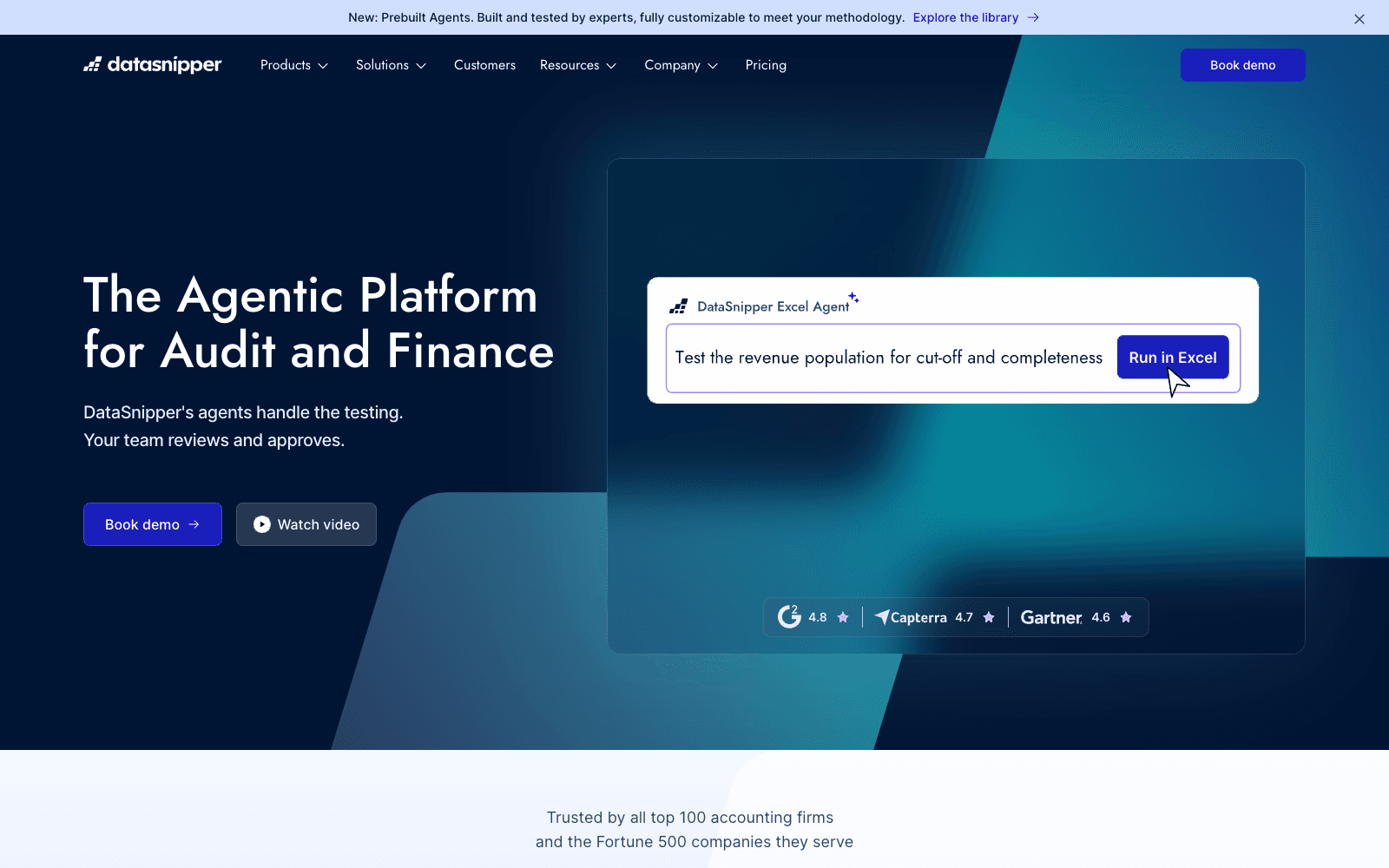
DataSnipper is an agentic audit and finance platform that runs testing workflows inside Excel while your team reviews and approves the output.
Overview
DataSnipper
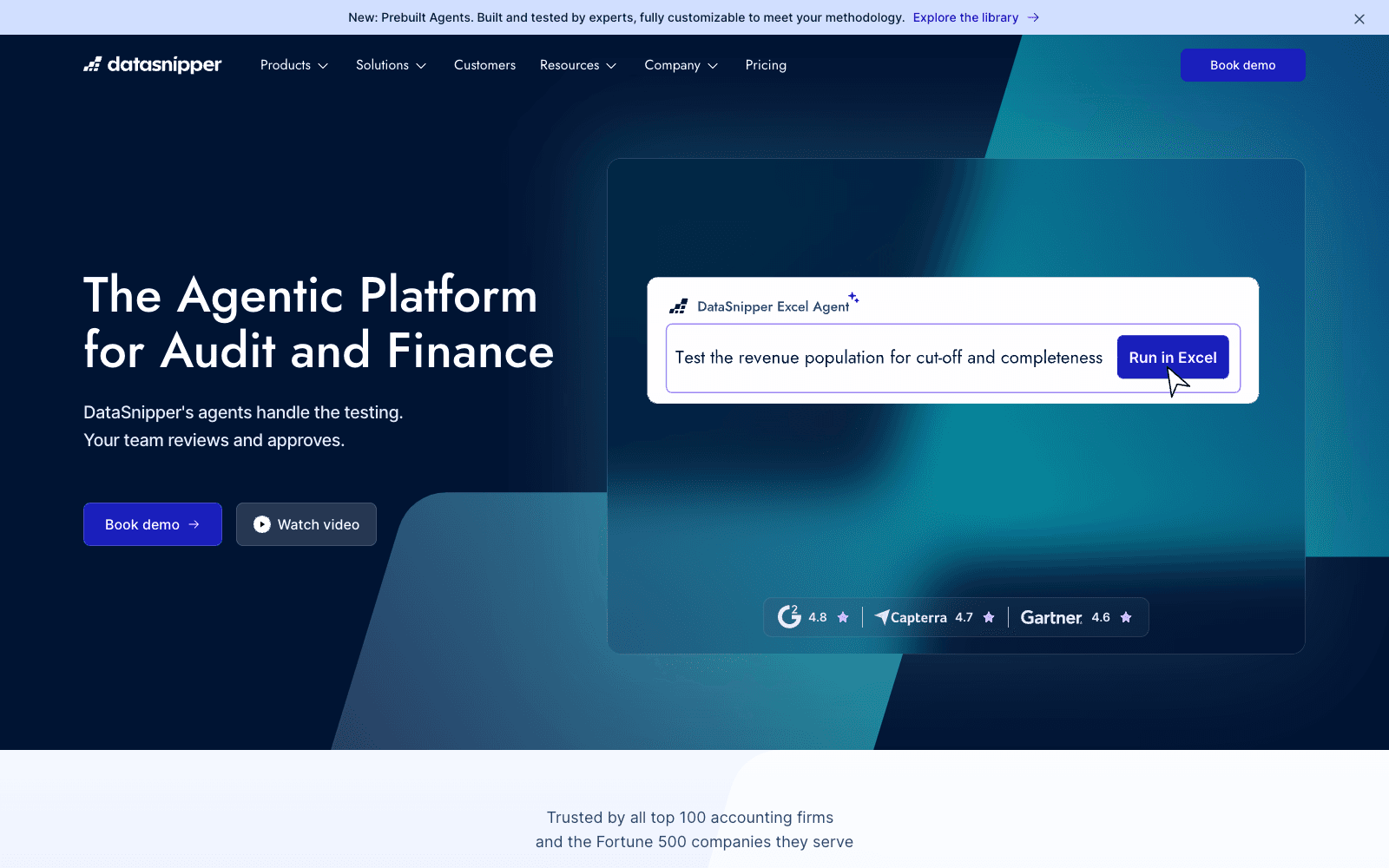
DataSnipper is an agentic platform for audit and finance teams that runs verification work inside Excel while accountants review and approve the results. The pitch on the homepage is blunt: work is growing, teams are not, and the gap between what needs verifying and what a team can realistically review keeps widening. DataSnipper closes that gap with agents you instruct to run end-to-end workflows such as royalty calculations, revenue testing, or tests of detail; the agent does the legwork, traces the evidence back to source documents, and hands you output to sign off. The underlying toolkit is the same Excel-native extraction, document matching, and version comparison that made DataSnipper a fixture at large firms, now with prebuilt agents, an agent builder, and DocuMine for AI extraction. As of 2026 the site states it is trusted by all top 100 accounting firms and the Fortune 500 companies they serve.
Production credibility: Site states it is used by all top 100 accounting firms and the Fortune 500 companies they serve; SOC 2 compliant with encryption, no training on customer data, and prompts and documents deleted after 24 hours; homepage shows third-party review badges of 4.9, 4.6, and 4.6 out of 5 and named customer stories from FGMK, Walker & Dunlop, and Kushner LaGraize.
Key Features
- Excel Agents run end-to-end procedures such as tests of detail, revenue testing, and royalty calculations, then hand results back for review
- Prebuilt Agents library built and tested by experts and customizable to a firm's methodology, plus an Agent Builder and templates
- Form Extraction, AI Extractions, and DocuMine pull structured data out of invoices, tax forms, contracts, and long agreements
- Document Matching, Version Comparison, and Find All Sums cross-check evidence against the workpaper
- Integrations pull evidence from existing systems straight into Excel with no manual downloads
- Financial Statement Suite add-on checks mathematical accuracy and prior-year consistency with company-wide tickmarks
- UpLink add-on turns client document requests into pre-validated uploads without a client login
- Security posture: SOC 2, encryption, 24-hour deletion of prompts and documents, no model training on your data
Ideal Use Case
External and internal audit teams at mid-size and large firms who already live in Excel and need to get through more tests of detail, controls testing, and document reviews without adding headcount. Tax, financial control, government audit, and advisory groups use the same extraction and matching for invoices, transfer pricing files, grant reviews, and contract scoping. Pick DataSnipper over a generic document-AI tool when the deliverable has to be an auditable Excel workpaper with evidence traced back to source.
How DataSnipper differentiates
The difference from general-purpose document AI is that DataSnipper never leaves the audit workpaper: every snip, match, and agent result lands in Excel with a trace back to the source page, which is what a reviewer or regulator needs to see. Agents are positioned as doing the leg work while humans make the call, and the 24-hour prompt-and-document deletion window plus the no-training policy answer the confidentiality question most firms ask first. The honest trade-off is that it is a demo-gated, sales-led product with Start, Accelerate, and Elevate tiers; the AI features live in the higher tiers, and a solo practitioner will find the buying process heavier than a self-serve tool. It is also Excel-centric by design, so teams standardized on other workpaper systems get less out of it.
FAQ
Q: Is DataSnipper an AI tool or an Excel add-in? A: Both. The core product is an Excel add-in for extracting, matching, and cross-referencing documents; the AI layer adds Excel Agents, DocuMine, and AI Extractions on top, available in the Accelerate and Elevate tiers.
Q: How does DataSnipper compare to MindBridge or Caseware for audit automation? A: MindBridge focuses on anomaly detection across full ledgers and Caseware on engagement management; DataSnipper's niche is document-level evidence testing inside Excel, with agents that run procedures and trace each result to source. Many firms run it alongside those tools rather than instead of them.
Q: Does DataSnipper train AI models on my clients' documents? A: No. The site states there is no training on your data, prompts and documents are deleted after 24 hours, and the platform is SOC 2 compliant with encryption and strict vendor management.
Q: Is there a free version of DataSnipper? A: No. Access is demo-gated across three tiers (Start, Accelerate, Elevate) plus add-on modules; you book a demo rather than sign up self-serve.
Q: Which teams outside external audit use DataSnipper? A: Internal audit for SOX and IT controls testing, tax for form extraction and transfer-pricing review, financial control for invoice processing and reconciliations, government audit for grant reviews, and advisory for pulling tabular data from long agreements.
tl;dr
DataSnipper is the Excel-native audit platform that added agents to run tests of detail and document reviews while accountants keep the sign-off. It is the safe pick for firms that need auditable, traceable workpapers; expect a sales-led buying process and tiered access to the AI features.
Why Use DataSnipper
User Reviews
Similar Tools