
Continue
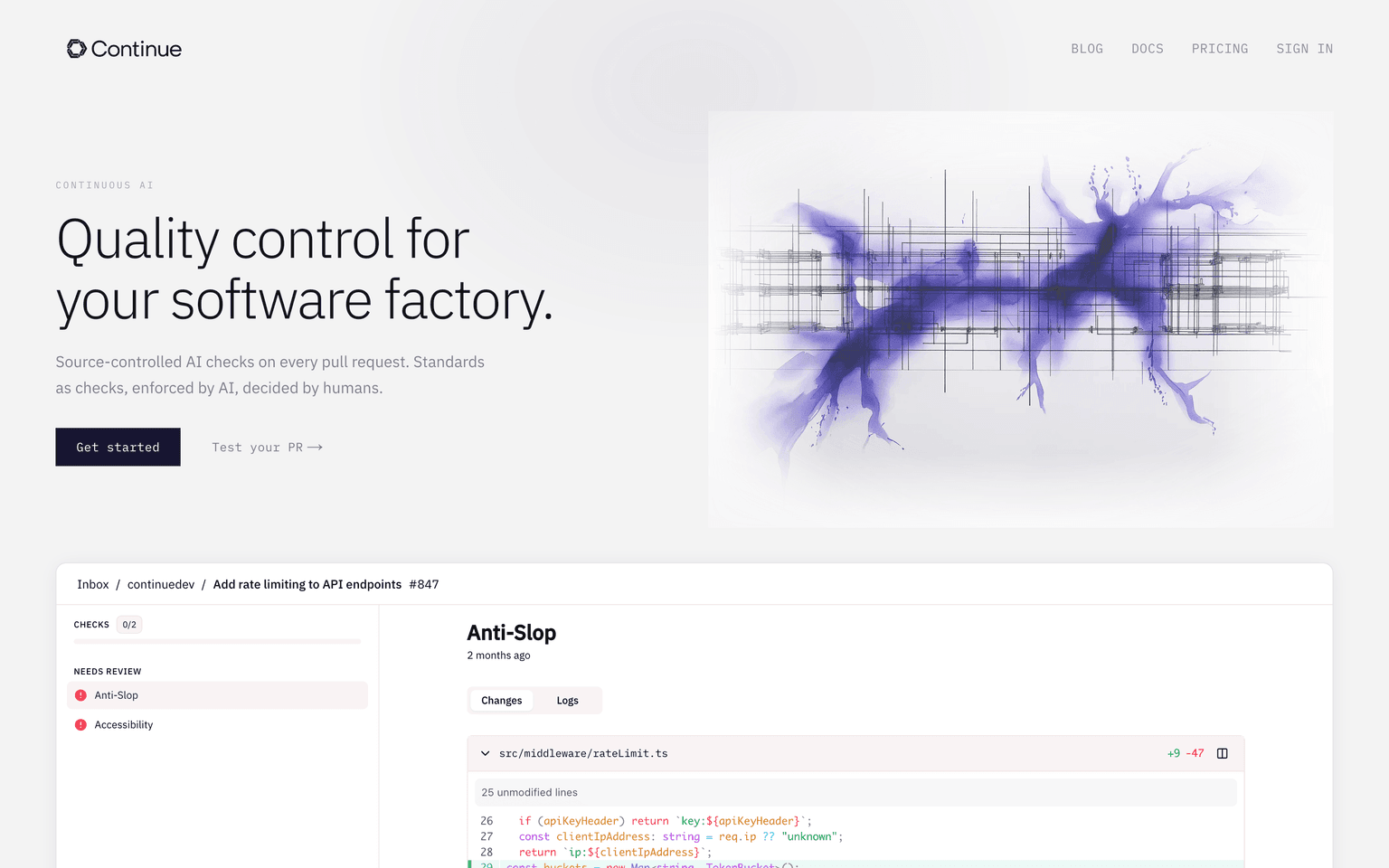
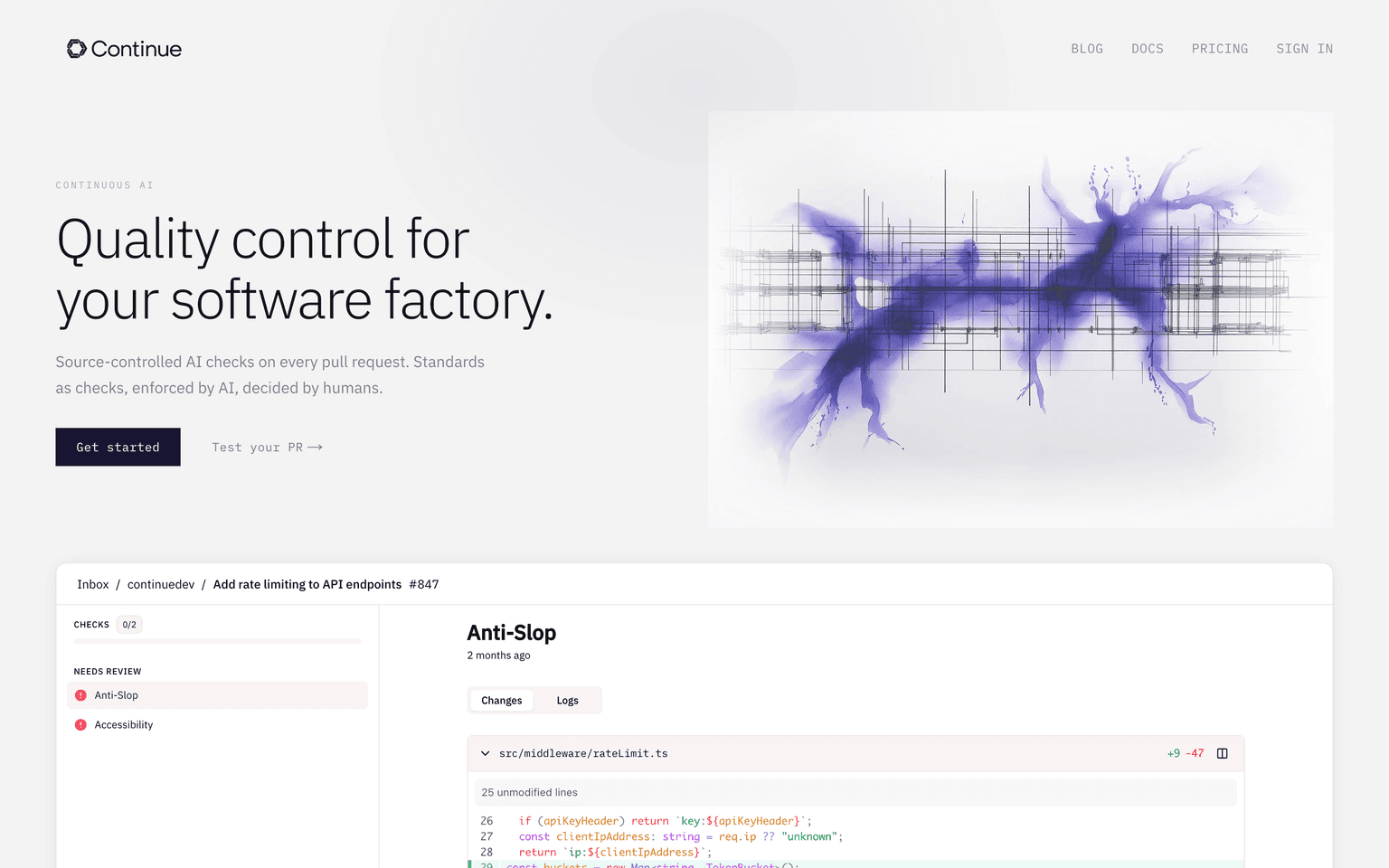
Source-controlled AI checks on every pull request, enforced by your team.
Acquired Continue
Acquired · June 2026
Continue was an open-source AI coding assistant and Copilot alternative with extensions for VS Code and JetBrains, and over 34,000 GitHub stars. Anysphere, the maker of Cursor, acquired the project and team. After a final v2.0.0 release around June 18-19, 2026, the repository was made read-only and unmaintained. The Apache-2.0 code remains available but is no longer shipping updates.
Acquired by Cursor (Anysphere).
Last known pricing: Free, open source
Is Continue shut down?
Effectively, yes. Continue was acquired by Cursor (Anysphere) and the standalone product was sunset on June 19, 2026. Its record is preserved in the ToolDirectory.AI graveyard, our hand-reviewed registry of AI tools that shut down or were acquired.
What to use instead



Overview
Continue: Source-Controlled AI Checks for Every Pull Request, Plus Open-Source IDE Assistant
Continue brings AI into the part of the engineering workflow that matters most: pull requests. Source-controlled AI checks run on every PR, codified as standards your team owns and reviews like any other config. Alongside the Continue Hub for teams, the free open-source IDE assistant works inside VS Code and JetBrains with any model. Engineering organizations like Workday, Mercedes-Benz, and Sourcegraph use Continue to enforce quality at the PR layer instead of relying on humans to catch every issue.
Key Features:
- Source-controlled AI checks that run on every pull request
- Standards as code so AI rules live next to the code they check
- Free open-source IDE assistant for VS Code and JetBrains
- Continue Hub for team plans, governance, and audit trails
- Multi-model support across Claude, GPT, Gemini, and local models
- MCP support for first-class tool integrations
- Customizable prompts, models, and rules per team or repo
- Battle-tested at Workday, Mercedes-Benz, Sourcegraph, and more
- Open source on GitHub with an active developer community
Ideal Use Case:
Continue is built for engineering teams that want AI baked into the PR review pipeline rather than bolted onto the IDE. It is especially valuable for organizations that need predictable, source-controlled enforcement of code standards and reviewers who want AI doing the boring parts of review.
Why Use Continue:
- Enforce code standards on every PR with AI checks under version control
- Skip the per-seat IDE plugin and go straight to PR-level enforcement
- Use the free open-source IDE assistant alongside Continue Hub
- Keep humans deciding while AI does the boring review steps
- Plug in any model, including local and self-hosted options
- Adopt the same tool used at Workday, Mercedes-Benz, and Sourcegraph
FAQ
Is Continue free? The Continue IDE assistant is free and open source. Continue Hub for teams has usage-based and enterprise pricing on request.
What does Continue do at PR time? Continue runs source-controlled AI checks on every pull request, defined by your team and stored alongside your code.
What IDEs does Continue support? VS Code and JetBrains are first-class. Other editors are supported via the open-source core.
Does Continue support MCP? Yes. Continue speaks Model Context Protocol so you can plug in tool servers for repo-aware AI workflows.
Who uses Continue? Engineering teams at Workday, Mercedes-Benz, Sourcegraph, and many other organizations.
tl;dr:
Continue moves AI from the IDE into the pull request, where it can actually enforce team standards. Pair the open-source IDE assistant with Continue Hub for teams and you get AI quality control as code, reviewed and shipped the same way your application is.
Related
Looking for more options? Browse the Developer Tools directory or read our best AI coding tools listicle. Continue is also tracked on Crunchbase.
Why Use Continue
FAQ
Editorial Review
Our take on Continue.

Continue.dev is an open-source AI code assistant for VS Code and JetBrains that lets you choose your own model instead of being locked into one vendor.
What works
- Model-agnostic; use any LLM without vendor lock-in
- Open-source codebase; can self-host and customize
- Works in both VS Code and JetBrains ecosystems
What doesn't
- Requires model selection and setup; not batteries-included
- Smaller user base means fewer integrations and examples
Continue.dev handles in-editor chat, autocomplete, codebase search, and code edits across VS Code and JetBrains IDEs. The key difference from competitors is that it's model-agnostic—you can plug in Claude, GPT, open-source models, or run local inference. That flexibility matters if you want to avoid vendor lock-in or have existing model infrastructure. It's freemium, with free tier access and paid options for additional features.
The open-source foundation means the community can see and modify the code, and integration with your own LLM backend reduces handoff friction for teams already using internal deployments. Codebase awareness helps it give context-aware suggestions rather than treating each file in isolation. It's not the flashiest tool—no IDE integration surprises—but it's a solid pick if you want control over which model powers your completions and editing.
If your team has standardized on a specific model or runs inference on-premise, Continue.dev's flexibility makes sense. Otherwise, the cognitive load of choosing and configuring a model might outweigh the upside.


