ChatCut
ChatCut is a prompt-driven AI video editor: describe the edit and an agent cuts, captions, and assembles the timeline, which you can still edit.
Overview
ChatCut
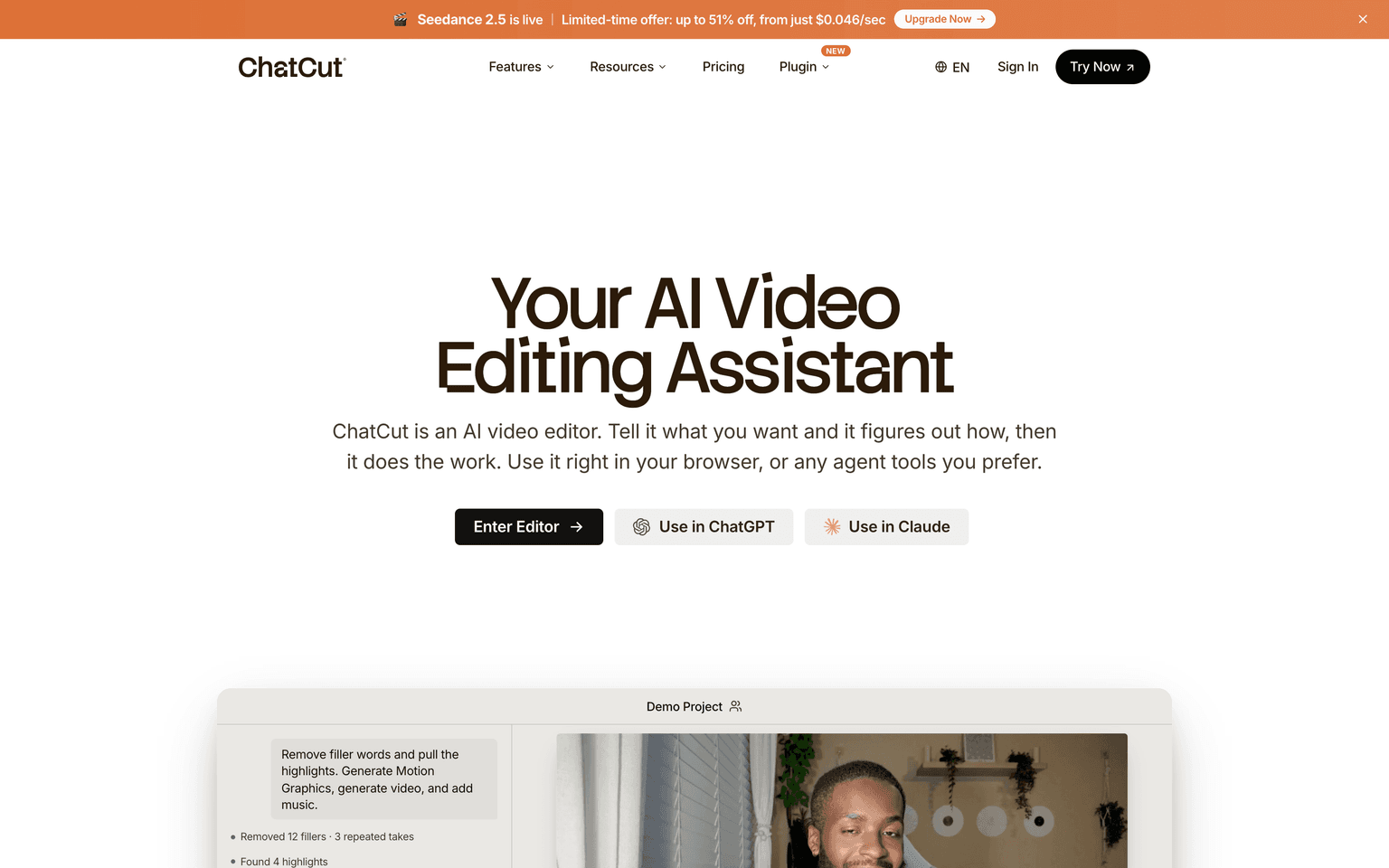
ChatCut is an agentic video editor you drive with plain language. Drop in footage, describe the goal, and the ChatCut agent analyzes each clip, finds the highlights, removes repeated takes and filler, sequences the clips, and applies captions, B-roll, and music — while leaving a real, editable timeline behind. For talking-head content you can edit the transcript directly and the timeline stays in sync. ChatCut runs in the browser and on desktop, and it can also be used from inside ChatGPT and Claude, so an edit can start from a chat. It generates AI images, B-roll video, and royalty-free music alongside manual editing.
Production credibility: ChatCut says it launched as the number one Product of the Day on Product Hunt, and it maintains an active presence across X, TikTok, YouTube, LinkedIn, Instagram, and Discord with public documentation. The company or founding team is not named on the site, which is a gap when assessing how established it is. Some of its generation features orchestrate third-party models — the site references an external model for AI video — so parts of the generation layer sit on top of other providers, while the editing agent and timeline are ChatCut's own. Both points are worth weighing for a listing.
Key Features
- Prompt-driven editing: describe the edit and the agent executes it end to end
- Automatic highlight detection, filler and repeat-take removal, and clip ordering
- Transcript-based editing with a timeline that stays in sync for talking-head content
- AI motion-graphics generation from text, exportable with transparency
- Auto-captions in more than 100 languages with a range of styles
- AI image, B-roll video, and royalty-free music generation built in
- A real editable timeline retained alongside the AI
- Usable in the browser, on desktop, and from inside ChatGPT and Claude
Ideal Use Case
ChatCut fits content creators, marketers, and video producers who want fast, polished edits without learning a full editor like Premiere or After Effects. It is especially strong for talking-head, YouTube, and social creators who want transcript-based cutting plus automatic captions, B-roll, and music from one prompt. It is a weaker fit for professional editors who need frame-precise control in an established NLE, though the editable timeline does leave room for manual cleanup.
How ChatCut differentiates
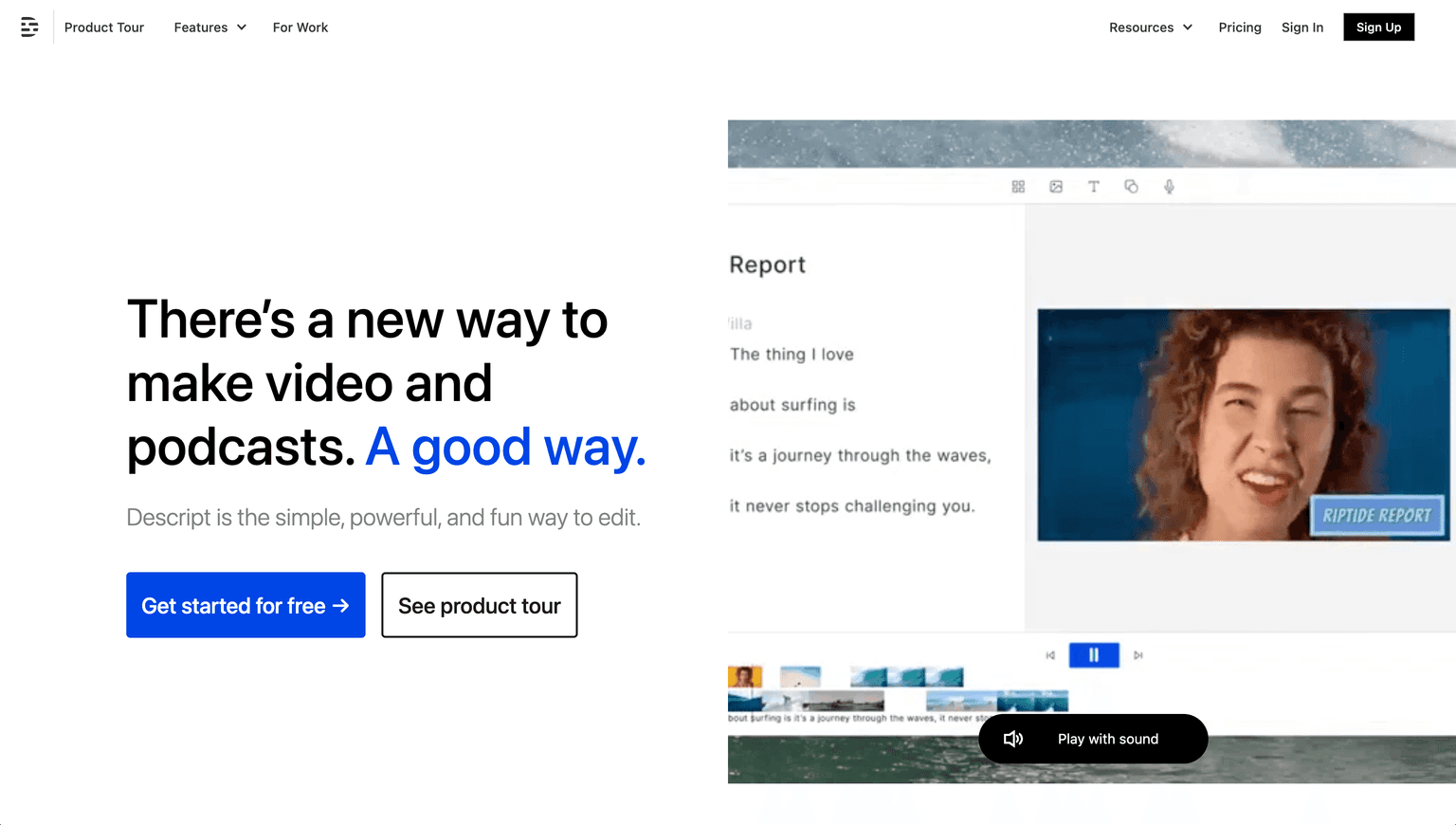
ChatCut leans fully agentic — it plans the whole edit from a prompt — while keeping a genuine editable timeline, which sits between transcript-first tools like Descript and manual-first editors like CapCut. Its availability inside ChatGPT and Claude is unusual: an edit can begin in a chat window rather than a dedicated app, which no mainstream editor currently offers.
FAQ
Q: What is ChatCut? A: ChatCut is an AI video editor you control with natural language. You describe the edit and an agent cuts, sequences, captions, and scores the video, leaving an editable timeline you can still adjust by hand.
Q: Do I lose manual control? A: No. ChatCut keeps a real editable timeline alongside the agent, so you can refine cuts, captions, and effects manually after the AI does the first pass.
Q: Is there a free plan? A: Yes. ChatCut has a free plan with starter credits and no card required. Paid credit tiers begin around $25 per month, with more credits at higher tiers and annual discounts.
Q: Can I use it inside ChatGPT or Claude? A: Yes. ChatCut works in the browser and on desktop, and it can be used from inside ChatGPT and Claude, so an edit can start directly from a chat.
Q: Does ChatCut use other AI models? A: Some generation features orchestrate third-party models — the site references an external model for AI video — while the editing agent and timeline are ChatCut's own.
tl;dr
ChatCut is an agentic AI video editor: describe the edit in plain language and it cuts, captions, adds B-roll and music, and assembles the timeline, which stays fully editable. It works in the browser, on desktop, and inside ChatGPT and Claude, with auto-captions in 100-plus languages and a free tier before paid credits from about $25 per month. Best for creators who want fast edits without a full NLE.
Why Use ChatCut
User Reviews
Similar Tools