Brisk Teaching
AI Chrome extension that gives feedback, builds quizzes, and levels texts inside Google Docs and Slides.
Overview
Brisk Teaching: An AI Assistant That Works Inside the Tools Teachers Already Use
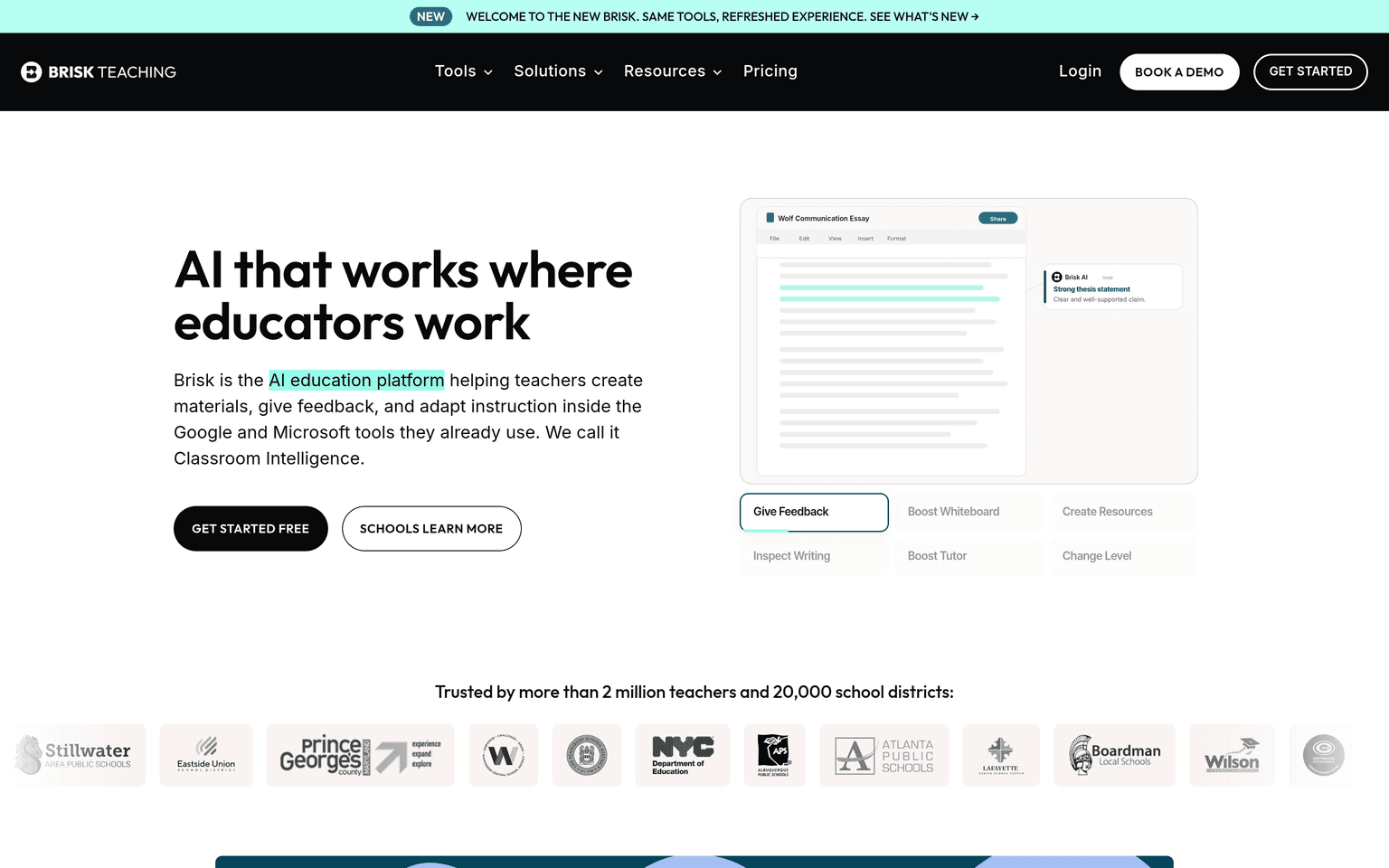
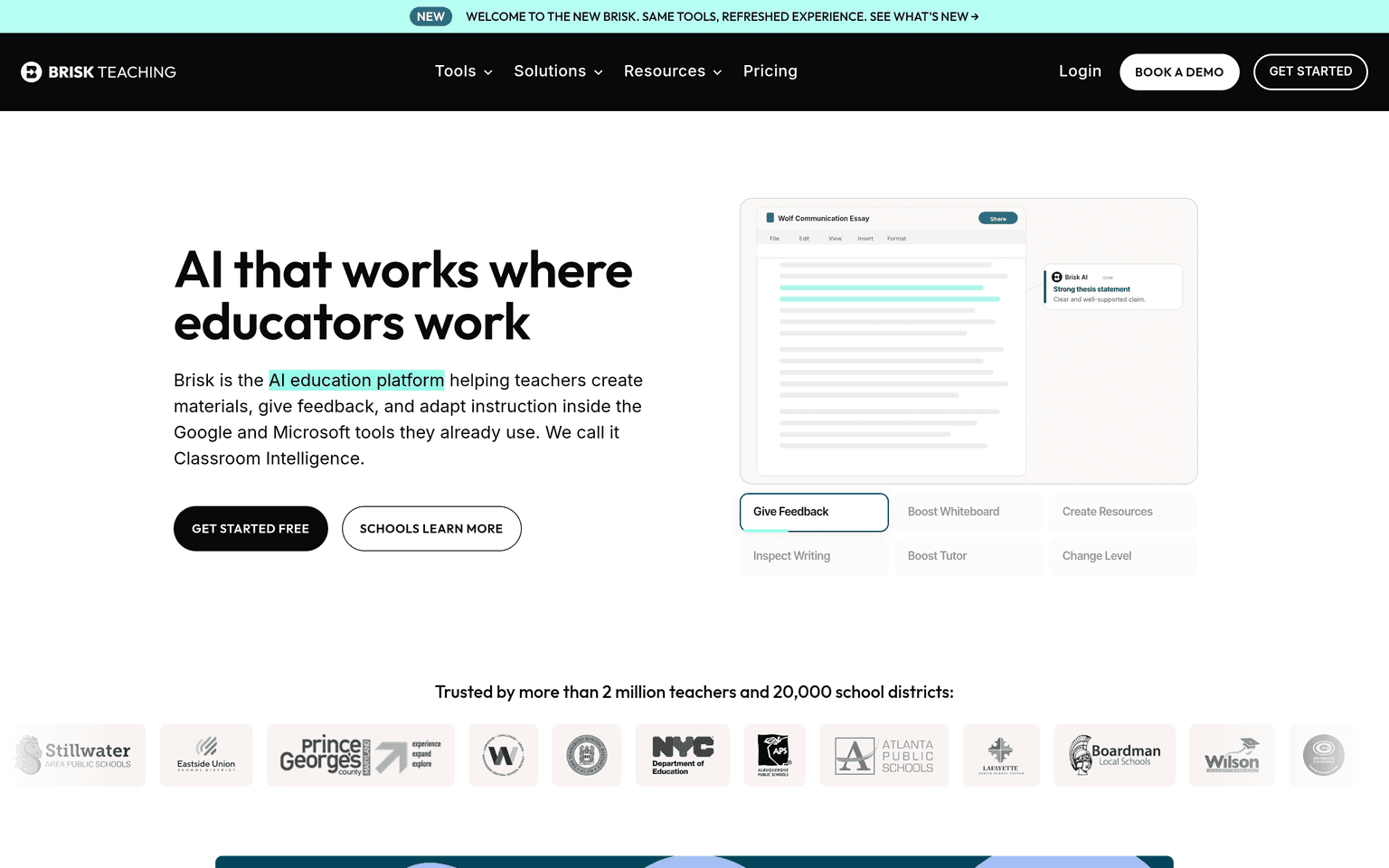
Brisk Teaching is a Chrome and Edge extension that layers AI tools over Google Docs, Slides, Classroom, Microsoft Word, Canvas, and any webpage — no separate app or copy-pasting required. A teacher reading a student essay in Google Docs can generate targeted feedback as in-line comments; a teacher on any article or YouTube video can turn it into a quiz, lesson plan, or presentation in a couple of clicks.
The free Educator plan includes 20+ tools with unlimited usage on standard models. Paid Premium and Intelligence tiers, priced by quote for schools and districts, add 35+ tools, faster "Turbo" models, admin dashboards, personalized professional development, and — on the Intelligence tier — alignment of every generated lesson and assessment to the district's own curriculum, pacing, and scope and sequence.
Key Features
- Runs as a Chrome/Edge extension inside Google Docs, Slides, Classroom, Word, and Canvas rather than a separate site
- Targeted and batch feedback on student writing, delivered as comments across many assignments at once
- Quiz, lesson plan, resource, and presentation generation from any webpage, document, or YouTube video
- Inspect Writing replays a student's full drafting history in a Doc to review process and authenticity
- Reading-level adjustment and translation of any text for differentiation and multilingual learners
- Free plan with unlimited usage; district tiers add Turbo models, dashboards, and curriculum alignment
Ideal Use Case
Brisk suits teachers whose workflow already lives in Google Workspace or Microsoft 365 and who want AI at the point of work instead of in another tab. It is strongest for writing-heavy classrooms — batch feedback and the drafting-playback tool address the two biggest pain points of essay grading in the AI era — and for schools that want one sanctioned extension instead of teachers freelancing with consumer chatbots.
How Brisk Teaching differentiates
Brisk raised a $15M Series A led by Bessemer Venture Partners in March 2025, with Owl Ventures, South Park Commons, and Springbank Collective participating. The company reports more than 2 million teachers using the extension across 20,000 school districts, and holds a 93% Common Sense Privacy Rating — among the highest scores for educator AI tools — alongside FERPA, COPPA, SOC 2, and GDPR compliance.
FAQ
Is Brisk Teaching free? Yes — the Educator plan is free forever with 20+ tools and unlimited usage. Premium and Intelligence plans for schools and districts are quote-based and add more tools, Turbo models, and admin controls.
How does Brisk handle student data privacy? Brisk is FERPA, COPPA, SOC 2, and GDPR compliant and carries a 93% Common Sense Privacy Rating; districts on paid plans get admin oversight and dedicated support for privacy review.
Does Brisk work outside of Google Docs? Yes. It works across Google Slides, Classroom, Forms, Microsoft Word, Canvas, and arbitrary webpages and YouTube videos — anywhere the browser extension can read content.
Can Brisk help detect AI-written student work? Inspect Writing replays the document's full edit history, showing how an essay was actually composed — a process-based view many teachers use instead of unreliable AI detectors.
tl;dr
Brisk Teaching is a freemium browser extension that puts feedback, quiz, and leveling tools inside Google Docs and Classroom, used by 2M+ teachers and backed by a $15M Bessemer-led Series A.
Related
Looking for more options? Browse the Education & Learning directory or read our best AI education tools listicle. Brisk Teaching is also tracked on Crunchbase.
Why Use Brisk Teaching
User Reviews
Similar Tools