WhisperTranscribe
WhisperTranscribe is an audio transcription tool that converts speech to text using Whisper AI models.
Overview
WhisperTranscribe
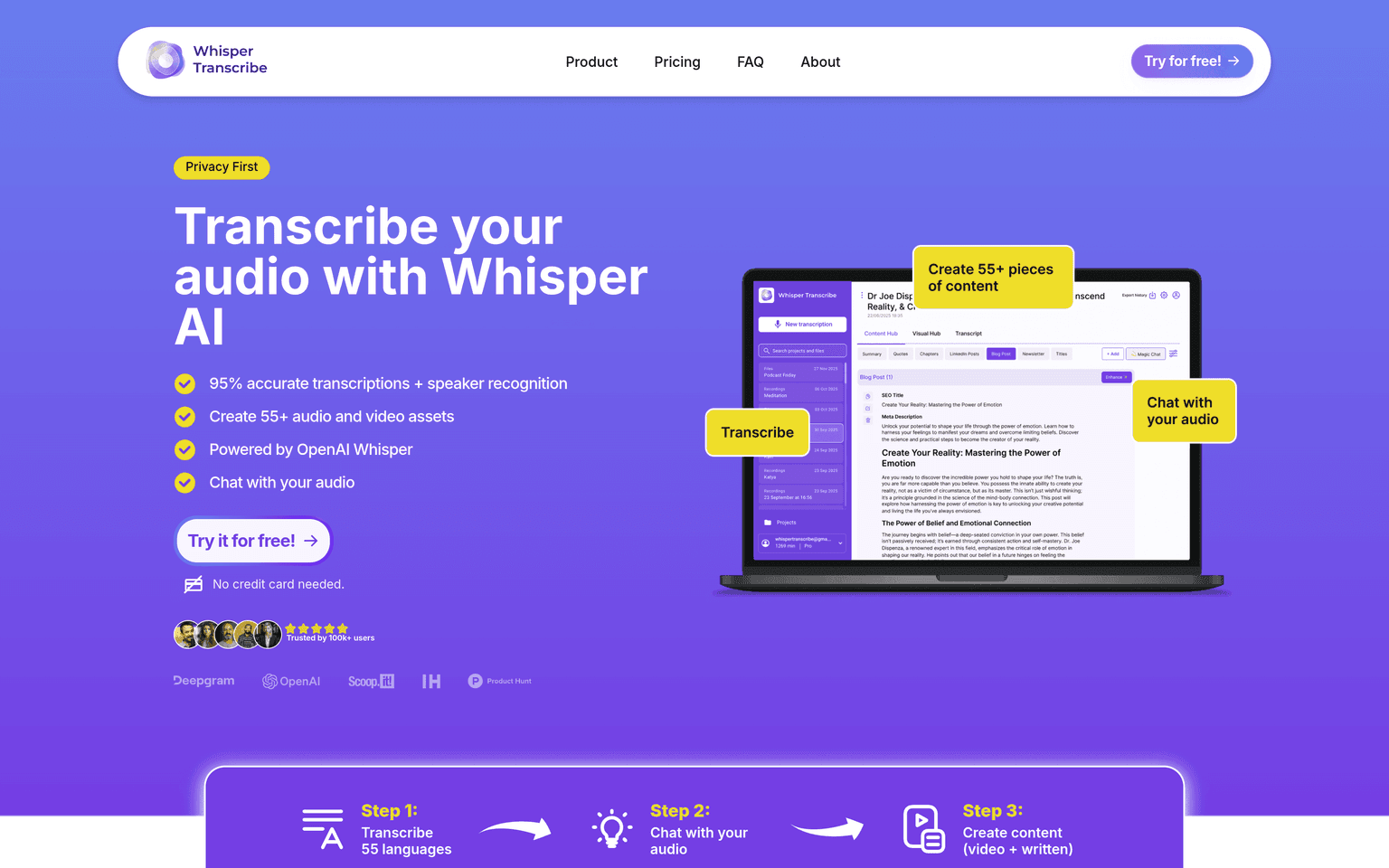
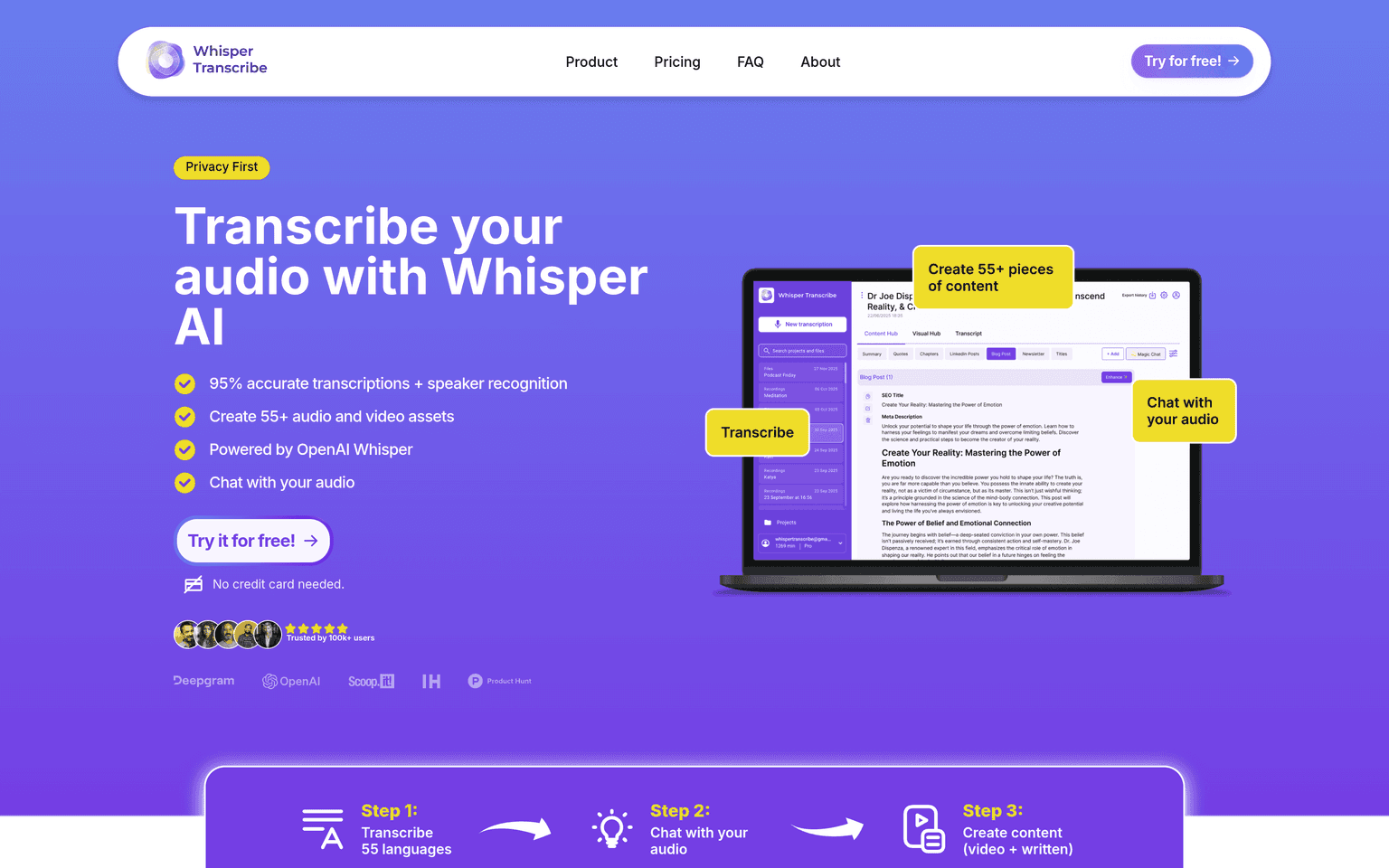
WhisperTranscribe is an audio transcription platform built on OpenAI's Whisper AI model, enabling users to convert spoken content into accurate text transcripts in minutes. The tool supports multiple languages and audio formats, making it accessible for podcasters, journalists, researchers, and content creators who need reliable transcription without manual effort.
Over 100,000 users rely on WhisperTranscribe to streamline their content production workflows. The platform integrates directly with audio files and provides immediate text output, eliminating the need for external transcription services or time-consuming manual transcription work. Users can edit, organize, and export transcripts within the application itself.
WhisperTranscribe differentiates itself through direct integration of OpenAI's Whisper model, which handles accents, technical terminology, and background noise more effectively than many competitors. The platform is designed for teams and individual creators who need fast, accurate transcription without hidden costs or lengthy setup processes.
Production credibility: 100,000+ active users; built on OpenAI's Whisper AI model; free tier available since launch.
Key Features
- Automatic speech-to-text conversion with multi-language support
- Direct audio file upload and processing in minutes
- In-app transcript editing and formatting tools
- Multiple audio format compatibility (MP3, WAV, M4A, etc.)
- Export transcripts in various formats (TXT, SRT, VTT)
- Speaker identification and timestamp markers
Ideal Use Case
WhisperTranscribe uses OpenAI's Whisper model directly, which is trained on 680,000 hours of multilingual audio data and handles diverse accents, technical terminology, and background noise better than many competitors.
How WhisperTranscribe differentiates
WhisperTranscribe uses OpenAI's Whisper model directly, which is trained on 680,000 hours of multilingual audio data and handles diverse accents, technical terminology, and background noise better than many competitors. Unlike generic transcription tools, it provides per-word confidence scores and allows immediate editing within the same interface where transcription occurs, reducing friction between capture and output. The platform serves content creators specifically, with pricing tiers designed for individual users rather than enterprise sales teams, and includes speaker diarization features that many competitors charge separately for.
FAQ
What audio formats does WhisperTranscribe support? WhisperTranscribe accepts common audio formats including MP3, WAV, M4A, FLAC, OGG, and others. Users can upload directly from their computer or paste audio URLs. Most audio files are processed in minutes depending on length.
Does WhisperTranscribe support multiple languages? Yes, WhisperTranscribe leverages Whisper AI's support for 99+ languages. The tool automatically detects the language in your audio and transcribes accordingly, making it suitable for international content.
Can I edit transcripts within WhisperTranscribe? Yes, WhisperTranscribe provides a built-in editor where you can correct any errors, add speaker names, adjust timestamps, and format your transcript. Changes are saved immediately to your account.
What export options are available? Transcripts can be exported as plain text (TXT), subtitle files (SRT/VTT), or copied directly from the editor. Some pricing tiers include API access for programmatic export.
Is WhisperTranscribe free? WhisperTranscribe offers a free tier with limited monthly transcription minutes. Paid plans unlock higher monthly limits, priority processing, and additional features like bulk uploads and team collaboration tools.
How accurate is Whisper AI for transcription? Whisper AI achieves approximately 95% accuracy on clear audio. Accuracy varies with audio quality, background noise, and speaker clarity. The in-app editor allows quick corrections if needed.
tl;dr
WhisperTranscribe is an audio transcription tool that converts speech to text using Whisper AI models.
Why Use WhisperTranscribe
FAQ
User Reviews
Similar Tools