Translate.photo
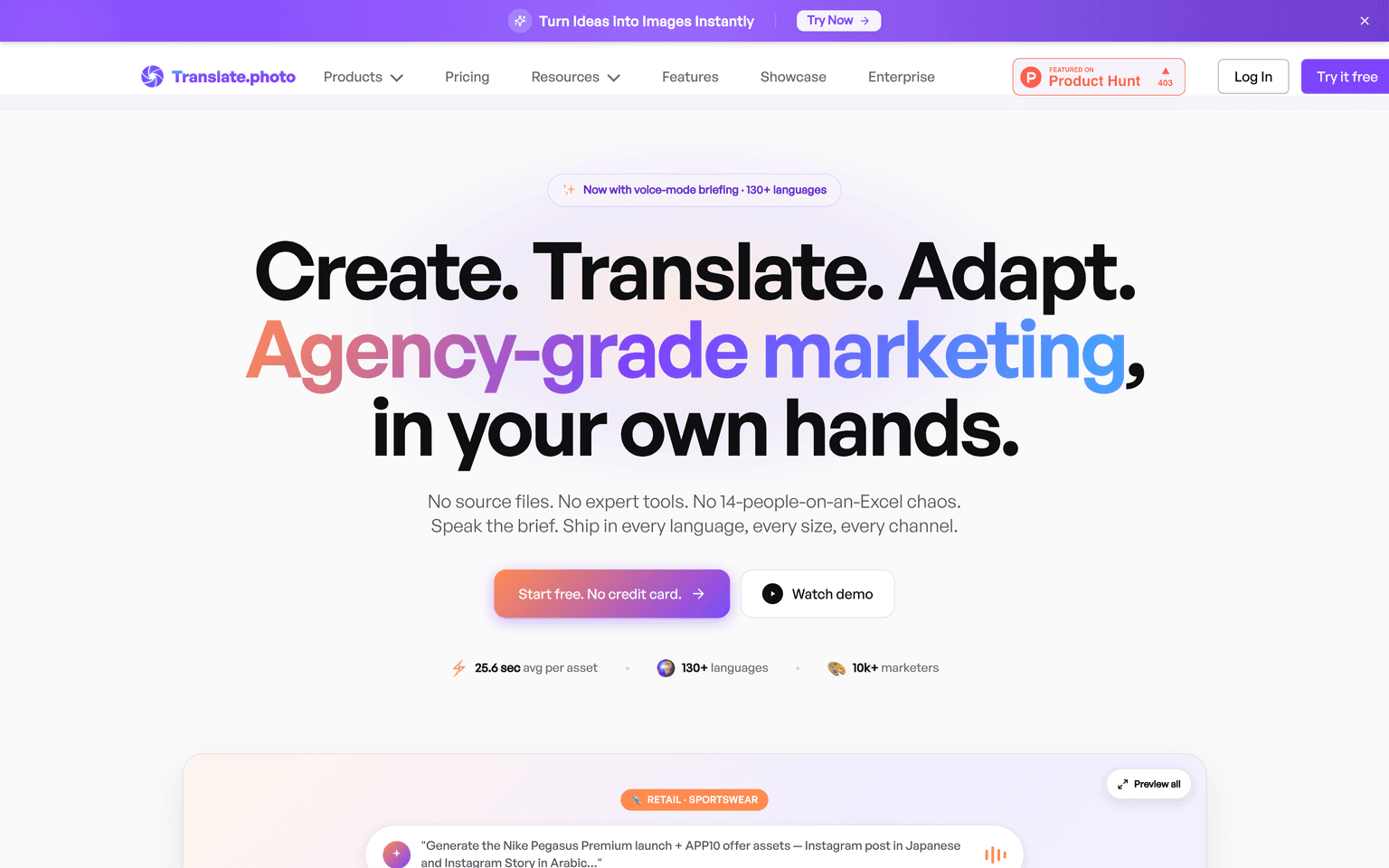
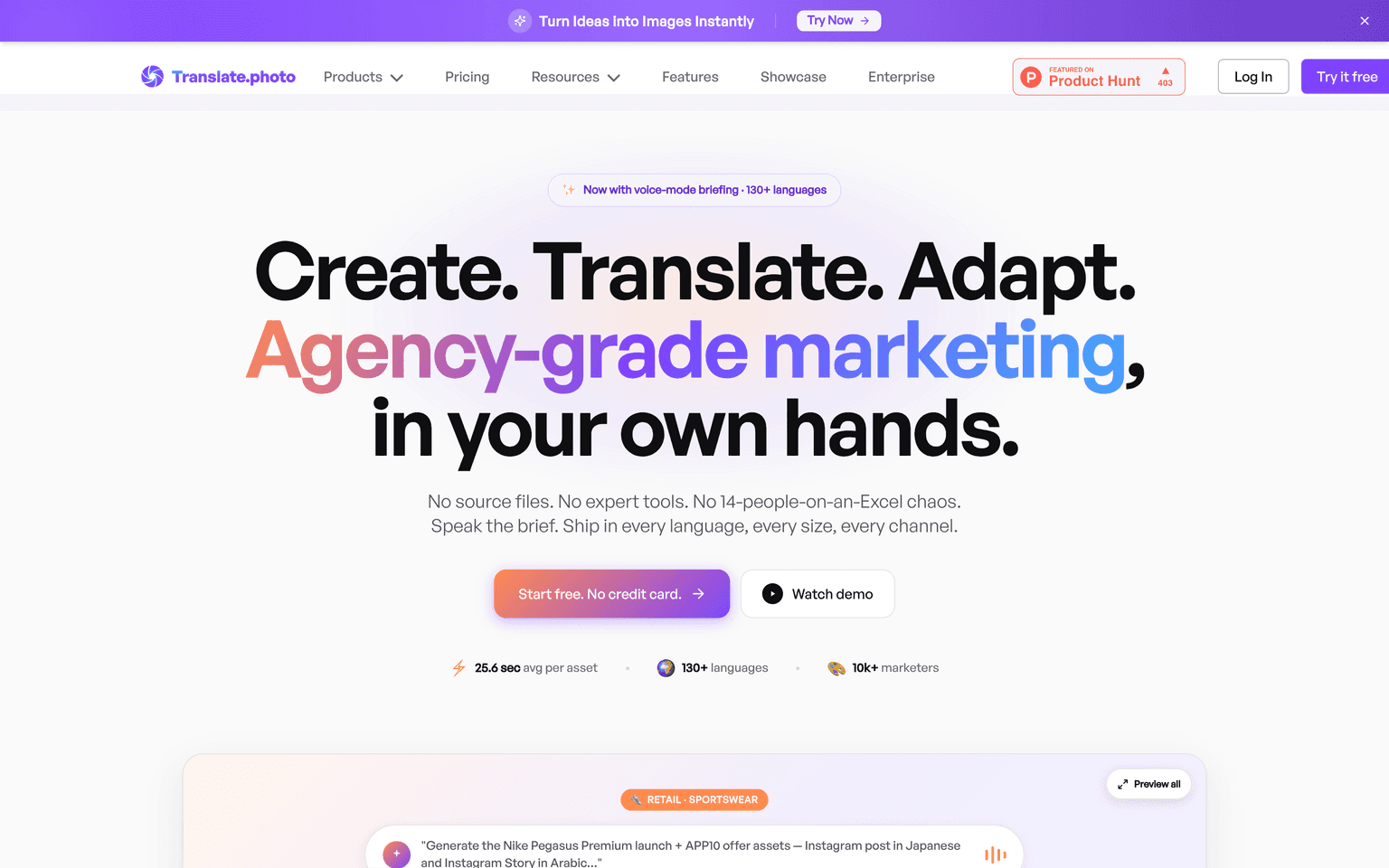
Translate.Photo is an image localization tool that creates, translates, and resizes marketing assets into 130+ languages without source files.
Overview
Translate.photo
Translate.Photo automates the creation and localization of marketing images across 130+ languages. Instead of managing multiple design files, coordinating with agencies, or learning complex design software, teams can generate on-brand visuals, translate their text content, and resize assets for different platforms—all within a single workflow. The platform eliminates the friction of traditional image workflows by storing your brand guidelines and generating variants directly from your input. Designed for marketing teams and solopreneurs who need speed without sacrificing consistency, Translate.Photo handles the technical aspects of localization—character rendering, text resizing, cultural adaptation—so you control the creative direction. You keep all source files in the cloud, make edits once, and deploy across regions instantly.
Production credibility: Founded 2021; YC-backed; serves brands in 40+ countries.
Key Features
- Generate on-brand images from text prompts using stored brand guidelines
- Translate and adapt visual content into 130+ languages with cultural context
- Resize assets automatically for different social platforms and ad networks
- Manage brand consistency with cloud-stored design rules and asset libraries
- Preview and edit translations before publishing across channels
Ideal Use Case
Unlike design tools (Figma, Canva) that require manual resizing for each channel, Translate.
How Translate.photo differentiates
Unlike design tools (Figma, Canva) that require manual resizing for each channel, Translate.Photo focuses exclusively on localization automation. Unlike translation services that work on text only, it handles the visual and technical challenges of image localization—character spacing, text overflow, and cultural adaptation. The platform stores brand guidelines as reusable rules, so teams don't recreate designs per language; they generate and translate once, then deploy everywhere. It removes the need for design expertise or agency coordination by automating the resize-and-translate pipeline in a single interface.
FAQ
Do I need to upload design files or use special software? No. Translate.Photo generates images from text descriptions using your stored brand guidelines. You don't need Figma files, Adobe Creative Suite, or design templates. Describe what you want, and the platform builds it—then translates and resizes automatically.
How does it handle text that doesn't fit after translation? Translate.Photo automatically adjusts text size and layout to fit the translated content. It accounts for character-width differences across languages and ensures text remains readable across platforms.
Can I edit translations before they go live? Yes. You can review and edit all translations in the editor before publishing. The platform also supports glossary uploads so domain-specific terms are handled consistently across all languages.
What happens to my brand guidelines and source assets? Everything is stored securely in the cloud. You can update brand rules, color palettes, or logos at any time, and all future generated images will reflect the changes. Old assets remain unchanged unless you regenerate them.
Which platforms and formats does it support? Translate.Photo generates assets sized for Instagram, Facebook, LinkedIn, Google Ads, TikTok, email, and web. Export as PNG, JPG, or WebP. Dimensions adjust automatically per platform without manual cropping.
How many languages are supported? Translate.Photo supports 130+ languages, covering all major markets and many regional variants. Languages are added based on demand.
tl;dr
Translate.Photo is an image localization tool that creates, translates, and resizes marketing assets into 130+ languages without source files.
Why Use Translate.photo
FAQ
User Reviews
Similar Tools