Pixlr
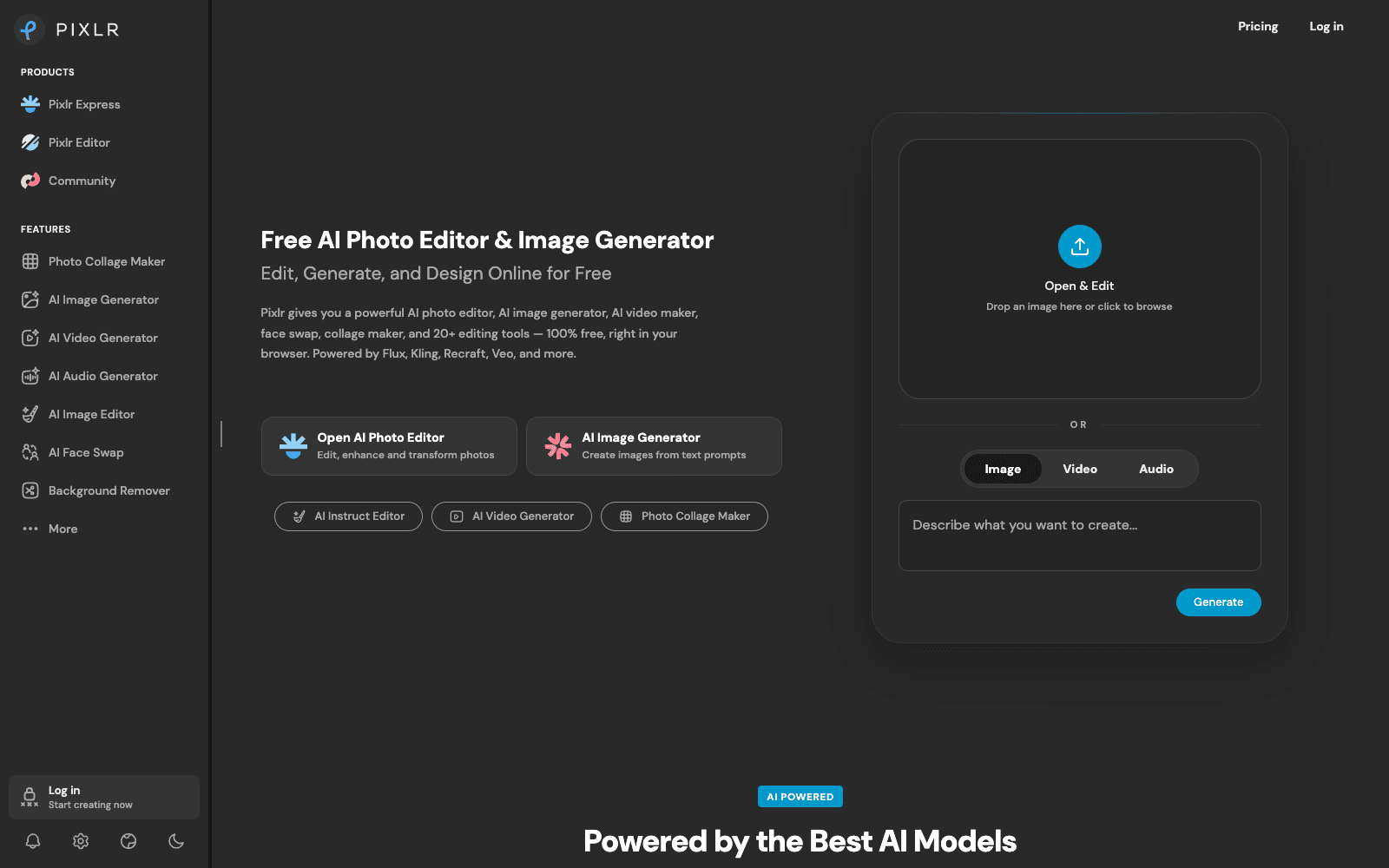
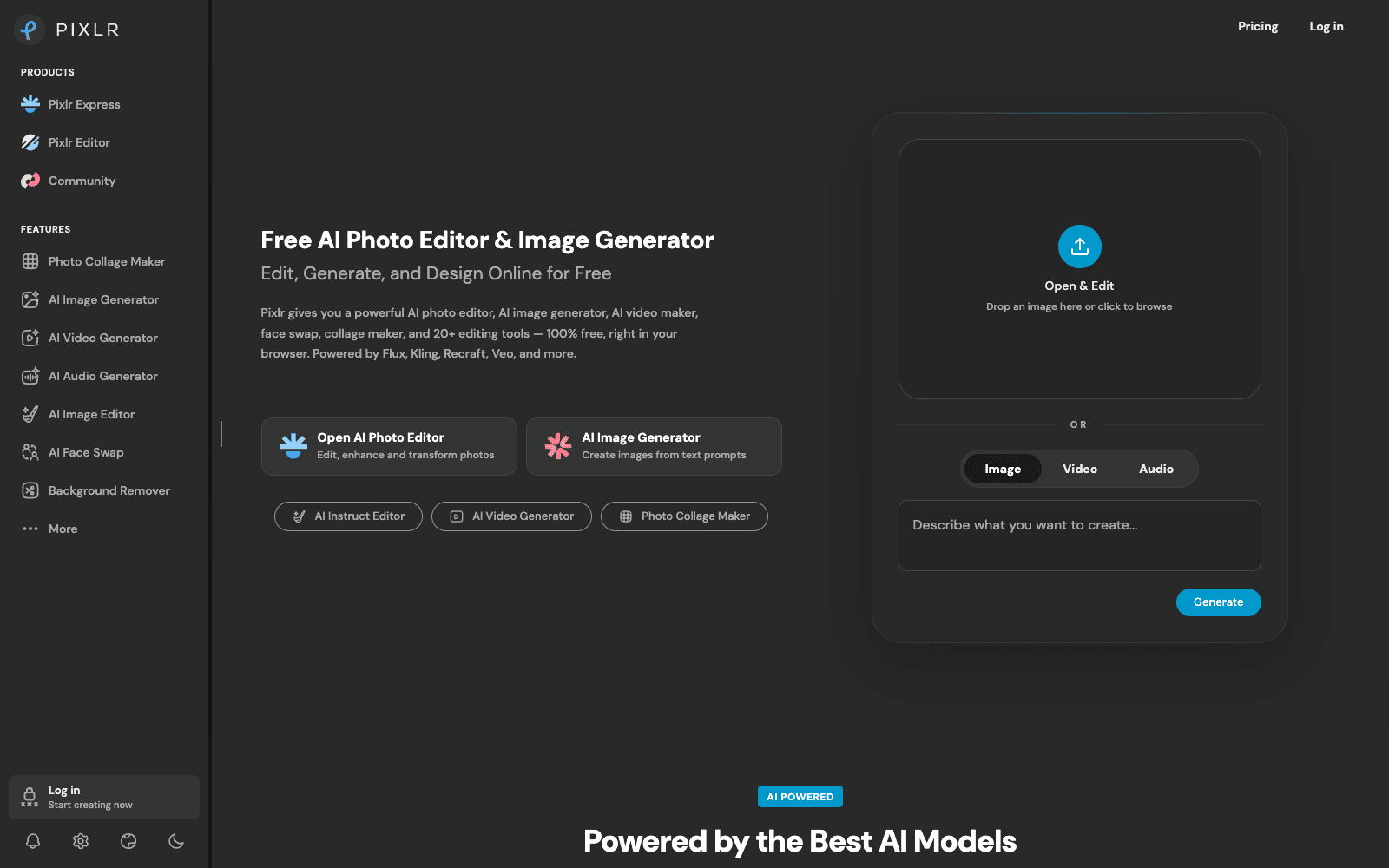
Pixlr is a browser-based AI photo editor and image generator that edits, generates, and expands images without installing anything.
Overview
Pixlr
Pixlr is a browser-based photo editor that has folded generative AI into a familiar layer-and-tools workflow. You open Pixlr Editor or the lighter Pixlr Express, drop in a photo, and get the usual crop, clone, and blur controls next to AI generative fill, generative expand, object removal, and one-click background removal. A text-prompt image generator sits inside the same editor, so a generated image can be refined without exporting. As of 2026 the generation side routes through a long list of third-party models the site names outright, including Flux, Kling, Recraft, Google Veo, Stable Diffusion, and Wan, and it now covers video and audio generation as well as stills. The free tier is ad-supported with limited AI credits; paid plans add credits, concurrent generations, private mode, and the full asset library.
Production credibility: Operated by Pixlr Pte Ltd; the site states millions of creators, lists named third-party models it runs on (Flux, Kling, Veo, Stable Diffusion, ElevenLabs), ships mobile and desktop apps, and offers a free-for-education program; no disclosed funding figures as of September 2026.
Key Features
- Generative fill, generative expand, and generative transform: select an area, describe the change, and the surrounding pixels are regenerated to match.
- One-click background removal and object removal with a draw-to-erase brush.
- Text-to-image generator built into the editor, with a choice of underlying models rather than a single house model.
- AI video generation from text or images, and audio and speech generation, inside the same account.
- AI Instruct Editor: type a plain-English edit ('make the sky overcast') and the change is applied to the open image.
- Super Scale upscaling to roughly 25 megapixels and a noise-reduction pass for grainy photos.
- Two front-ends: Pixlr Editor for layered work and Pixlr Express for quick fixes and collages.
- Credit-based plans with concurrent-generation limits that scale from one job at a time on the entry tier to eight on the top tier.
Ideal Use Case
Marketers and small-business owners who need product shots cleaned up, backgrounds swapped, and a few social graphics generated each week, without paying for or learning Photoshop. Pixlr makes sense when the job is 'fix this photo and make three variants' rather than print-grade retouching, and when running everything in a browser tab beats installing a desktop suite.
How Pixlr differentiates
Most browser editors bolt a single image generator onto a template tool. Pixlr keeps a real layered editor at the centre and treats generation as one of many tools inside it, and it exposes which third-party model does the work instead of hiding it behind a house brand. The trade-off is that the free tier is ad-supported and credit-capped, so anyone generating video or dozens of images a day will be nudged onto a subscription fairly quickly. In 2026 it is also a broad platform (image, video, audio) rather than a deep one; a dedicated video generator or a desktop retouching app will still beat it on its home turf.
FAQ
Q: Is Pixlr really free? A: Yes for the core editor. The free tier includes the editing tools and a limited pool of AI credits, with ads; paid plans remove ads and add more credits, concurrent generations, and the full template and font library. Education use is free.
Q: How does Pixlr compare to Photoshop? A: Pixlr covers the everyday jobs (crop, layers, masks, generative fill, background removal) in a browser with no install, and its own FAQ positions it as a Photoshop alternative. Photoshop still wins on colour management, print output, plug-ins, and heavy retouching.
Q: Which AI models does Pixlr use? A: The site lists Flux and Flux Pro, Kling, Recraft, Google Veo, Qwen, Stable Diffusion and SDXL, Seedance, Seedream, Grok Imagine, PixVerse, LTX Video, Vidu, Wan, ElevenLabs, ACE-Step, and MiniMax, with model access widening on the higher plans.
Q: Can Pixlr generate video as well as images? A: Yes. The AI Video Generator produces clips from text or images, and the top plans allow more concurrent video jobs and a priority queue. Video consumes credits faster than still images.
Q: Does Pixlr work on mobile? A: There are Pixlr Mobile and Pixlr Desktop apps in addition to the web editor, and a subscription applies across platforms.
tl;dr
Pixlr is the browser photo editor to reach for when you want layers and generative fill without installing anything. Free and ad-supported for basic work; credits and paid tiers for heavier AI use.
Why Use Pixlr
User Reviews
Similar Tools