Padlet
Visual boards for classrooms with AI image generation, board creation, and multimedia posts.
Overview
Padlet: the digital bulletin board that grew an AI brain
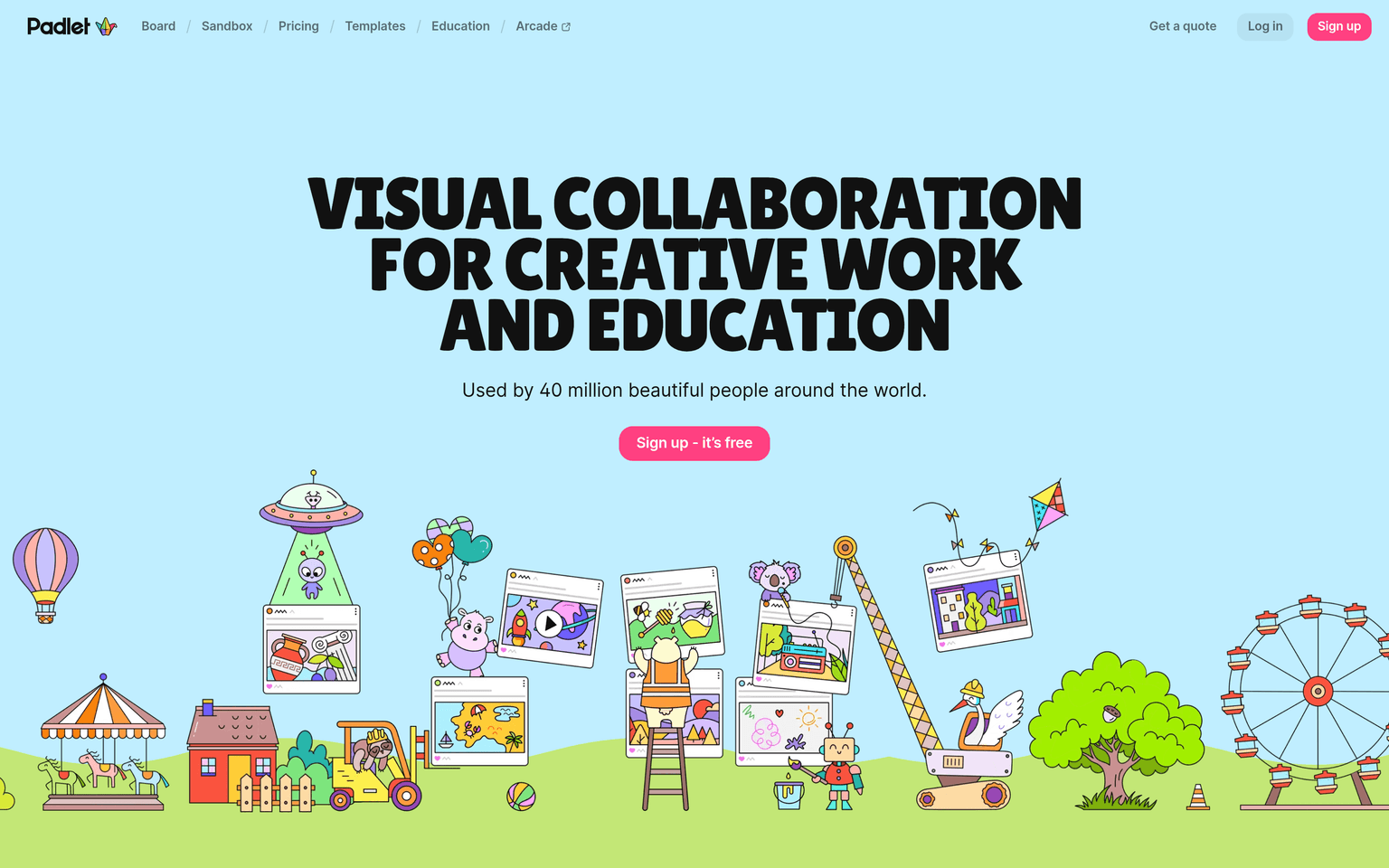
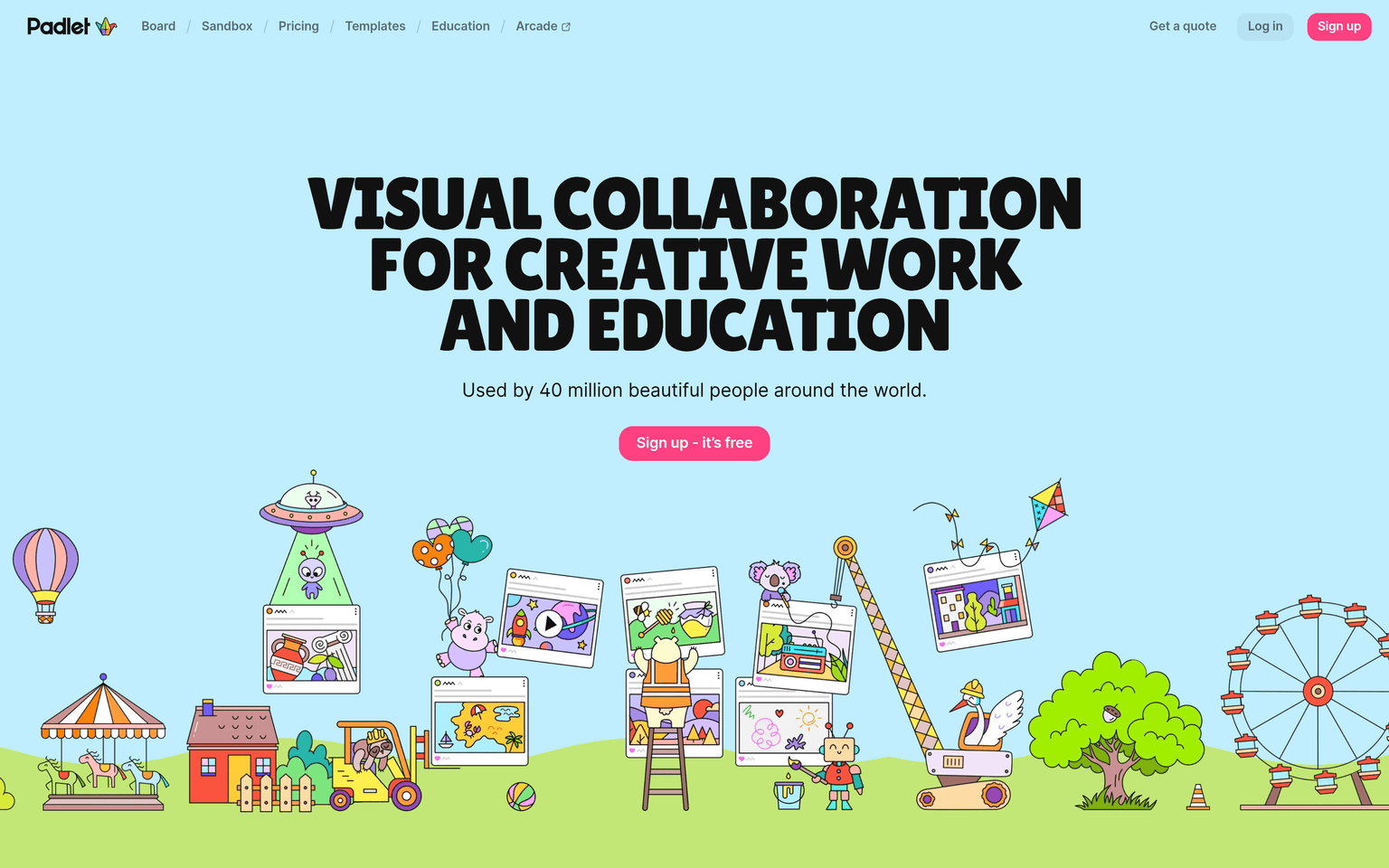
Padlet describes itself as beautiful boards and canvases for visual thinkers and learners, and that framing is accurate: a padlet is a shared surface — wall, grid, timeline, map, or freeform canvas — where a class posts text, images, video, audio, links, and drawings. Students contribute from any device, comment and react on each other's posts, and the board becomes a living artifact of the lesson: an exit-ticket wall, a debate map, a gallery of project work, a KWL chart.
The AI features are woven into that workflow rather than bolted on. Magic Padlet generates a complete, ready-to-edit board from a short description in several classroom formats — lesson plans, discussion boards, reading lists, maps, timelines. The AI image tool (launched as "I Can't Draw") lets a student describe a picture and choose from six generated images, giving non-artists visuals for their posts. Add AI-guided discussion boards, text-to-speech in 40+ languages, and automatic video captions, and Padlet quietly covers a lot of accessibility and creativity ground. A free plan covers a limited number of boards; paid personal plans start around $10/month, and Padlet for Schools adds admin controls, rostering, and district privacy management.
Key Features
- Shared boards in multiple formats: wall, grid, timeline, map, and freeform canvas (sandboxes)
- Magic Padlet: AI-generates a complete board — lesson plan, discussion, reading list — from a prompt
- AI image generation ("I Can't Draw") giving students six images to choose from per description
- Multimedia posts with drawing, audio, video recording, comments, and reactions
- Accessibility tooling including text-to-speech in 40+ languages and automatic captions
- Padlet for Schools with admin console, rostering, and school-wide privacy controls
Ideal Use Case
A teacher who wants every student's voice visible at once — brainstorms, exit tickets, project galleries, class discussions — on one shared visual surface that also works for younger students who express ideas better in images than text.
How Padlet differentiates
Padlet reports 40 million users worldwide, making it one of the most broadly adopted visual collaboration tools in education. Rather than chasing enterprise whiteboarding, it has stayed focused on simple, fast classroom boards and shipped a steady stream of built-in AI (Magic Padlet, AI images, AI-guided discussions) that requires zero prompt-engineering skill from teachers or students.
FAQ
Is Padlet free? Yes, with a cap on how many boards you can keep active. Paid personal plans (from roughly $10/month) add unlimited padlets and larger uploads; schools buy Padlet for Schools for whole-campus access.
What can the AI actually do? Magic Padlet builds complete boards from a description, the AI image tool generates pictures for posts, and AI-guided discussion boards help structure conversations — all inside the normal board interface.
How does Padlet handle student data privacy? Padlet for Schools gives administrators central control over accounts, sharing defaults, and student data, and Padlet publishes privacy documentation for schools; districts should confirm current COPPA/FERPA terms during procurement.
Do students need accounts to post? Teachers can allow posting via link without student logins, or use managed accounts through Padlet for Schools when attribution and moderation matter.
tl;dr
The classroom-standard visual board, used by 40 million people, now with AI that generates whole boards and images on demand.
Related
Looking for more options? Browse the Education & Learning directory or read our best AI education tools listicle. Padlet is also tracked on Crunchbase.
Why Use Padlet
User Reviews
Similar Tools