Opera Neon
Opera Neon is Opera's agentic AI browser for Windows and macOS, with agents that act on pages, research and connect to tools over MCP.
Overview
Opera Neon
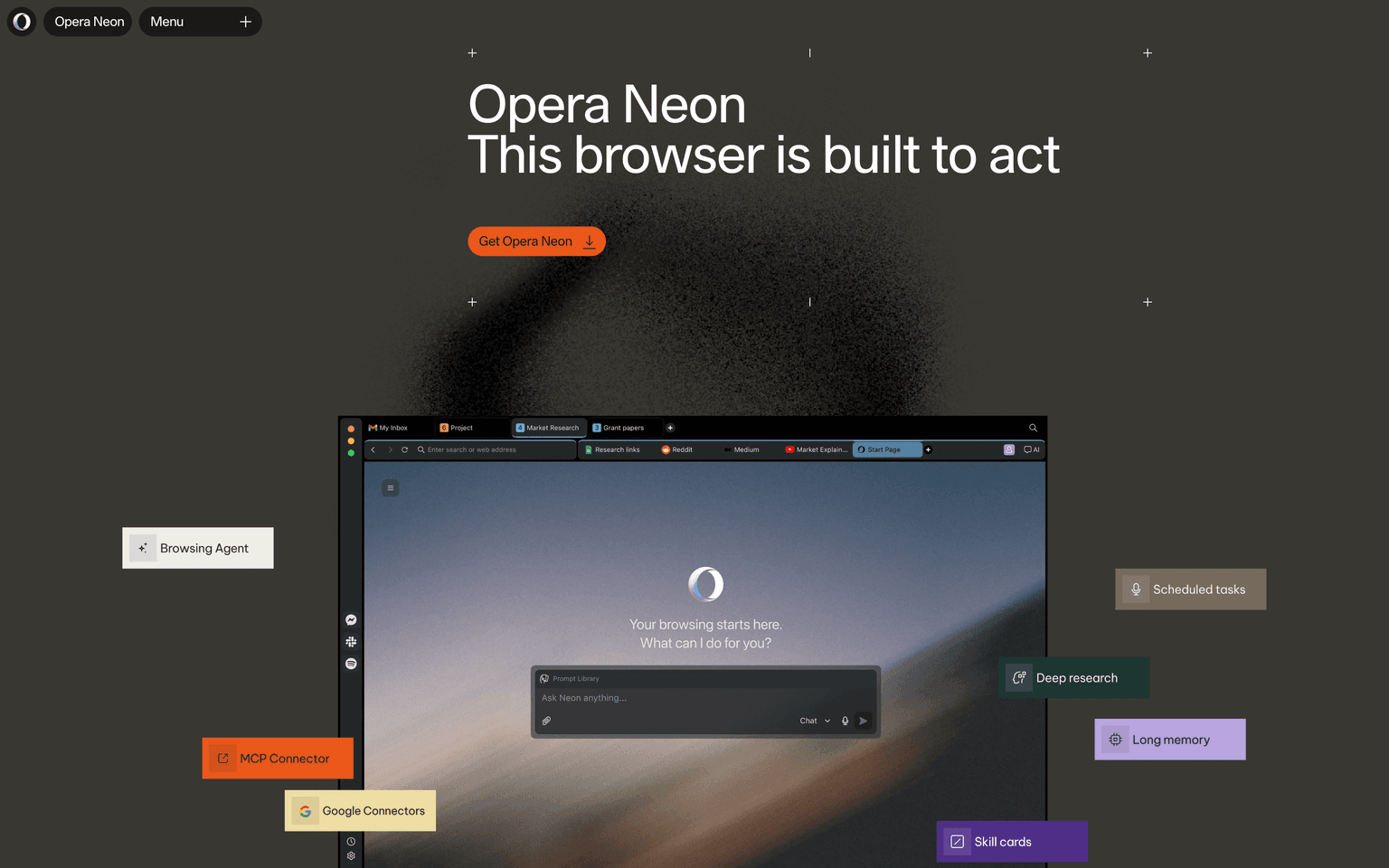
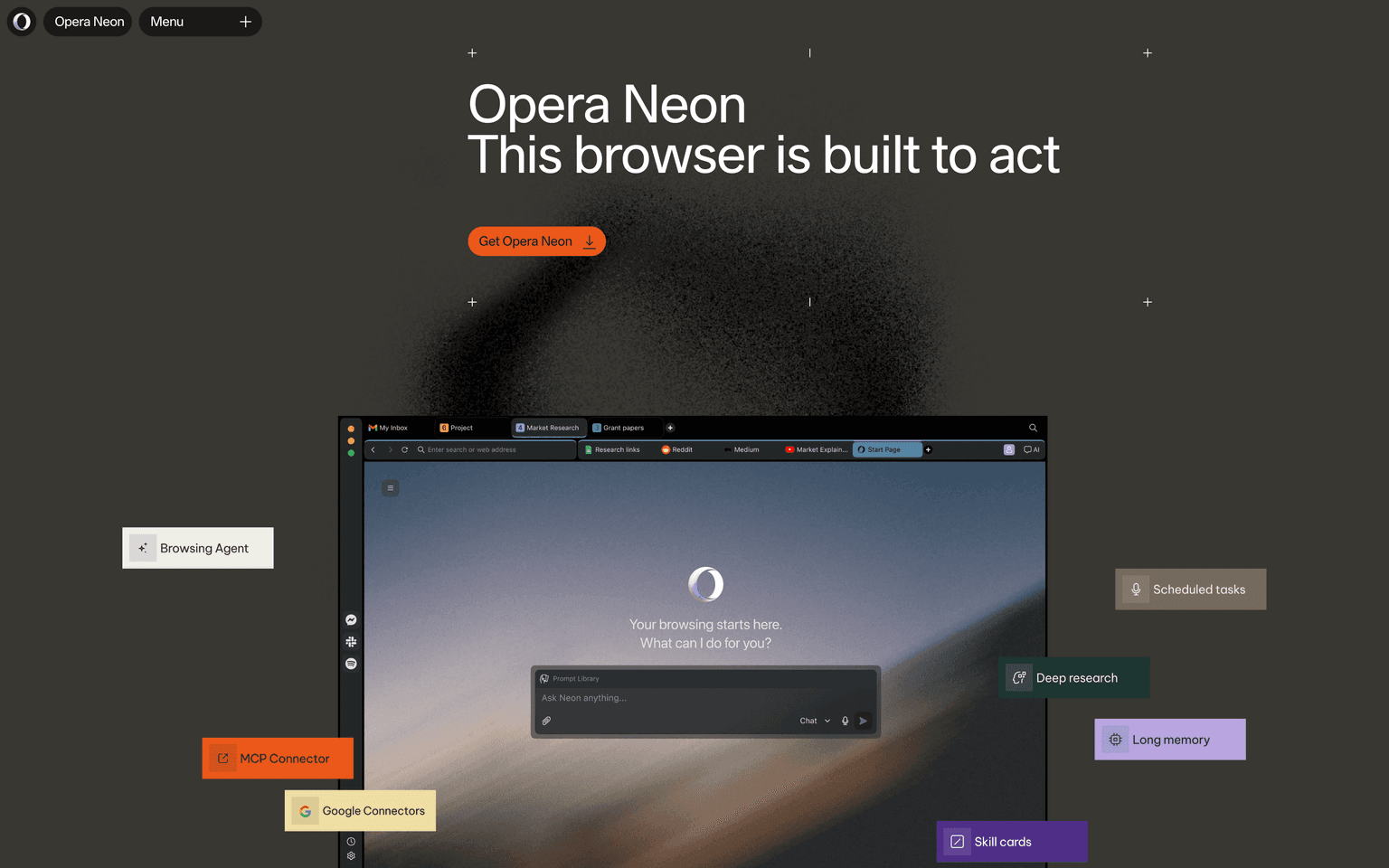
Opera Neon is an agentic AI browser from Opera for Windows and macOS. Opera Neon is built around agents that act inside the browser rather than a chat box beside it: Neon Do works on the page you are viewing, manages tabs and runs scheduled tasks; Neon Chat answers questions using your open tabs as context; and three research agents handle deep reports, one-minute overviews and local, logged-in research. The browser also acts as an MCP server and CLI target, so outside agents such as Claude Code can read and act in your live session, with actions requiring your permission by default.
Production credibility: Neon comes from Opera, the European browser company, and shipped publicly on September 30, 2025, according to its release notes. It keeps standard Opera features, including a built-in ad blocker and a free VPN that needs no subscription. Neon routes tasks across models from several providers; its FAQ lists Gemini, Grok, GPT, Claude Opus and Sonnet, DeepSeek, GLM-5 and Qwen3, plus Veo 3.1 and Nano Banana for media. Opera says login credentials, passwords, card details and cookies stay on the device, that it never trains models on user data, and that chat and agent data is kept on its servers for 365 days. Pricing on its subscription page: a free download with the browser, ad blocker, VPN, basic AI chat and the MCP and CLI connectors, and a Standard plan at $19.90 a month that unlocks the agents, deep research, image and video generation, scheduled tasks and full model choice.
Key Features
- Neon Do agent that acts on the open page, manages tabs and runs scheduled tasks
- Neon Chat with your open tabs as context, plus image and video generation
- Deep Research, One-Minute Research and Local Research agents
- Neon Cards: reusable skills that work across chat, Do and research
- MCP server and CLI so external agents can use your live browser session
- Built-in ad blocker and free VPN carried over from the Opera browser
Ideal Use Case
Knowledge workers who spend the day across many tabs and want research, comparisons and form-heavy chores done inside the browser they already use. The MCP and CLI connectors also make Neon a fit for developers who want Claude Code or n8n workflows to work in a real, logged-in browser session instead of a sandboxed one.
How Opera Neon differentiates
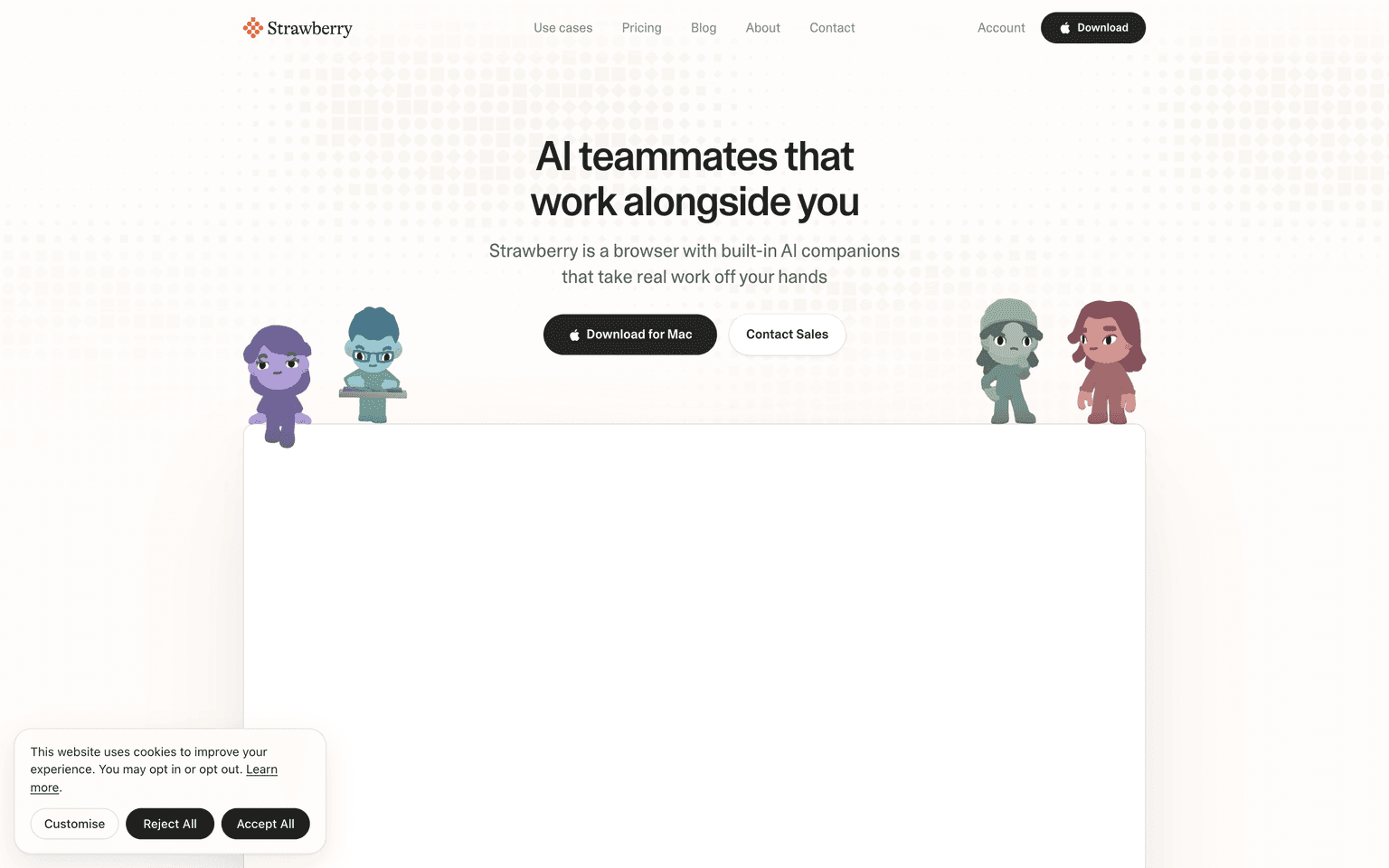
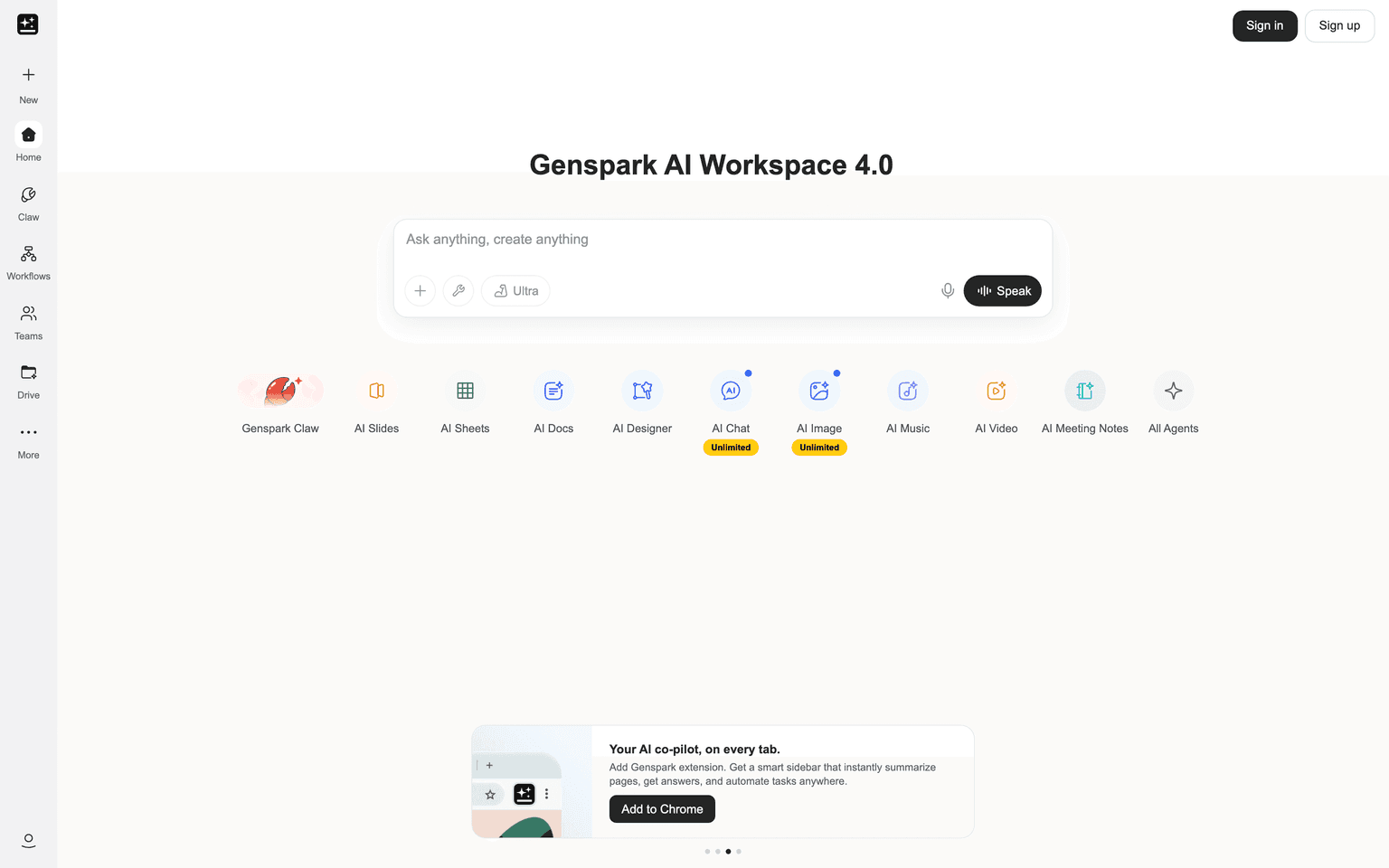
Comet by Perplexity and Genspark are the nearest rivals among AI browsers. Opera Neon's difference is that it opens your live, logged-in browser to outside agents through MCP and a CLI, and that it carries Opera's ad blocker and free VPN. It is also model-agnostic, routing tasks across several labs' models rather than one. The limits: the agent features need the $19.90 subscription, there is no mobile version yet, and agent data stays on Opera's servers for a year.
FAQ
Q: What is Opera Neon? A: Opera Neon is an agentic AI browser from Opera for Windows and macOS. Its agents can act on web pages, manage tabs, run scheduled tasks and produce research reports inside the browser.
Q: Is Opera Neon free? A: The browser is a free download with an ad blocker, a free VPN, basic AI chat and MCP and CLI connectors. The Standard plan at $19.90 a month unlocks the agents, deep research, media generation and full model choice.
Q: What AI models does Opera Neon use? A: Opera Neon is model-agnostic. Its FAQ lists Gemini, Grok, GPT, Claude Opus and Sonnet, DeepSeek, GLM-5 and Qwen3, plus Veo 3.1 and Nano Banana for images and video.
Q: Can Claude Code use Opera Neon? A: Yes. Neon acts as an MCP server, so tools such as Claude Code, Lovable and n8n can connect to your live browser session. The connection is read-only by default, and clicking or filling forms needs your permission.
Q: Is Opera Neon available on mobile? A: Not yet. Opera Neon is available for macOS and Windows, and Opera says a mobile version is planned.
tl;dr
Opera Neon is Opera's agentic AI browser for Windows and macOS, with agents that act on pages, run research and connect to outside tools over MCP. The browser is free to download; the agent features need the $19.90 a month Standard plan.
Why Use Opera Neon
User Reviews
Similar Tools