Microsoft Translator
Microsoft Translator is the translation service from Microsoft, with free consumer apps and Azure AI Translator and Speech APIs for developers.
Overview
Microsoft Translator
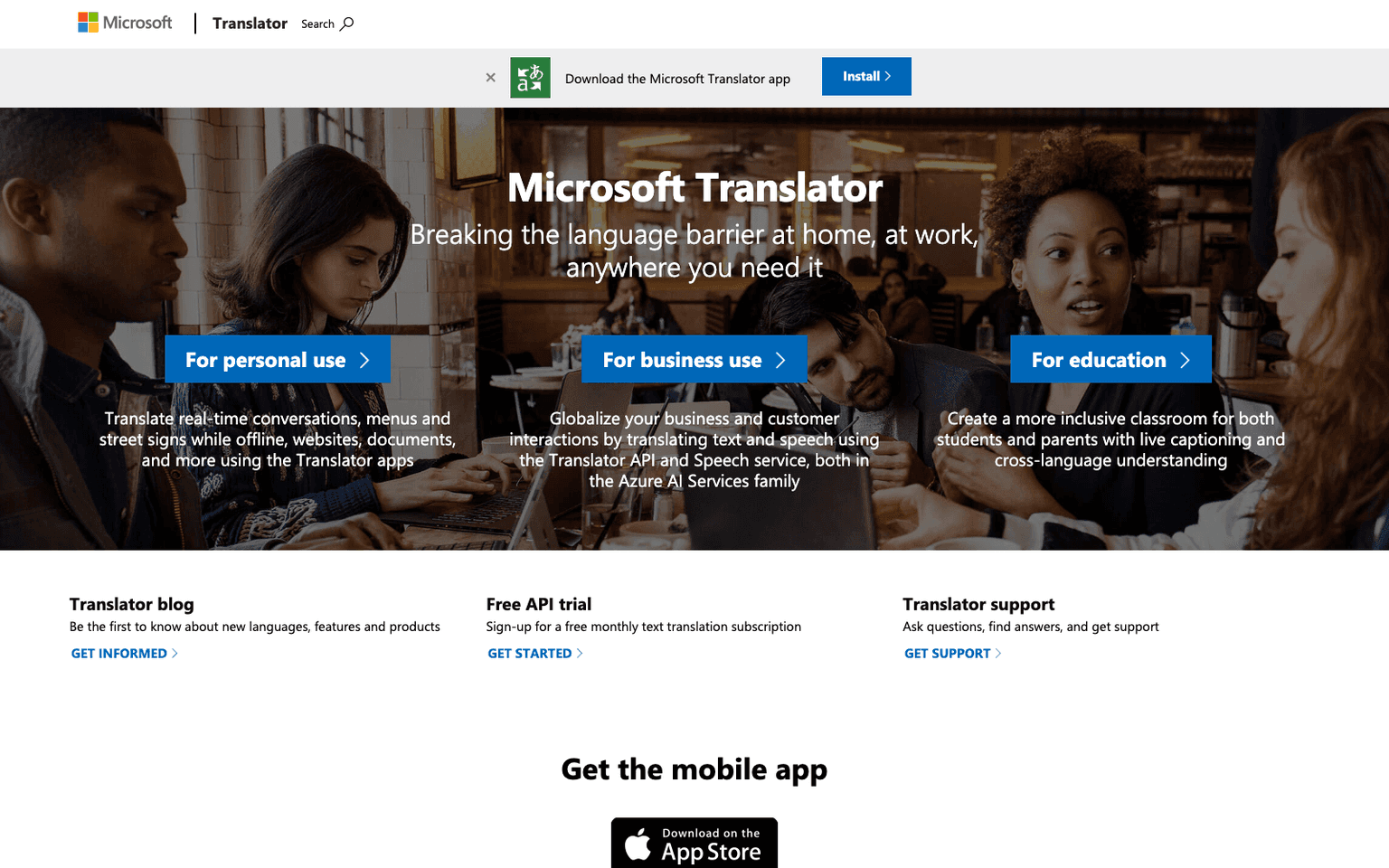
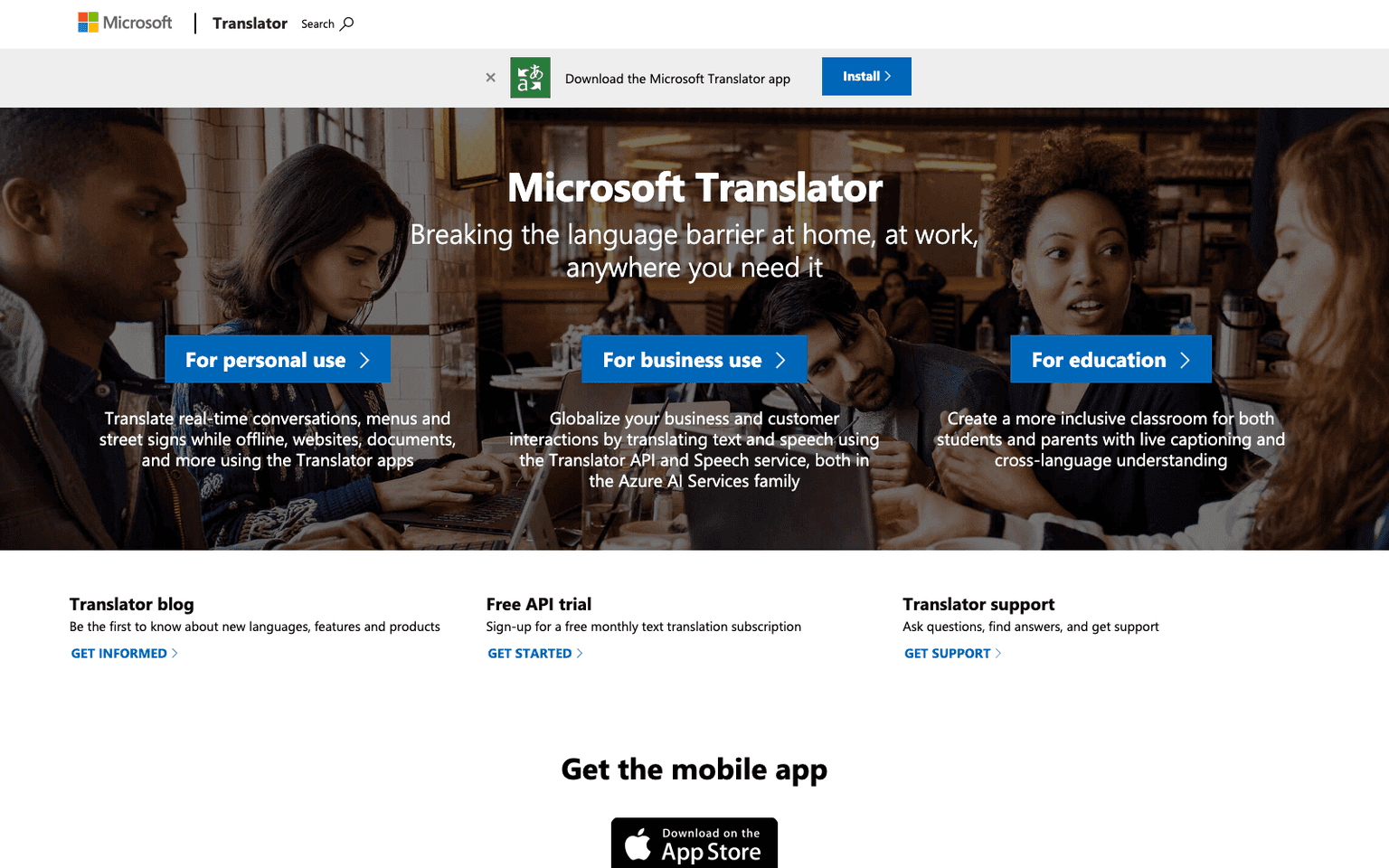
Microsoft Translator is Microsoft's machine translation service, delivered as free consumer apps and as APIs inside the Azure AI Services family. The apps translate real-time conversations between people speaking different languages, menus and street signs from the camera, websites and documents, and work offline with downloaded language packs. For business, the Translator API and Speech service let developers add text and speech translation to their own products, with a free monthly text-translation allowance to start. Education is a stated focus: live captioning and cross-language understanding are positioned for classrooms where students and parents speak different languages. Microsoft Translator supports more than 100 languages, ships on Windows, iOS and Android, and publishes a blog announcing new languages and features. As of 2026 the service is the translation layer behind Microsoft's broader products, and the consumer pricing model is simple: the apps are free, and API usage beyond the free tier is billed through Azure.
Production credibility: First-party Microsoft product within Azure AI Services; free consumer apps on Windows, iOS and Android; developer API with a free monthly text-translation tier; official blog and support channels; Facebook page; the Microsoft parent company's scale and compliance apply.
Key Features
- Real-time conversation translation between multiple speakers and languages in the mobile and desktop apps
- Camera translation of menus, street signs and printed text, and offline translation with downloaded language packs
- Website and document translation from the apps
- Translator API for text translation and the Azure Speech service for speech-to-speech and speech-to-text translation in your own applications
- Free monthly text translation subscription for developers trying the API
- Live captioning and cross-language understanding for classrooms, positioned for students and parents
- Support for more than 100 languages, with new languages announced on the Translator blog
- Apps available on Windows, iOS and Android
Ideal Use Case
Microsoft Translator is for travelers and multilingual households who want a free, offline-capable app for conversations and signs, for teachers running classrooms with several home languages, and for developers who already build on Azure and need a translation API with a free tier and enterprise billing. Choose it over Google Translate when your organization standardizes on Microsoft 365 and Azure, or when live classroom captioning is the goal.
How Microsoft Translator differentiates
The consumer app is comparable to other free translators; the difference is the Azure API behind it, which puts translation under the same billing, identity and compliance umbrella as the rest of a Microsoft estate. The classroom captioning use case is a genuine specialty, and offline packs make the app usable without a data plan. The trade-offs are that the consumer web presence is thin (the marketing page is a short landing with links out to Azure), advanced features and volume require an Azure account, and translation quality on rare language pairs varies as it does for every provider, so test your specific pairs before committing a product to it.
FAQ
Q: Is Microsoft Translator free? A: The consumer apps are free. Developers get a free monthly text-translation subscription on the Translator API, and usage beyond that is billed through Azure AI Services.
Q: How does Microsoft Translator compare to Google Translate? A: Both offer free apps with conversation, camera and offline modes across 100+ languages. Microsoft Translator is the better fit inside a Microsoft 365 or Azure environment, offers classroom live captioning, and its API sits in Azure AI Services; Google Translate has a larger consumer footprint and broader web integration.
Q: Does Microsoft Translator work offline? A: Yes. The apps translate offline with downloaded language packs for conversations, menus and street signs.
Q: Can developers use Microsoft Translator in their own apps? A: Yes, via the Translator API for text and the Azure Speech service for spoken translation, both part of Azure AI Services, with a free tier to start.
Q: Which platforms have the Microsoft Translator app? A: Windows, iOS and Android, plus web access; the apps handle conversations, documents, websites and camera input.
tl;dr
Microsoft Translator pairs free consumer apps for conversation, camera, document and offline translation with the Azure Translator and Speech APIs for developers. The natural choice for Microsoft-centric organizations and classrooms; the consumer site is thin and advanced use runs through Azure.
Why Use Microsoft Translator
User Reviews
Similar Tools