marimo
marimo is an open-source reactive Python notebook stored as .py files, so notebooks stay git-friendly and run as scripts or apps.
Acquired marimo
Acquired · October 2025
Still operating. CoreWeave announced a definitive agreement to acquire Marimo Inc., maker of the open-source reactive Python notebook marimo, on October 30, 2025, on undisclosed terms. CoreWeave committed to keep the notebook free and Apache 2.0 licensed; marimo.io still runs under the marimo name, now with CoreWeave's legal policies.
Acquired by CoreWeave.
Last known pricing: Open-source notebook is free (Apache 2.0).
Is marimo shut down?
No — marimo is still operating. Its acquisition by CoreWeave was announced on October 30, 2025, and the product continues to ship. We list it in the ToolDirectory.AI graveyard's acquired-but-operating section and watch for post-acquisition changes.
What to use instead



Overview
marimo
marimo is an open-source Python notebook that fixes the two problems teams complain about most in Jupyter: hidden state and unreviewable diffs. marimo stores each notebook as a plain .py file rather than JSON, so it version controls like code and runs as a script or a web app without conversion. Its execution model is reactive — change a cell and every cell that depends on it re-runs — which removes the stale-variable failures that make notebooks hard to trust. Interactive widgets and SQL cells are built in rather than bolted on.
Production credibility: marimo is developed in the open at github.com/marimo-team/marimo, where the project has around 22,500 stars, and the notebook itself is free. The team also runs molab at molab.marimo.io, a hosted service for running and sharing notebooks online, which is the commercial layer over the open-source core. Because the format is a plain Python file, notebooks remain executable and reviewable outside marimo, which is a practical hedge against tool lock-in.
Acquisition note (October 2025): CoreWeave announced on October 30, 2025 that it would acquire Marimo Inc., the company behind the marimo open-source Python notebook. Terms were not disclosed. CoreWeave says the notebook stays free and permissively licensed, and the product continues under its own name at marimo.io.
Key Features
- Reactive execution: dependent cells re-run automatically when a value changes
- Notebooks stored as .py files, so diffs and reviews work normally
- Runs as a script or deploys as a web app without conversion
- Built-in interactive UI widgets bound to Python variables
- SQL cells for querying data alongside Python
- Open source, with molab as a hosted option for sharing
Ideal Use Case
Data and ML teams that need notebooks in the same repository and review process as the rest of the code, and anyone who has been burned by a notebook that only ran correctly in one particular execution order. It also fits people who want to turn an analysis into a small internal app without rewriting it in a separate framework.
How marimo differentiates
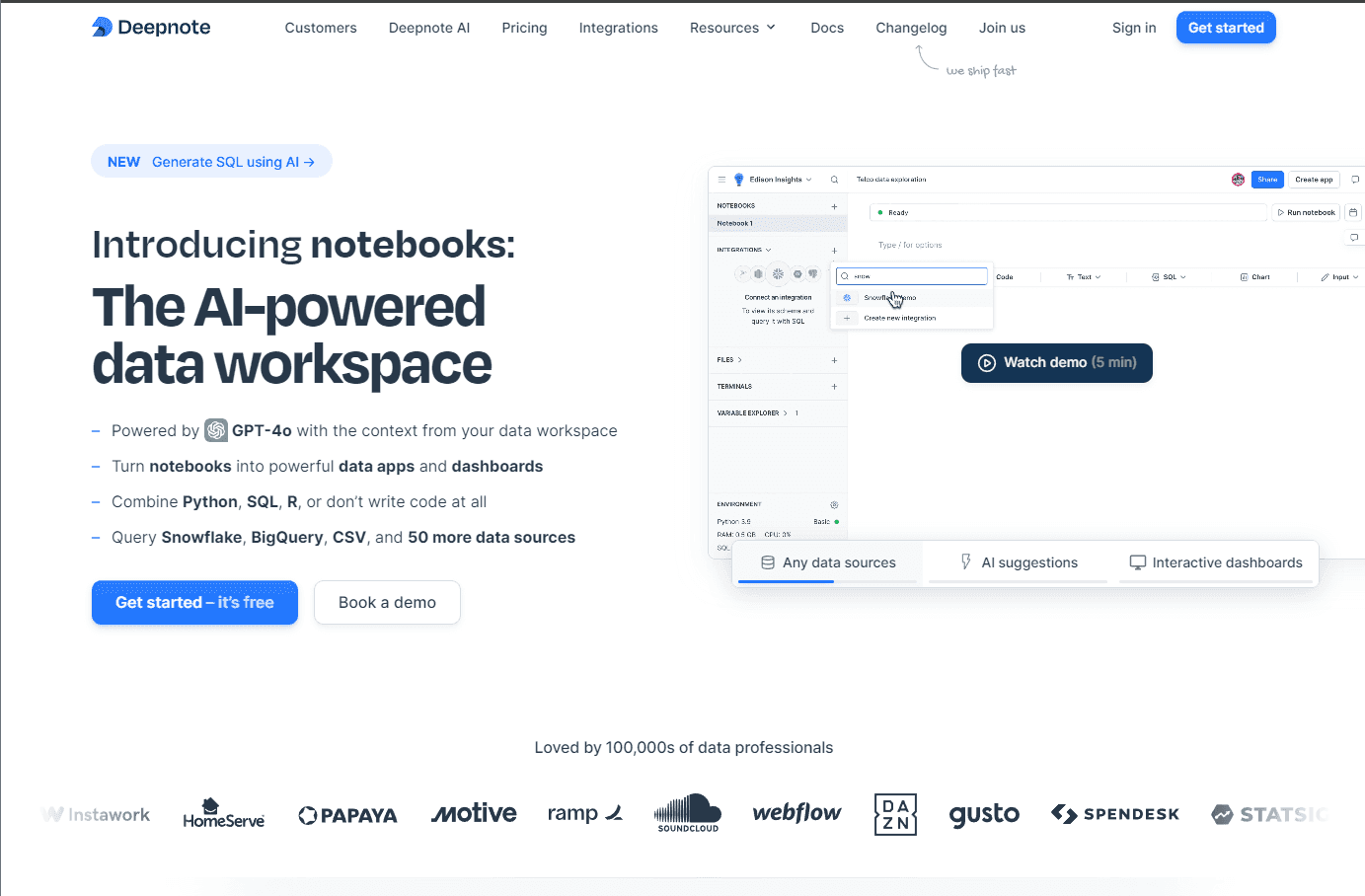
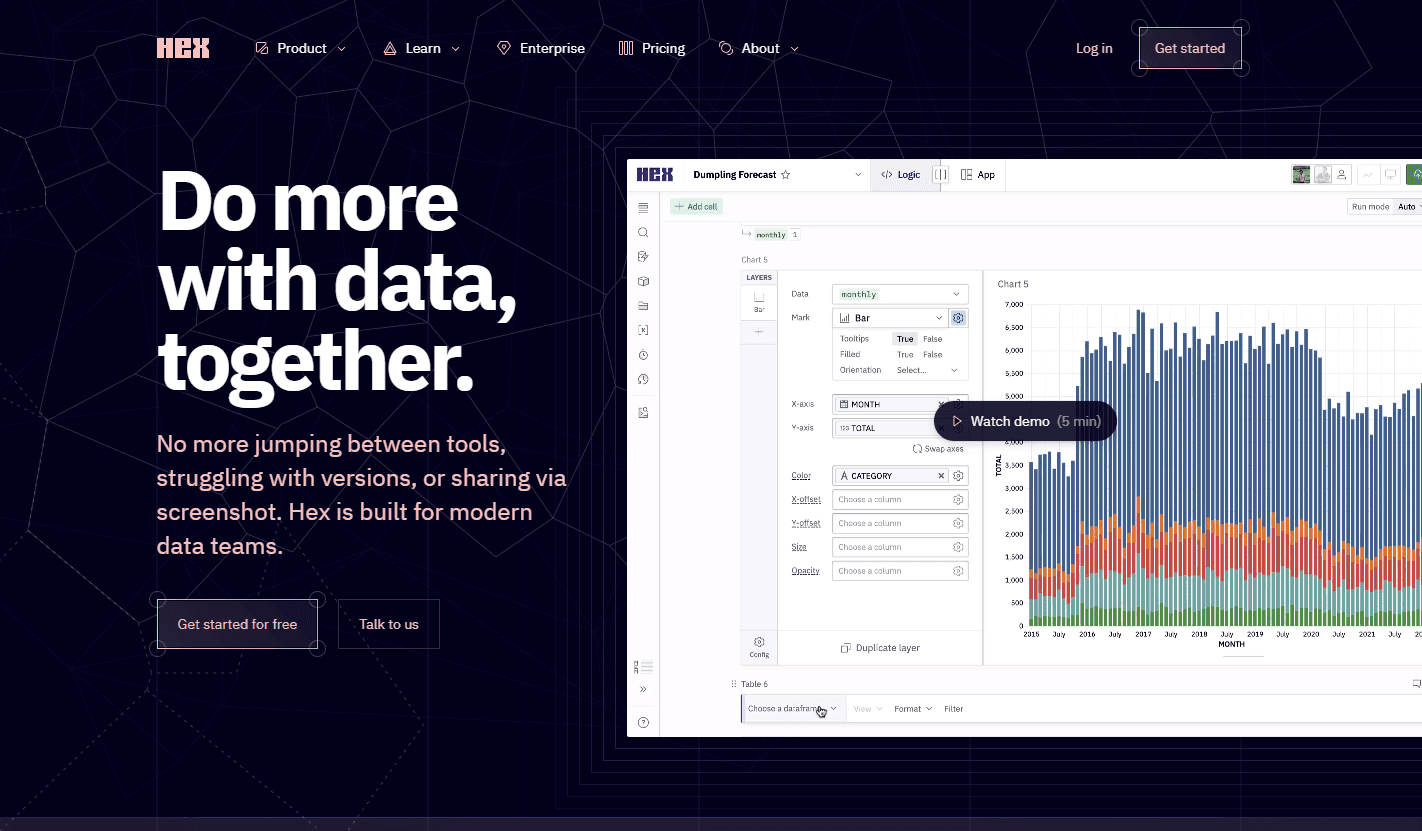
Jupyter is the incumbent and Streamlit and Gradio are the app layers people bolt onto it. marimo collapses the two: the notebook is already a Python file and already an app, and the reactive model removes the manual re-run discipline Jupyter requires. The cost of that is behavioural — reactivity changes how you write cells, and long-running cells need care. Hex and Deepnote offer polished hosted collaboration; marimo's answer is open source plus molab.
FAQ
Who owns marimo? marimo is owned by CoreWeave, which announced the acquisition of Marimo Inc. on October 30, 2025. The notebook remains open source and free to use.
Q: What is marimo? A: marimo is an open-source reactive Python notebook. Notebooks are stored as .py files, dependent cells re-run automatically, and the same file can run as a script or a web app.
Q: How is marimo different from Jupyter? A: Jupyter stores notebooks as JSON and requires you to manage execution order manually. marimo stores them as Python files, so they diff and review like code, and re-runs dependent cells automatically to avoid stale state.
Q: Is marimo free? A: Yes. The notebook is open source and free. The team also offers molab, a hosted service for running and sharing notebooks online.
Q: Can marimo notebooks become apps? A: Yes. A marimo notebook can be served as a web app with its interactive widgets intact, without rewriting it in a separate framework.
Q: Does marimo support SQL? A: Yes. SQL cells are built in, so you can query data directly and use the result in Python cells in the same notebook.
tl;dr
marimo is an open-source reactive Python notebook stored as .py files: git-friendly, free of stale state, and runnable as a script or web app. Around 22,500 GitHub stars, with molab as the hosted option.
Why Use marimo