MailMaestro (formerly Flowrite)
MailMaestro (formerly Flowrite) is an AI email assistant for Outlook and Gmail that drafts, replies, summarizes threads, and triages your inbox.
Overview
MailMaestro (formerly Flowrite)
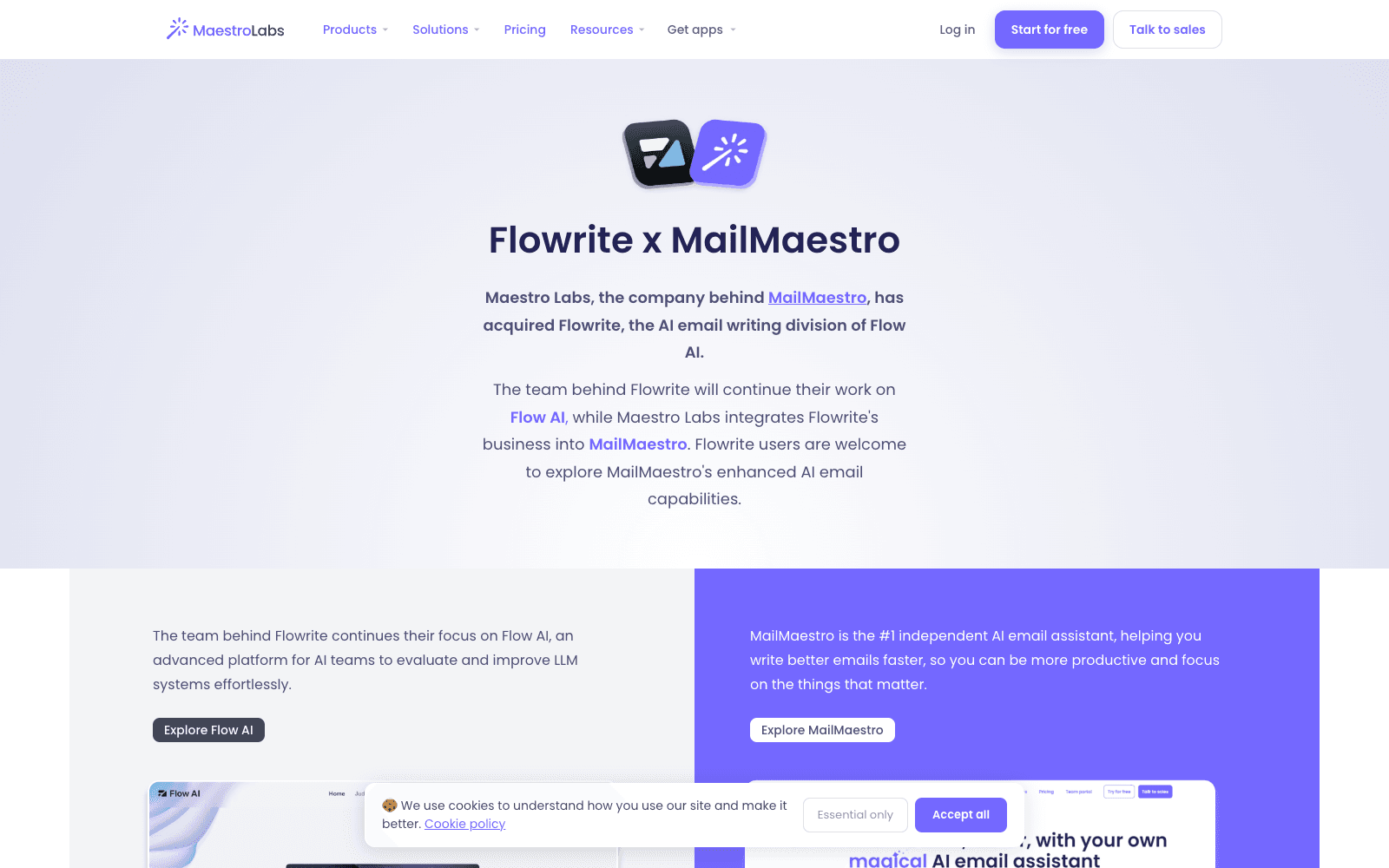
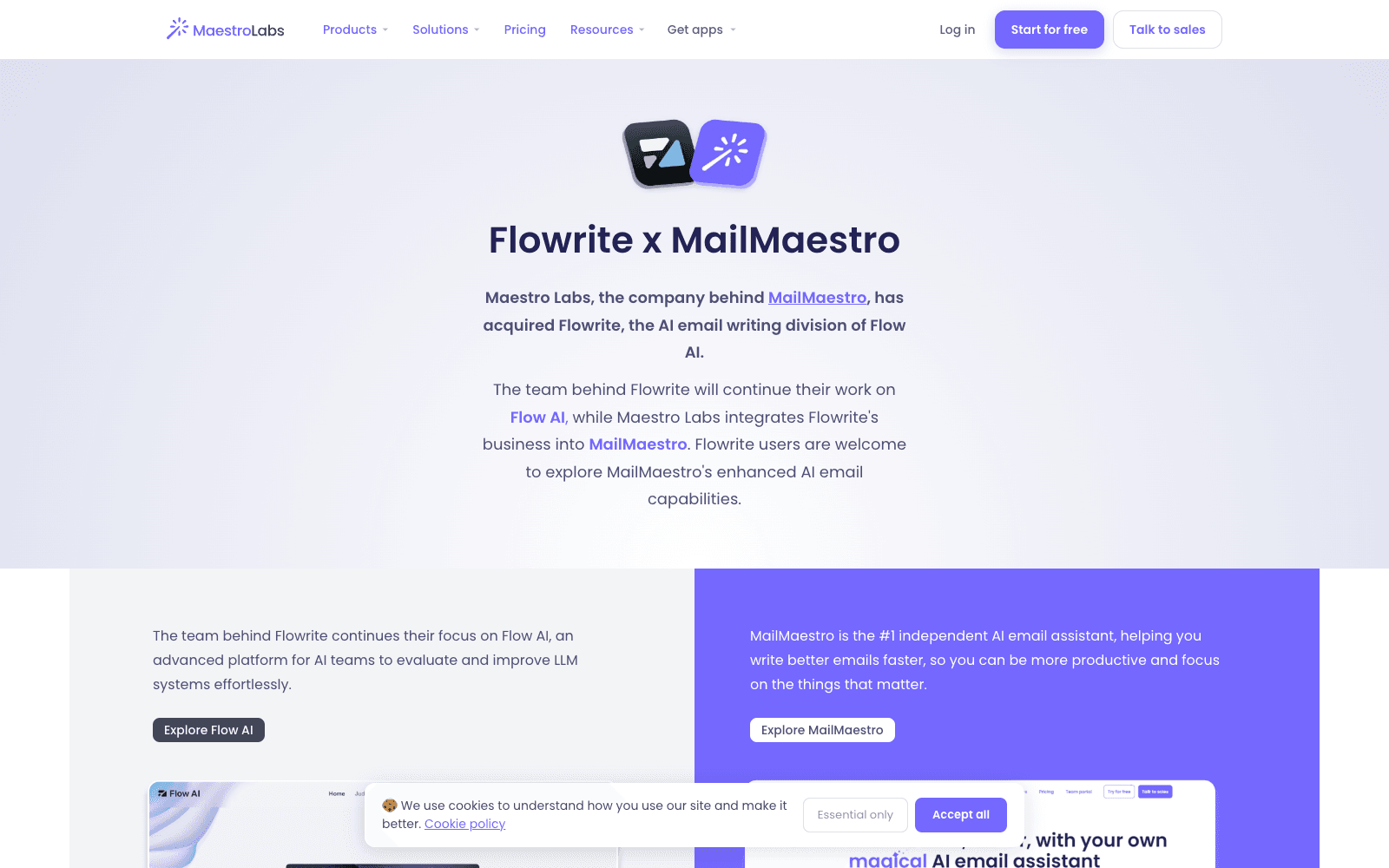
MailMaestro is an AI email assistant for Outlook, Gmail, and Teams that absorbed Flowrite, the email-writing product many people first knew this category by. Maestro Labs acquired Flowrite's email business from Flow AI; the Flowrite team moved on to Flow AI, an LLM evaluation platform, and Flowrite users were pointed to MailMaestro. What you get is an assistant inside your mail client rather than a separate app: write emails from scratch in multiple languages, rewrite or polish an existing draft, generate a reply that uses the thread and its attachments as context, and summarize long threads before you read them. There is also an inbox triage mode for prioritizing what to answer, Magic Templates for repetitive emails, and keyword shortcuts that drop in your phone number or LinkedIn profile. As of 2026 MailMaestro sits alongside TeamsMaestro (meeting notes) and CalMaestro (scheduling) in the same suite.
Production credibility: Maestro Labs states MailMaestro is trusted by 300,000+ teams; SOC 2 Type II certified, GDPR compliant, HIPAA-ready with a BAA on request; acquired the Flowrite email business from Flow AI; two-week free trial disclosed on the pricing page.
Key Features
- AI email writer that drafts from a short instruction in multiple languages, then rewrites, polishes, or fixes typos
- AI email response that reads the full thread and attachments before drafting a reply
- Thread and attachment summaries so long conversations can be read in a paragraph
- Inbox triage and prioritization to work toward inbox zero
- Magic Templates that combine saved templates with the AI writer for repetitive mail
- Keyword shortcuts for inserting phone numbers, links, and other boilerplate
- Native add-ins for Outlook, Gmail, and Microsoft Teams; bundles with TeamsMaestro for meeting notes
Ideal Use Case
Sales, customer success, and operations people who write dozens of emails a day inside Outlook or Gmail and want drafting, replying, and summarizing without pasting into a chatbot. Teams in regulated industries will care that the vendor is SOC 2 Type II and offers HIPAA agreements. Choose MailMaestro over Copilot for Outlook or Gemini in Gmail when you work across both mail clients or want an independent vendor rather than the platform owner's assistant.
How MailMaestro (formerly Flowrite) differentiates
MailMaestro's position is the independent assistant that works in both major mail clients, which matters for companies that run Outlook and Gmail side by side, and for anyone who wants email drafting without buying a full Microsoft 365 Copilot or Google Workspace AI seat. Thread-and-attachment context for replies and summaries is the feature that separates it from the original Flowrite, which was mostly a compose-from-bullets tool. The trade-off is that it is a paid product after a two-week trial, the acquisition means the Flowrite URL you may have bookmarked is now a redirect page, and the built-in assistants from Microsoft and Google keep closing the gap. As of 2026 there is no free tier.
FAQ
Q: What happened to Flowrite? A: Maestro Labs acquired Flowrite's AI email writing business from Flow AI and folded it into MailMaestro. The Flowrite team continues on Flow AI, an LLM evaluation platform, and former Flowrite users are directed to MailMaestro.
Q: How does MailMaestro compare to Microsoft Copilot in Outlook? A: Copilot is bundled into Microsoft 365 and only covers Outlook; MailMaestro is an independent add-in that works in Outlook, Gmail, and Teams with thread-aware replies, summaries, and templates. Pick Copilot if you are all-in on Microsoft, MailMaestro if you span both mail clients.
Q: Does MailMaestro have a free plan? A: No free tier. New users get a two-week free trial with full access to core features, then choose a monthly or annual plan.
Q: Is MailMaestro safe for confidential email? A: The vendor states SOC 2 Type II certification, GDPR compliance, and HIPAA compliance with a BAA available on request.
Q: Which email clients does MailMaestro support? A: Outlook and Gmail as add-ins, plus Microsoft Teams. Meeting notes and scheduling are handled by the sibling products TeamsMaestro and CalMaestro.
tl;dr
MailMaestro is the Outlook and Gmail email assistant that took over Flowrite: draft, reply with thread context, summarize, and triage from inside your mail client. A solid independent alternative to Copilot and Gemini for email; paid after a two-week trial.
Why Use MailMaestro (formerly Flowrite)
User Reviews
Similar Tools