LanguageTool
LanguageTool is an AI grammar, spelling, style, and punctuation checker that works in 30+ languages across browsers, email, and office apps.
Overview
LanguageTool
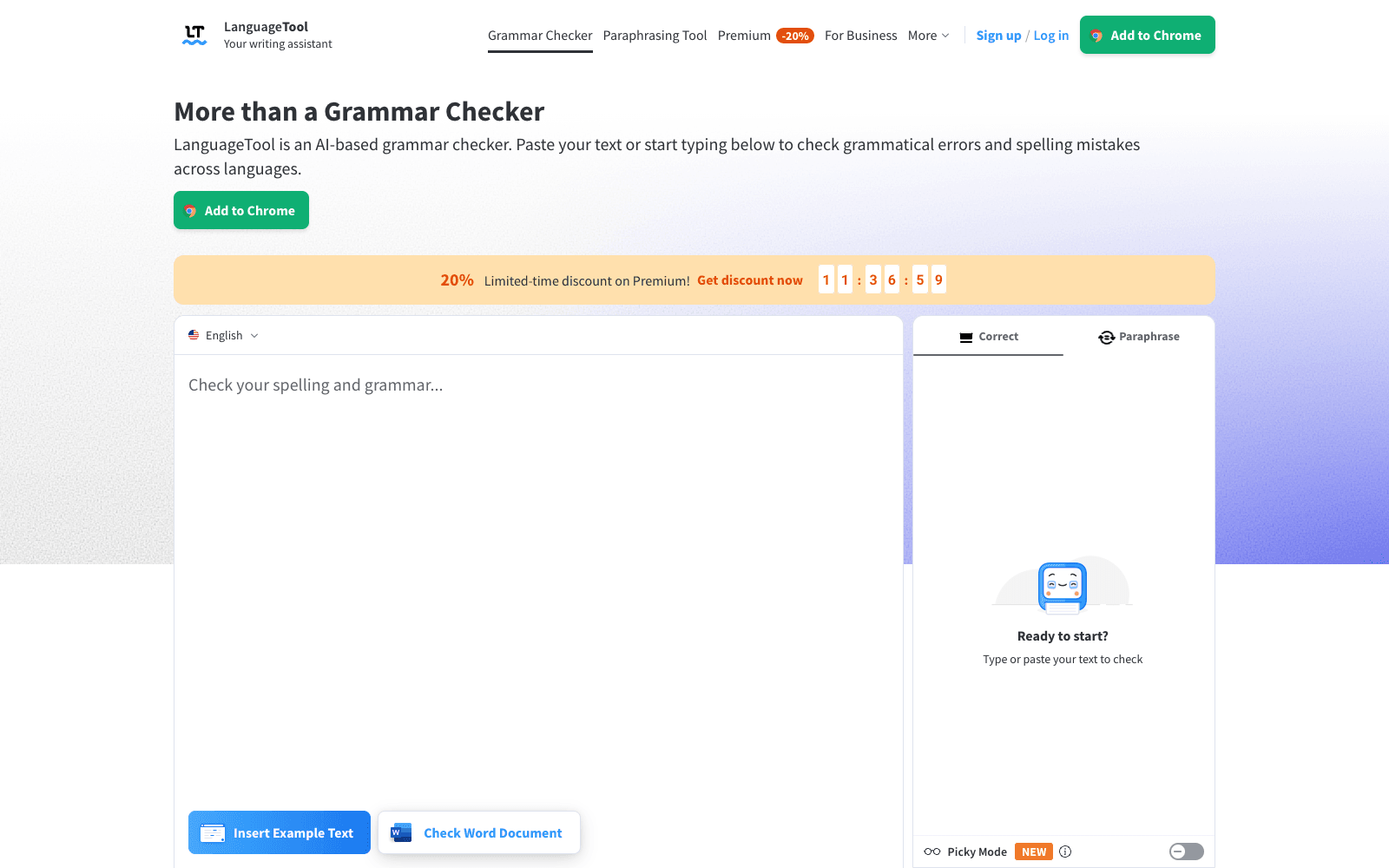
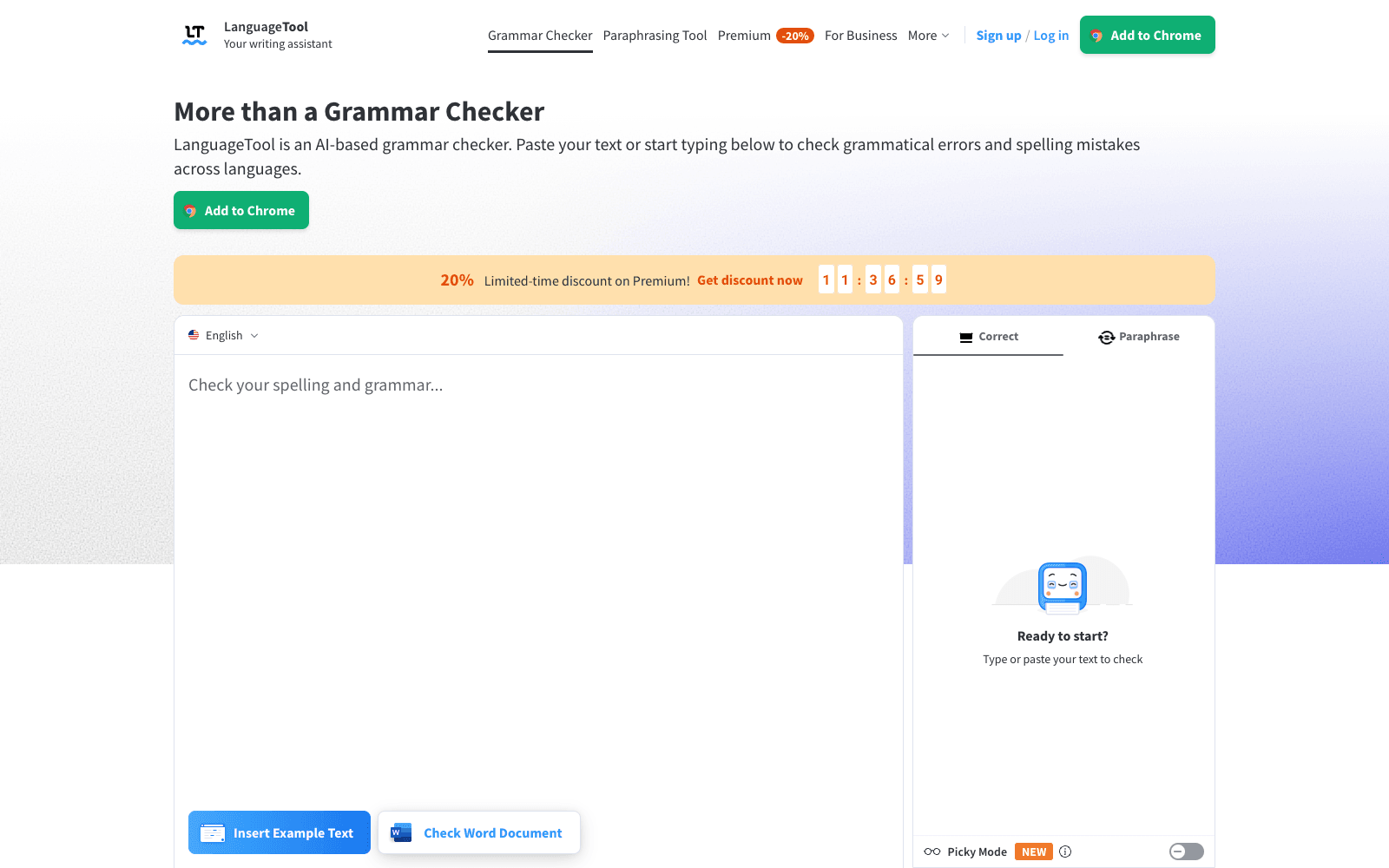
LanguageTool is an AI-based grammar checker that flags spelling, grammar, punctuation, casing, and style problems as you write, and it does so in more than 30 languages rather than English alone. You can paste text into the web editor, install the browser add-on for Chrome, Edge, Firefox, Opera, or Safari, or use the Gmail, Apple Mail, Thunderbird, Google Docs, Word, Pages, LibreOffice, macOS, and Windows integrations. LanguageTool detects the language automatically, underlines mistakes, and suggests corrections; a Picky Mode surfaces stricter punctuation, style, and typography suggestions, and a paraphrasing tool rewrites sentences to be more formal, fluent, simple, or concise. The core checker is free. LanguageTool Premium adds enhanced style checking, unlimited paraphrasing, longer texts, and a style guide, and a Business edition adds team dictionaries and user management with GDPR-conformant hosting. The project also publishes its source code and offers a proofreading API, as of 2026.
Production credibility: Site states 10,000+ Chrome Store reviews, over 3 million Chrome users, and 2,000+ organisations including the European Union, Spiegel, dpa, Blinkist, SRF, JetBrains, and IP Australia; source code is public on GitHub; made in Europe and the US.
Key Features
- Grammar, spelling, punctuation, and casing checks in 30+ languages and dialects, with automatic language detection
- Style suggestions that flag overused phrases, redundant words, foreign terms, and weak word choice
- Picky Mode for stricter punctuation, style, and typography suggestions
- AI paraphrasing tool that rewrites sentences to be more formal, fluent, simple, or concise
- Browser add-ons for Chrome, Edge, Firefox, Opera, and Safari that check text anywhere on the web without storing it
- Plugins for Google Docs, Word, Apple Pages, LibreOffice, Gmail, Apple Mail, and Thunderbird, plus macOS and Windows apps
- Personal dictionary, writing statistics, and Word document checking in the free account
- Proofreading API and a Business edition with team style guide, team dictionary, and user management
Ideal Use Case
LanguageTool fits anyone who writes in more than one language, or in a language Grammarly handles poorly: a German-speaking engineer answering English tickets, a Brazilian student drafting a Portuguese thesis, an EU communications team that needs GDPR-conformant hosting. Pick it over Grammarly when multilingual coverage, an open-source core, or European data handling matters more than Grammarly's English-only tone detection and generative rewriting features.
How LanguageTool differentiates
LanguageTool's edge is breadth: one checker, 30-plus languages, and the same rules in the browser, email client, office suite, and desktop app. The public source code and a proofreading API set it apart from closed rivals, and organisations such as the European Union and dpa are named as customers on the site. The Picky Mode and statistics dashboard give writers a way to track improvement rather than just accept fixes. The trade-off is depth in English: Grammarly's tone detection and full-document rewriting go further for native English business writing, and LanguageTool's free tier limits text length and paraphrasing volume, so heavy users end up on Premium. Suggestions can also be conservative on informal or technical prose, which some writers find noisy.
FAQ
Q: Is LanguageTool free? A: Yes. The grammar, spelling, and punctuation checker is free in the web editor and browser add-on, and a free account adds a personal dictionary and statistics. Premium adds unlimited paraphrasing, longer texts, enhanced style checks, and a style guide.
Q: How is LanguageTool different from Grammarly? A: LanguageTool checks 30+ languages with automatic detection, publishes its source code, and offers GDPR-conformant business hosting. Grammarly is English-focused with stronger tone and rewriting features. Multilingual writers usually prefer LanguageTool; native English business writers often prefer Grammarly.
Q: Which languages does LanguageTool support? A: English (US, UK, Australian, Canadian, New Zealand, South African), German, Spanish, French, Portuguese, Dutch, Catalan, Italian, Russian, Ukrainian, Polish, Japanese, Chinese, Arabic, and more than 30 languages and dialects in total.
Q: Where can I use LanguageTool? A: In the web editor, browser add-ons for Chrome, Edge, Firefox, Opera, and Safari, plugins for Google Docs, Word, Pages, and LibreOffice, email add-ons for Gmail, Apple Mail, and Thunderbird, and native macOS and Windows apps.
Q: Does the LanguageTool browser add-on store my text? A: The site states that the browser add-on stores no text in order to respect privacy; texts you save in a web editor account are stored securely.
tl;dr
LanguageTool is the multilingual grammar checker: free core, 30+ languages, open source, and plugins for every place you type. Choose it over Grammarly for non-English or mixed-language writing and European data handling; Grammarly still leads on English tone and rewriting.
Why Use LanguageTool
User Reviews
Similar Tools