Glif
Glif is a visual AI workflow builder for chaining models, tools, and steps into shareable apps. Backed by a16z; popular on HN and AI Twitter.
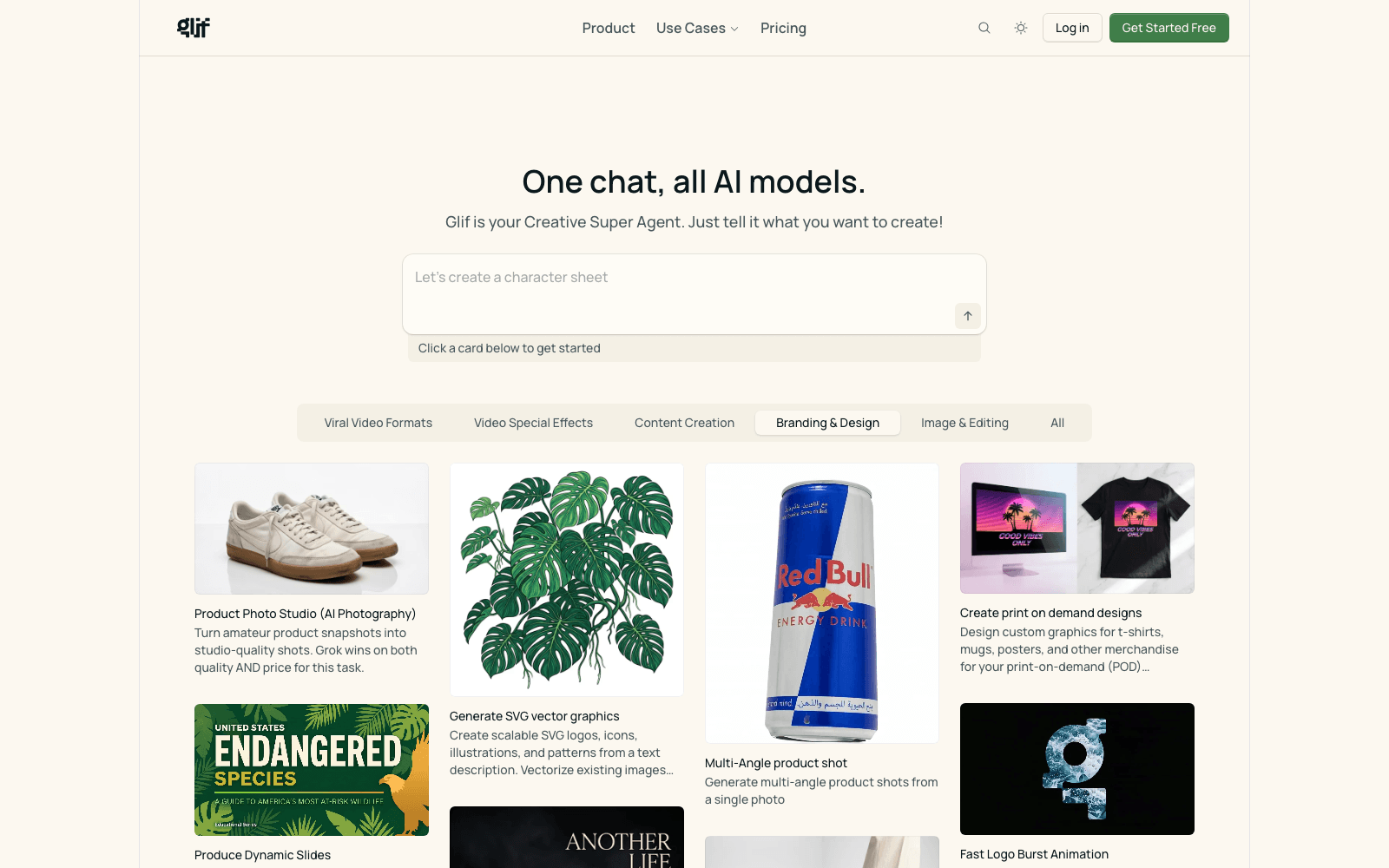
Overview
Glif: Visual Builder for AI Workflow Apps
Glif is Visual node-based builder for chaining LLMs, image models, and tools. Glif is the most playful AI workflow builder in the category. The community library is a discovery layer competitors lack, and the visual node graph is genuinely fun to use for rapid AI prototyping.
Key Features
- Visual node-based builder for chaining LLMs, image models, and tools
- Multi-LLM support: GPT-4, Claude, Gemini, Llama, image and video models
- Public glif library — discover and remix community-built workflows
- Embeddable widgets and shareable links for any glif you build
- API access on paid plans for integrating glifs into other apps
- Backed by a16z; consistent presence on Hacker News and AI Twitter
- Free tier with daily credits; paid tiers for higher usage and exports
Ideal Use Case
Indie makers, creative technologists, and product builders prototyping AI experiences faster than coding from scratch — chaining together model calls, image gen, and tool use visually.
Why Use Glif
Glif is the most playful AI workflow builder in the category. The community library is a discovery layer competitors lack, and the visual node graph is genuinely fun to use for rapid AI prototyping.
FAQ
Q: vs MindStudio? A: Both are visual AI builders. Glif leans more creative/community; MindStudio leans more business-app and enterprise-extensible.
Q: Free tier? A: Yes — daily credits and unlimited public glifs.
Q: Embeds? A: Yes — share via URL or embed in any web page.
Q: Mobile? A: Web-based; works on mobile browsers.
tl;dr
Visual AI workflow builder. Chain LLMs + image models + tools. Public library. a16z-backed.
Related
Looking for more options? Browse the AI Agents directory or read our best AI agents listicle. Glif is also tracked on Crunchbase.
Why Use Glif
Editorial Review
Our take on Glif.

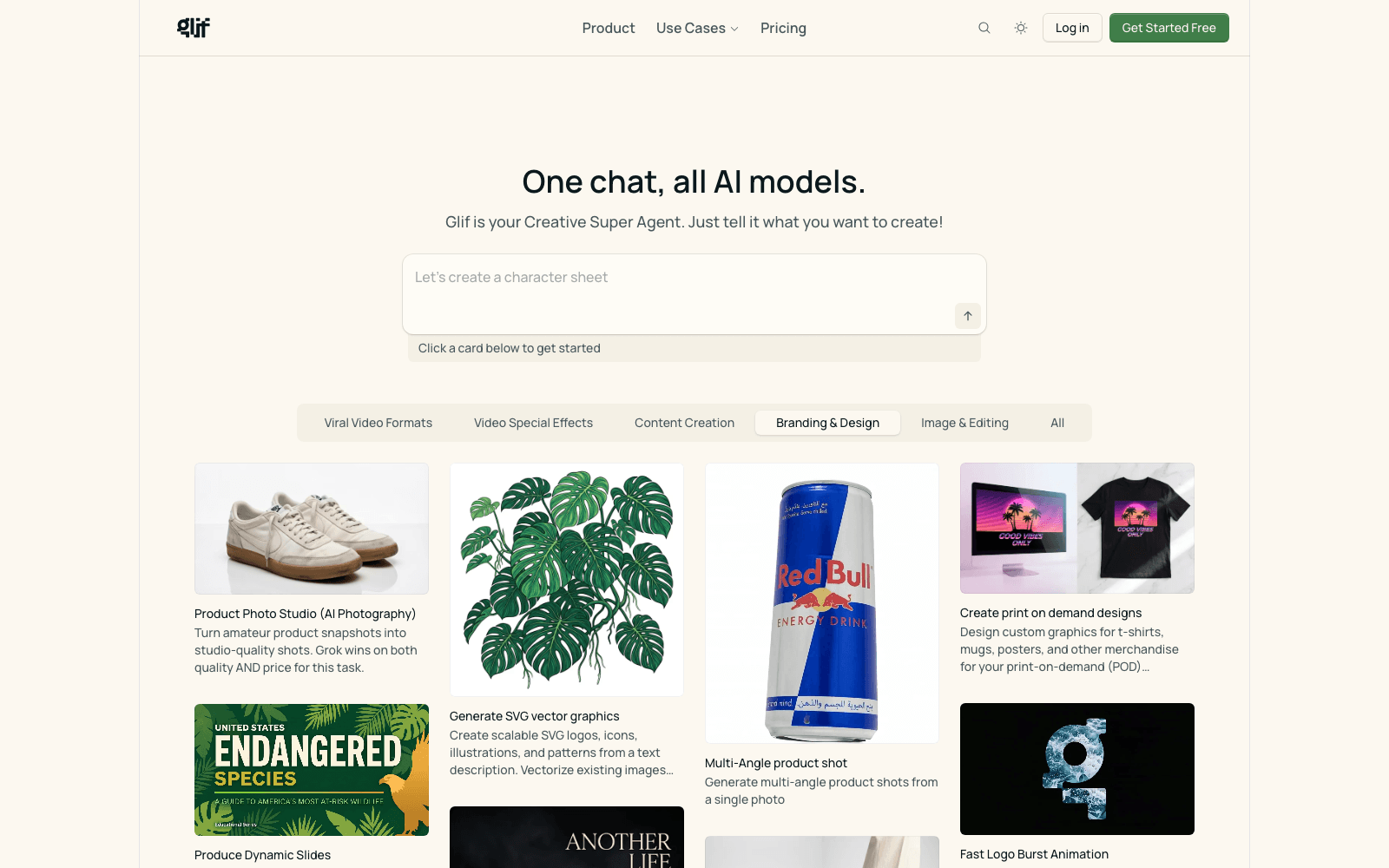
A creative studio that picks the models for you. Briefs go in; ad campaigns, product shots and UGC-style video come out. The credit system means a complex job costs more than a simple one. Best for marketers who want output, not a model shopping trip.
What works
- Orchestrates several models from one brief, no model picking required
- Credit pricing scales with actual output rather than seats
- Strong spread of formats: product shots, UGC video, social resizing
What doesn't
- Heavy iteration burns credits quickly on the expensive jobs
- Not a general workflow builder, despite looking like one
Glif sits in an odd and useful spot. It is not a workflow builder you assemble yourself, and it is not a single-model image tool. You describe what you need and it orchestrates several models behind the scenes to get there — a product photo becomes a set of lifestyle and studio shots, a brand kit becomes a month of captioned social posts, a finished ad gets resized for every platform without cropping the subject out.
The credit model is the thing to understand before committing. Costs run from a couple of credits for a simple resize up to a few hundred for the heavier video and campaign jobs, so monthly spend tracks what you actually produce rather than a flat seat fee. That suits agencies with lumpy workloads and punishes anyone who iterates heavily on expensive outputs.
Treat it as a production tool for people who already know what good creative looks like. It will get you to a usable asset fast; it will not tell you which asset was worth making.
User Reviews
Similar Tools