AniEraser
AniEraser is an AI watermark and object remover from Media.io that cleans photos and videos on web, desktop, iOS, and Android.
Overview
AniEraser
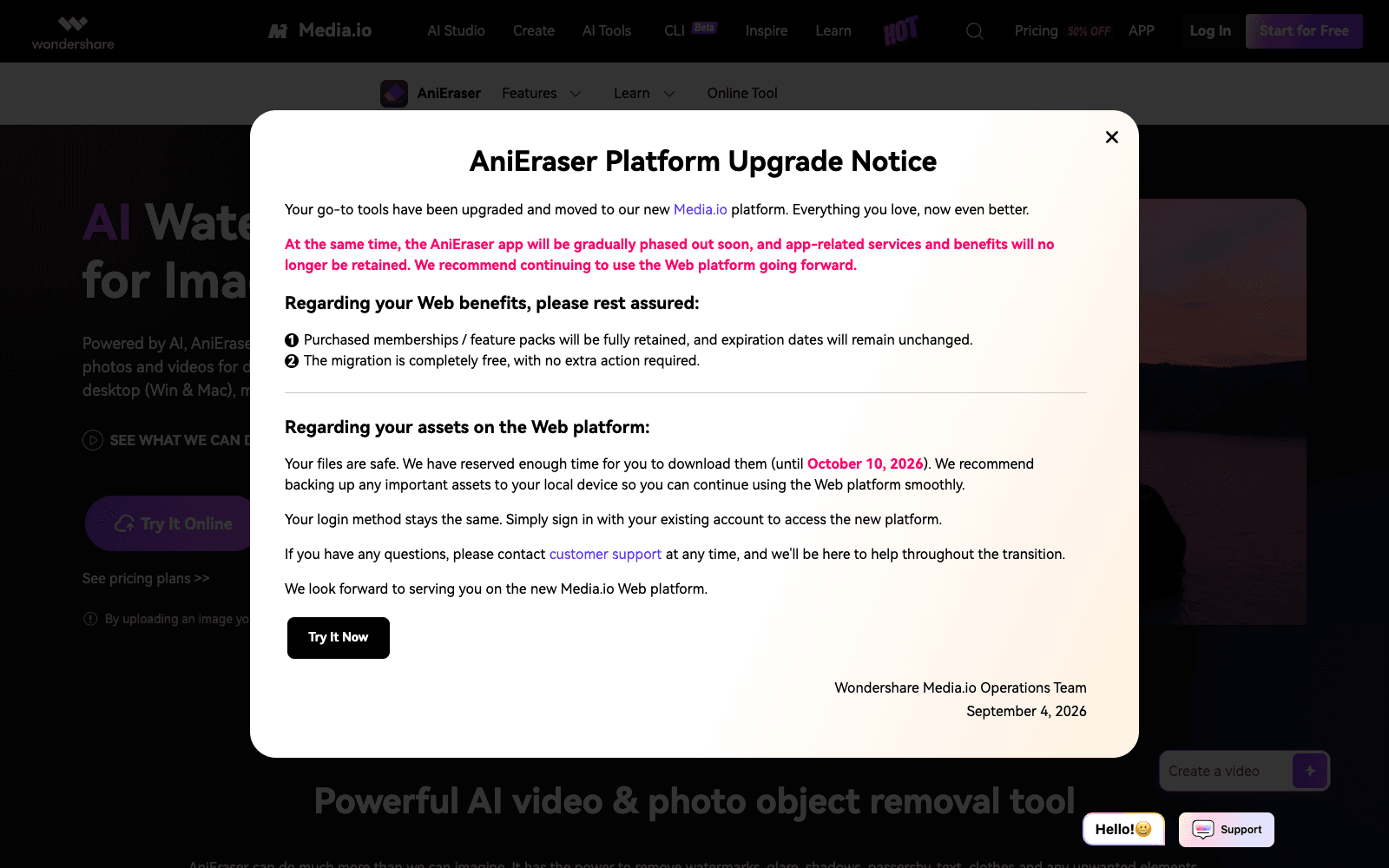
AniEraser is an AI object remover from Media.io that erases watermarks, text overlays, logos, passers-by, glare, and blemishes from photos and videos. You upload a file, brush over the area you want gone, and AniEraser fills it in without blurring the surrounding frame. It works on video as well as stills, which is the harder problem, and the same account runs on the web app, Windows and Mac desktop software, and iOS and Android apps. The desktop version handles batch jobs with no file size or quantity limits, and the web tool takes up to five files at once. Beyond watermark removal, AniEraser markets photo retouching, old-photo repair, and people removal. As of 2026 it sits inside the wider Media.io AI Studio, whose pricing page bundles it with dozens of other image, video, and audio tools.
Production credibility: Part of Media.io, which states a 14+ year brand history, 50,000,000+ users, and availability in 160+ countries; apps on Windows, Mac, iOS, and Android; free tier limited to one edit.
Key Features
- Brush-select removal of watermarks, text, logos, and stickers from photos and videos
- Video object removal with preview before export, not just still images
- People and passer-by removal that reconstructs the background behind them
- Portrait retouching for blemishes and wrinkles, plus scratch repair for scanned old photos
- Adjustable brush size for precise selections on small or irregular objects
- Cross-platform: web, Windows, Mac, iOS, and Android under a single account
- Batch processing in the desktop app with no file size or quantity limits
- Multi-file uploads (up to five at once) on the web version
Ideal Use Case
A social media manager cleaning a stock overlay or stray tourist out of a clip before posting, or someone restoring scanned family photos with scratches and stains. AniEraser earns a look over a general editor like Photoshop when the job is remove-and-fill on video, which most consumer tools still handle poorly, and when you want the same tool on phone and desktop. Only remove watermarks from media you have the rights to use.
How AniEraser differentiates
The two things that separate AniEraser from the crowd of one-page eraser sites are video support and the cross-platform account. Removing an object across moving frames is a different problem from inpainting a still, and having desktop batch mode for large jobs plus a phone app for quick fixes covers the full range without switching vendors. The trade-off is the Media.io bundle itself: the free tier allows a single edit, exports carry a watermark until you pay, and the subscription buys a large suite of tools you may never open. Even the site's own testimonials note slight distortion where objects used to be, which is honest and true of every eraser in this class.
FAQ
Q: Is AniEraser free? A: The free tier allows one edit on any platform and exports carry a watermark. A Media.io subscription adds unlimited desktop use and watermark-free exports across all three platforms.
Q: Can AniEraser remove objects from videos, not just photos? A: Yes. You upload the video, mark the object with the selection tool, preview the result, and export a clean version.
Q: How is AniEraser different from Photoshop's Remove tool? A: Photoshop is stronger for careful still-image retouching, but AniEraser handles video removal and runs on iOS and Android as well as desktop, with no editing skills required. Photoshop is the better pick for pixel-level control.
Q: What platforms does AniEraser run on? A: Web, Windows, Mac, iOS, and Android. One account works across all of them, and the desktop app supports batch jobs.
Q: Is it legal to remove a watermark with AniEraser? A: Only if you own the media or have permission from the rights holder. Removing a stock photo or video watermark to avoid licensing is copyright infringement regardless of the tool.
tl;dr
AniEraser removes watermarks, text, people, and objects from photos and video, and runs on web, desktop, and mobile under one Media.io account. Strong on video removal; the free tier is a single edit and the paid plan is a whole suite.
Why Use AniEraser
User Reviews
Similar Tools