Almanack
AI lesson planning, resource generation, differentiation, and grading aligned to curriculum standards.
Overview
Almanack: AI that adapts your curriculum instead of replacing it
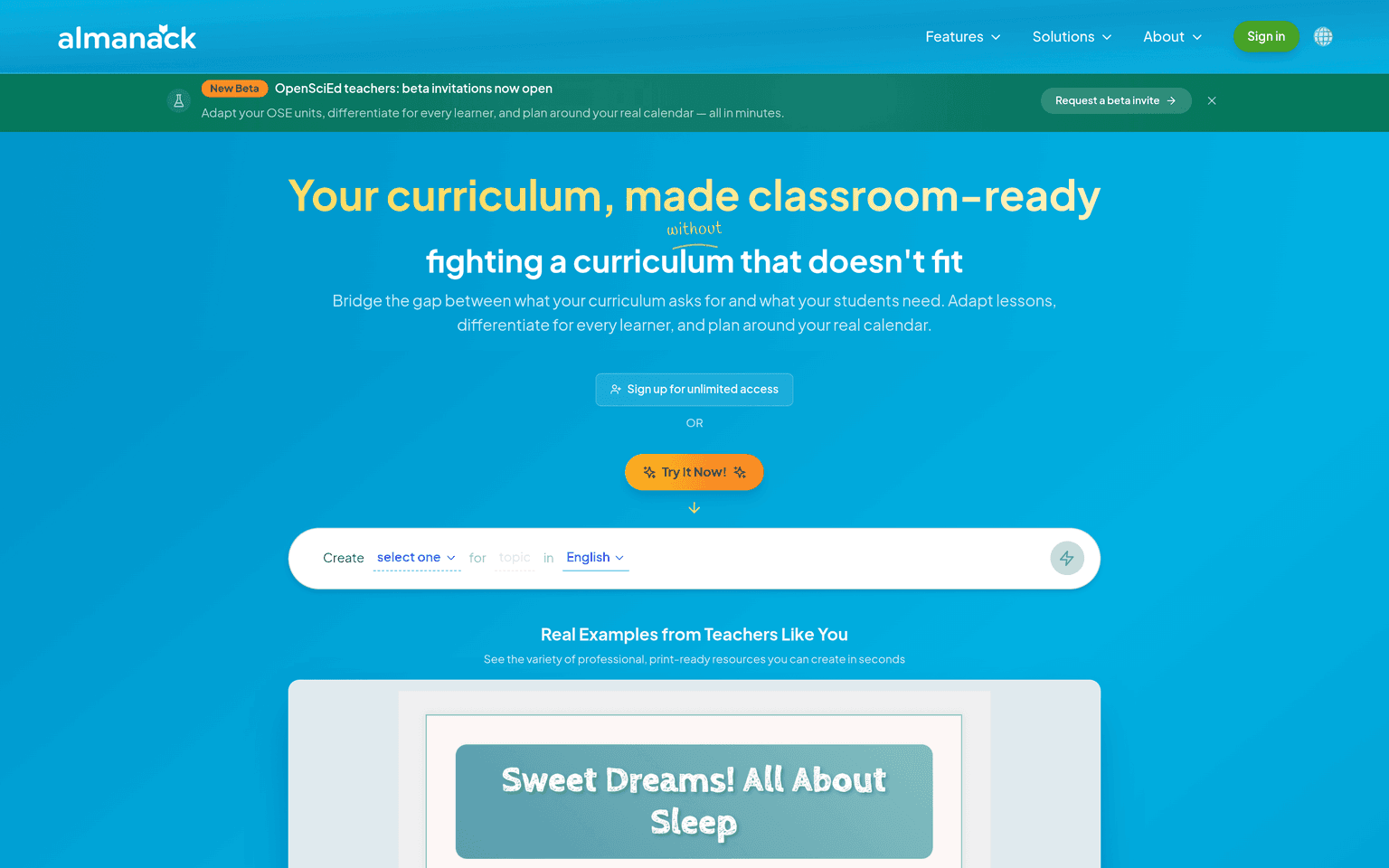
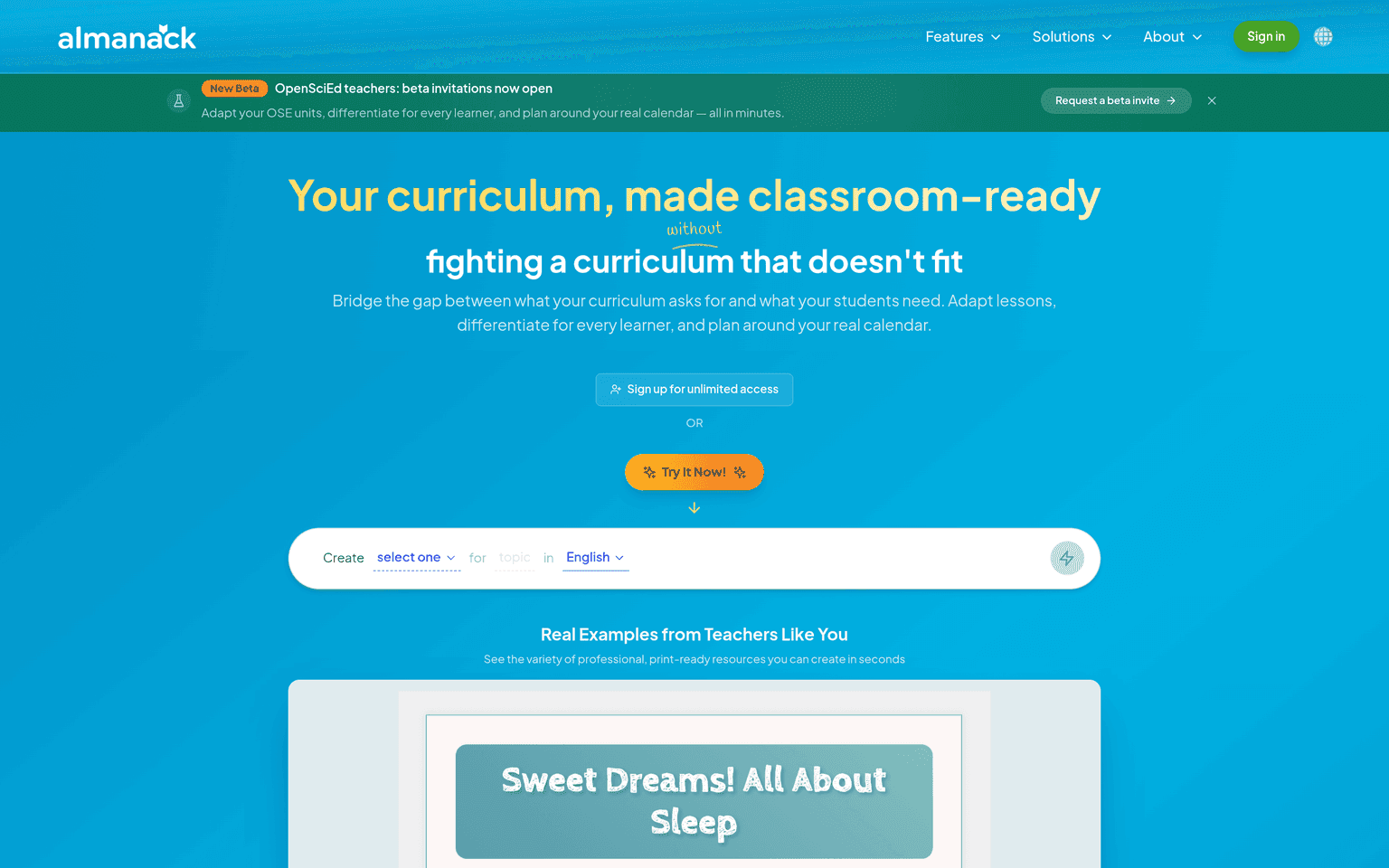
Almanack positions itself as the implementation layer for classroom curricula. Rather than generating generic lessons from a blank prompt, it starts from the curriculum and standards you actually teach and helps you adapt them — adjusting reading levels, swapping topics for student interests, restructuring pacing around your real school calendar — while keeping units aligned to the same standards. That standards-first approach is what separates it from general-purpose chatbots that produce plausible but unanchored lesson content.
The day-to-day toolkit covers the full prep cycle: long-range and unit planning, individual lesson plans, worksheets, quizzes, educational games, and standards-aligned assessments that connect back to the curriculum structure and gradebook. Differentiation is a first-class feature — one lesson can be generated in below-grade, above-grade, ELL, and IEP-accommodated versions simultaneously. Almanack connects with Google Workspace, Microsoft tools, Clever, and ClassLink, and can push activities to platforms teachers already use, including Kahoot, Quizlet, and Blooket. A permanent free plan covers core lesson planning and resource creation; Pro (with a 2-week free trial, no credit card) unlocks unlimited access to every resource type, with team and school plans above that.
Key Features
- Standards-aligned lesson and long-range planning mapped to your actual curriculum and calendar
- One-click differentiation: below-grade, above-grade, ELL, and IEP-accommodated lesson versions
- Resource generation for worksheets, quizzes, games, and activities in multiple languages
- Standards-aligned assessment generation with gradebook integration
- Calendar-based replanning that surfaces trade-offs when the schedule slips
- Integrations with Google Workspace, Microsoft, Clever, ClassLink, Kahoot, Quizlet, and Blooket
Ideal Use Case
A K-12 teacher with a mandated curriculum and a class spanning several ability levels who needs tonight's lesson re-leveled, differentiated for ELL and IEP students, and turned into a worksheet and quiz — without rewriting the unit or losing standards alignment.
How Almanack differentiates
Almanack reports more than 500,000 educators across 10,000+ schools worldwide, with over 2 million lessons adapted on the platform and teachers reporting up to 90% time savings on prep. Where most AI teacher tools are prompt-to-worksheet generators, Almanack's bet is curriculum fidelity: everything it produces traces back to the standards and units a school has committed to.
FAQ
Is Almanack free? There is a permanent free plan covering core lesson planning, curriculum design, and basic worksheets, quizzes, and games. Pro adds unlimited access to every resource type and starts with a 2-week free trial, no credit card required.
Which curricula and standards does it support? Almanack works with regional standards frameworks (it operates localized versions for markets including the US, Canada, and Australia) and adapts the curriculum materials your school already uses.
How does Almanack handle student data privacy? Almanack is teacher-facing — its core planning and resource tools don't require student accounts. School and district plans add SSO and rostering; districts should review its current privacy terms for any student-linked features like graded assessments.
Can it help with grading? Yes — Almanack generates standards-aligned assessments that integrate with the curriculum structure and gradebook, cutting the assessment-writing and marking-prep load.
tl;dr
An AI teaching assistant that treats your curriculum as the source of truth — planning, differentiating, and assessing against real standards for 500,000+ educators.
Related
Looking for more options? Browse the Education & Learning directory or read our best AI education tools listicle. Almanack is also tracked on Crunchbase.
Why Use Almanack
User Reviews
Similar Tools