AiPPT
AiPPT is an AI presentation maker that turns prompts, documents, and links into editable slide decks.
Overview
AiPPT: AI Presentation Maker
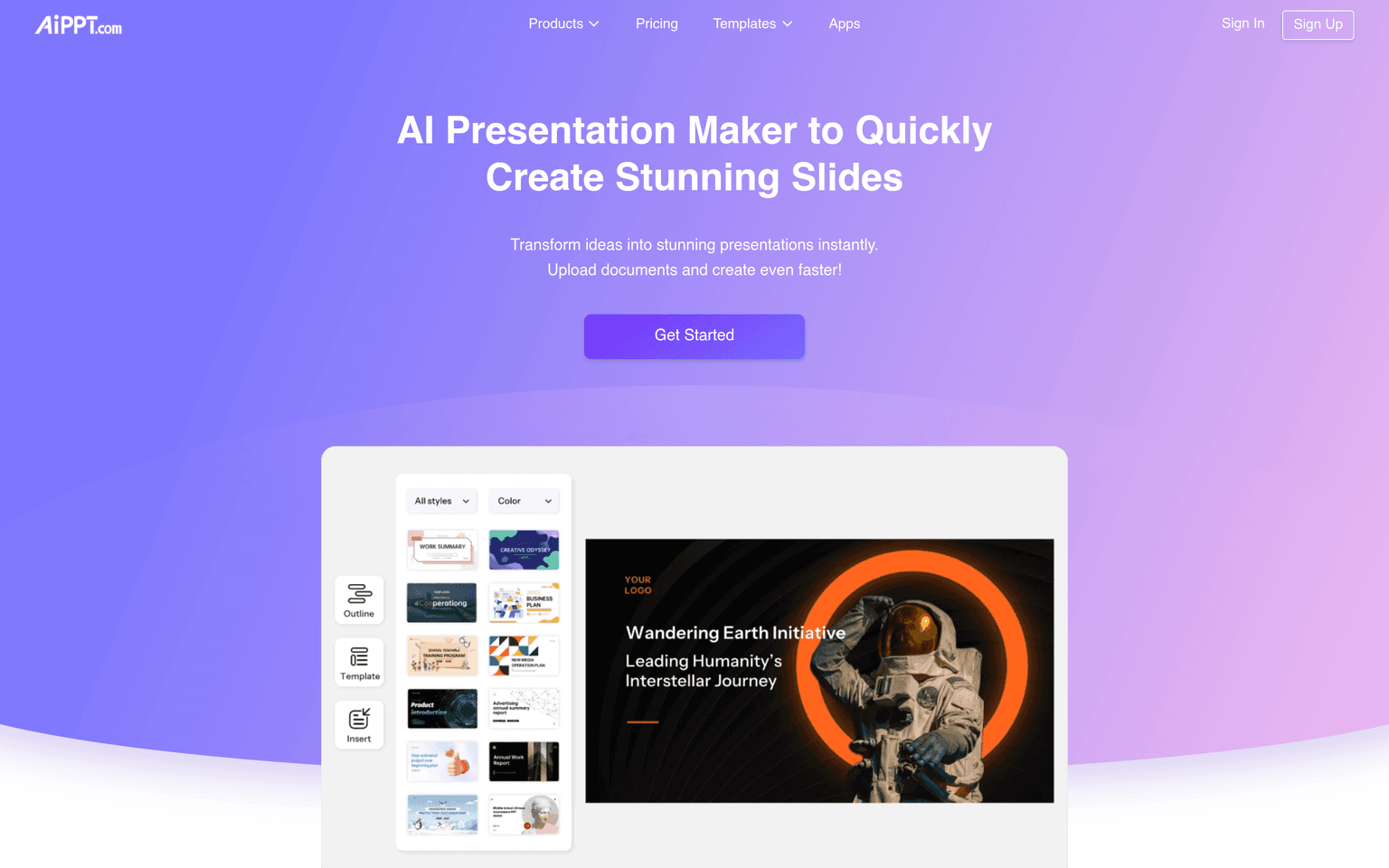
AiPPT is an AI presentation maker that turns a prompt, an outline, or an existing document into an editable slide deck. You describe the topic or upload source material, and AiPPT drafts the structure, writes the slide copy, and applies a template — producing a PowerPoint-style presentation you can refine in the browser or export. It is built for people who need a finished deck in minutes rather than hours.
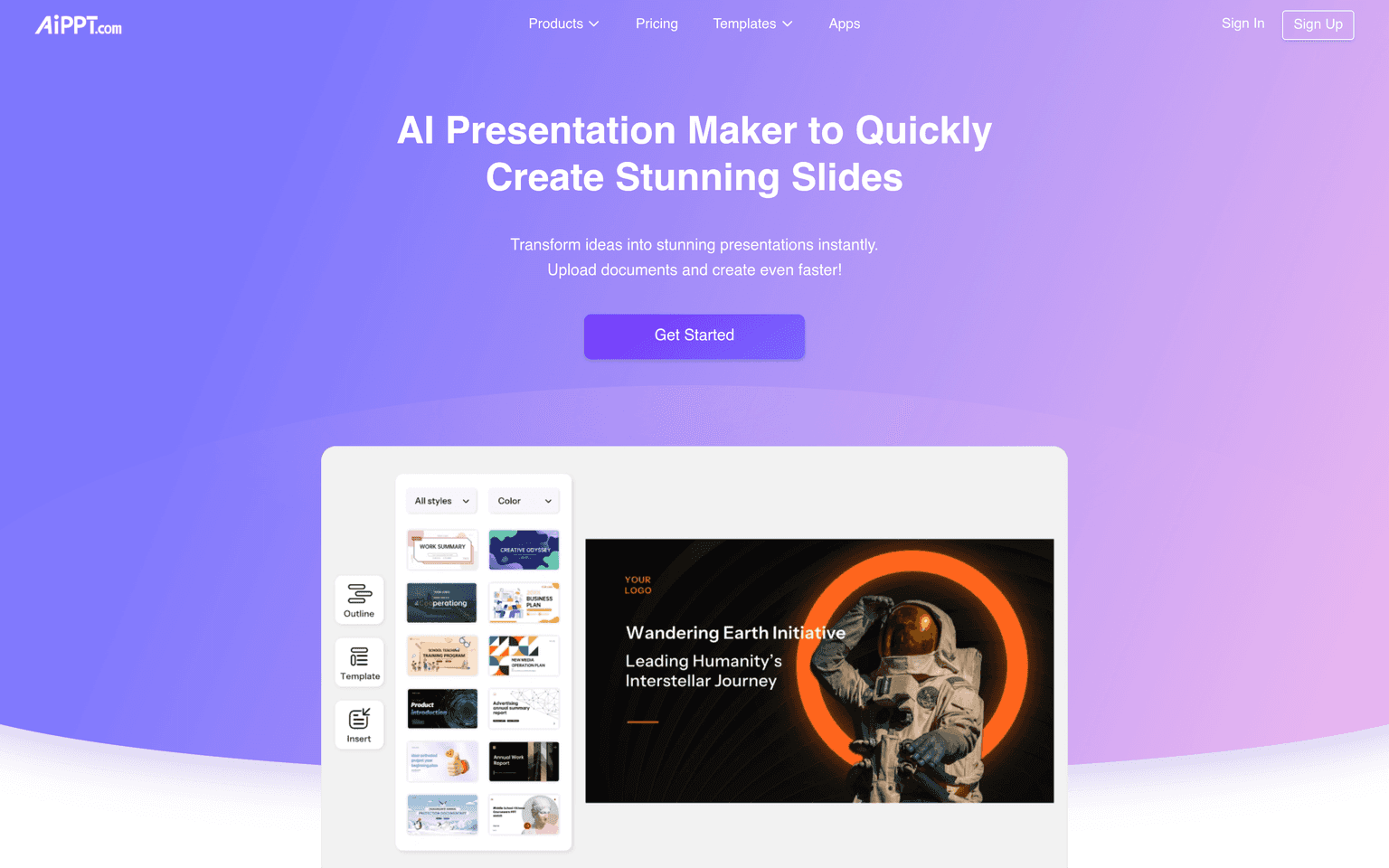
The tool accepts several starting points: a one-line topic, a longer text outline, a PDF, Word, or TXT file, a Google Drive document, or a webpage URL. AiPPT reads the input, proposes an outline you can edit, and then generates the full deck against a chosen template. A library of more than 200,000 templates covers business, education, marketing, and report formats.
Key Features
- Text-to-deck generation from a short prompt or a detailed outline
- Document import from PDF, Word, and TXT, plus Google Drive and webpage URLs
- Editable AI-generated outline before the slides are built
- Template library with 200,000+ layouts across business and education
- In-browser editing of text, images, charts, and layout
- Export to PowerPoint and standard sharing formats
Ideal Use Case
AiPPT suits students assembling coursework decks, educators building lesson slides, and business users producing pitch, report, or training presentations on a deadline. It is most useful when you already have the source content — notes, a document, or a web page — and want it converted into a structured deck without starting from a blank slide.
How AiPPT differentiates
AiPPT pairs AI generation with a very large template catalog and a PowerPoint-style editing workflow, so the output drops into familiar tools instead of locking you into a proprietary format. Its range of inputs — prompt, document, Google Drive, or URL — is wider than tools that only accept a text prompt, and its free tier plus low-cost monthly and lifetime plans keep it accessible for individual users and students rather than priced for enterprise teams.
FAQ
What does AiPPT do? It generates editable presentation slide decks from a prompt, outline, document, or webpage using AI, then lets you edit and export them.
Can AiPPT import my existing documents? Yes. You can upload PDF, Word, or TXT files, connect Google Drive, or paste a webpage URL, and AiPPT will build slides from that source.
Is AiPPT free? AiPPT has a free tier. Paid monthly plans add more daily AI generations and template access, and a lifetime option is available.
Does AiPPT export to PowerPoint? Yes, decks can be exported in PowerPoint-compatible format for further editing or sharing.
tl;dr
AiPPT is a freemium AI presentation maker that converts prompts, documents, Google Drive files, and webpage URLs into editable, PowerPoint-ready slide decks, backed by a library of 200,000+ templates. It fits students, educators, and business users who want a structured deck fast.
Why Use AiPPT
FAQ
User Reviews
Similar Tools