MagicSlides App
Transform text into professional presentations instantly.
Overview
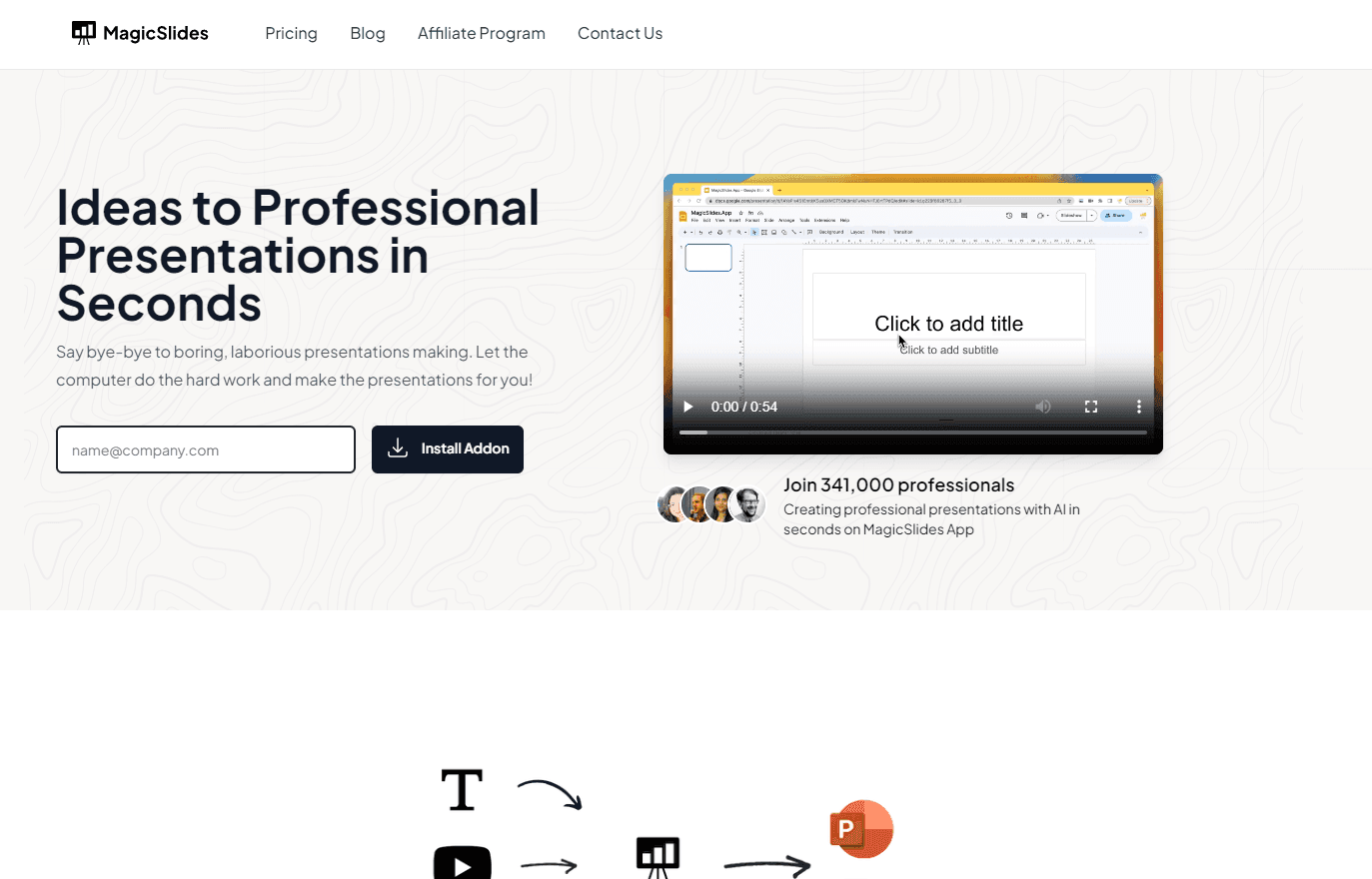
Create Professional Presentations with MagicSlides App
MagicSlides App revolutionizes the way presentations are made by integrating AI into Google Slides. Gone are the days of tedious slide creation. With MagicSlides, users can effortlessly convert text, topics, or even YouTube videos into comprehensive presentations. Whether you have an outline ready or just a topic in mind, MagicSlides crafts your presentation in seconds, ensuring it's visually appealing and informative.
Key Features:
- Text to Presentation: Convert any text or content source into a presentation in mere seconds.
- Topic to Presentation: Input a topic, specify the number of slides, and get a ready-made presentation.
- YouTube to Presentation: Turn any YouTube video into a presentation by simply entering its URL.
- Customization: Choose from various themes, fonts, color palettes, and layouts to make your presentation stand out.
- AI-Powered: Integrated AI ensures that your presentations are not only quick to create but also of high quality.
Ideal Use Case:
Professionals, educators, and students looking to create presentations without the hassle. Whether it's for a business meeting, a classroom presentation, or a personal project, MagicSlides offers a quick and efficient solution.
Why use MagicSlides App:
- Efficiency: Save time by letting AI handle the presentation creation.
- Quality: Get professionally designed slides that are both informative and visually appealing.
- Flexibility: From text to topics to videos, convert various content types into presentations.
- Customization: Tailor your presentations with a range of design options.
tl;dr:
MagicSlides App is an AI-powered Google Slides add-on that transforms text, topics, or YouTube videos into professional presentations in seconds, offering customization options for a unique look.
FAQ
Q: What is MagicSlides App's purpose? A: Transform text into professional presentations instantly.
Q: Is MagicSlides App free? A: MagicSlides App offers a free tier with paid upgrades. Visit the MagicSlides App pricing page for current plan details.
Q: Who benefits from MagicSlides App? A: MagicSlides App is designed for knowledge workers and executives.
Q: What can replace MagicSlides App? A: Top alternatives to MagicSlides App include ChatGPT, Gemini, and Perplexity.ai. Browse the directory for full feature comparisons across these tools.
Related
Looking for more options? Browse the Productivity directory or read our best AI productivity tools listicle. MagicSlides App is also tracked on Crunchbase.
Why Use MagicSlides App

User Reviews
Similar Tools