Lightkey
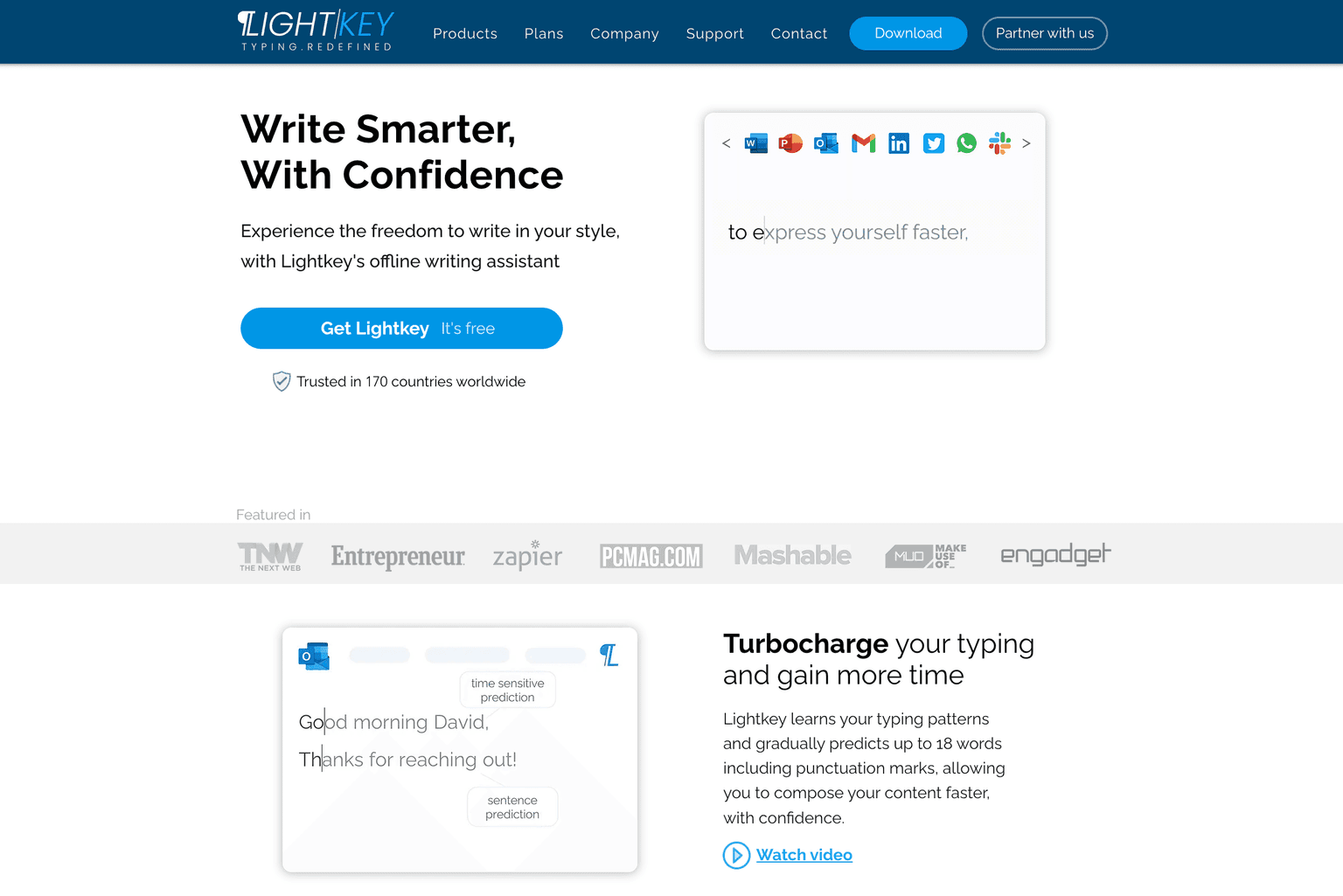
Turbocharge your typing with Lightkey's offline writing assistant.
Overview
Unlock the Power of Predictive Typing
In today's fast-paced world, efficiency in communication is paramount. Lightkey.io is a game-changer in this realm, offering an AI-powered predictive typing and spelling correction software designed to supercharge your typing experience. This tool is not just about speeding up the typing process; it's about enhancing accuracy, boosting confidence, and allowing users to maintain their unique writing style.
Key Features:
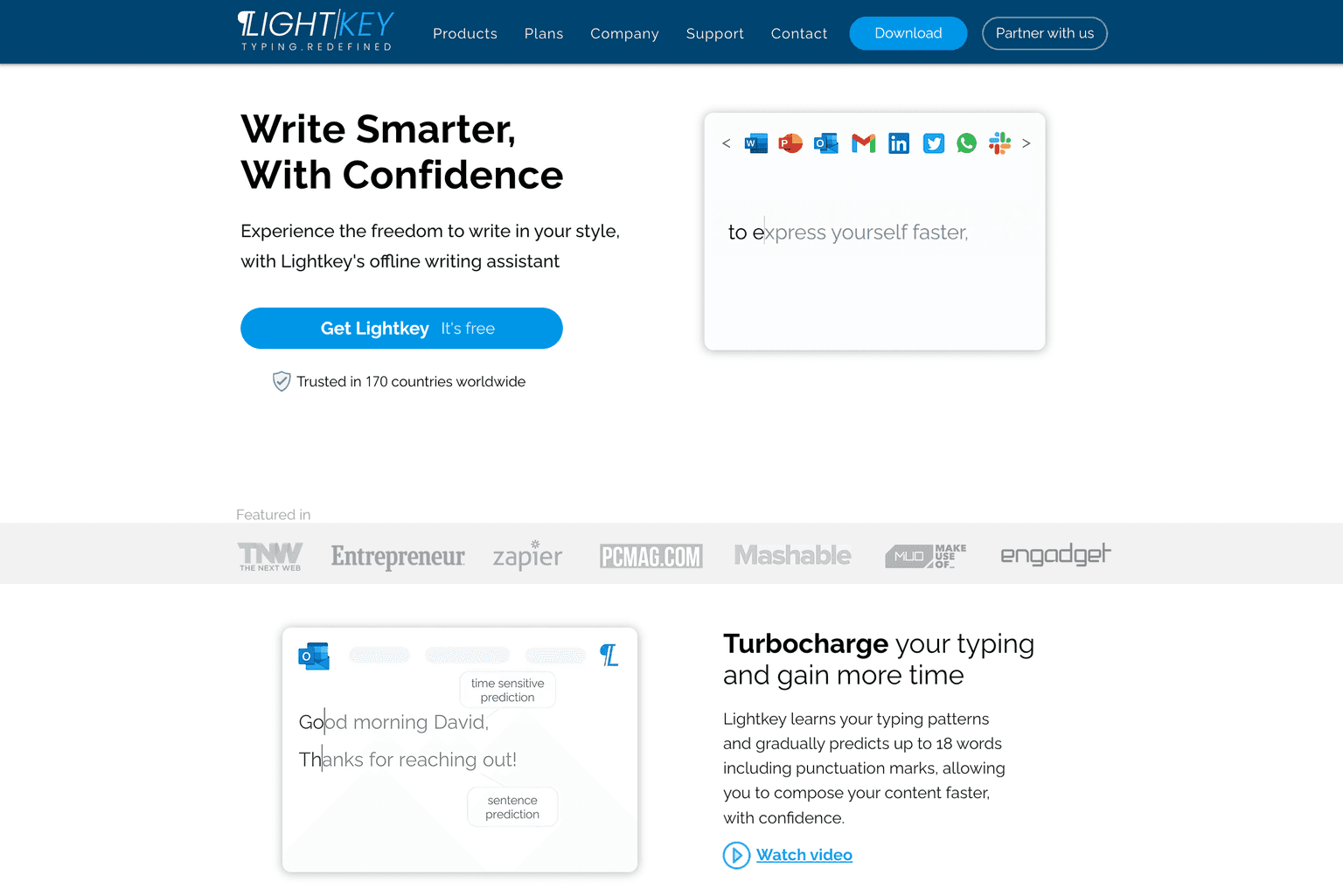
- Predictive Typing: Lightkey learns your typing patterns and offers predictions for up to 18 words, including punctuation marks.
- Real-time Corrections: No need to pause and go back. Lightkey offers real-time corrections as you type.
- Personalized Experience: Adapts to your unique writing style and offers predictions based on over 60 industry-oriented content domains.
- Extensive Platform Support: Natively supports Microsoft Office, and with extensions, it supports numerous websites like LinkedIn, Twitter, Facebook, Gmail, and more.
Ideal Use Case:
From professionals drafting emails to students working on assignments, to social media enthusiasts crafting their next post, Lightkey is the ideal tool for anyone who types. Its predictive capabilities make it especially useful for those who value speed without compromising on accuracy.
Why use Lightkey:
- Efficiency: Speed up your typing process significantly.
- Accuracy: Reduce typos and maintain the quality of your content.
- Personalization: Lightkey adapts to your unique writing style.
- Security: Your content never goes to the cloud, ensuring data privacy.
- Extensive Support: From Microsoft Office to social media platforms, Lightkey has got you covered.
tl;dr:
Lightkey.io is a revolutionary predictive typing tool that not only speeds up your typing but also ensures accuracy and maintains your unique writing style. Whether you're a professional, a student, or just someone who types a lot, Lightkey can transform your typing experience.
FAQ
Q: What is Lightkey? A: Turbocharge your typing with Lightkey's offline writing assistant.
Q: How much does Lightkey cost? A: Lightkey offers a free tier with paid upgrades. Visit the Lightkey pricing page for current plan details.
Q: What problem does Lightkey solve? A: Lightkey helps writers and content marketers draft, optimize, and scale long-form and short-form content.
Q: What are alternatives to Lightkey? A: Top alternatives to Lightkey include Notion AI, Writer AI, and Copy.ai. Explore alternatives in the same category for more options.
Related
Looking for more options? Browse the AI Content Writing directory or read our best AI writing tools listicle. Lightkey is also tracked on Crunchbase.
Why Use Lightkey
User Reviews
Similar Tools