
Floor Plan AI
Floor Plan AI is an AI floor plan generator that turns a sentence into a 2D plan or a downloadable 3D model — no CAD needed.
Overview
Floor Plan AI
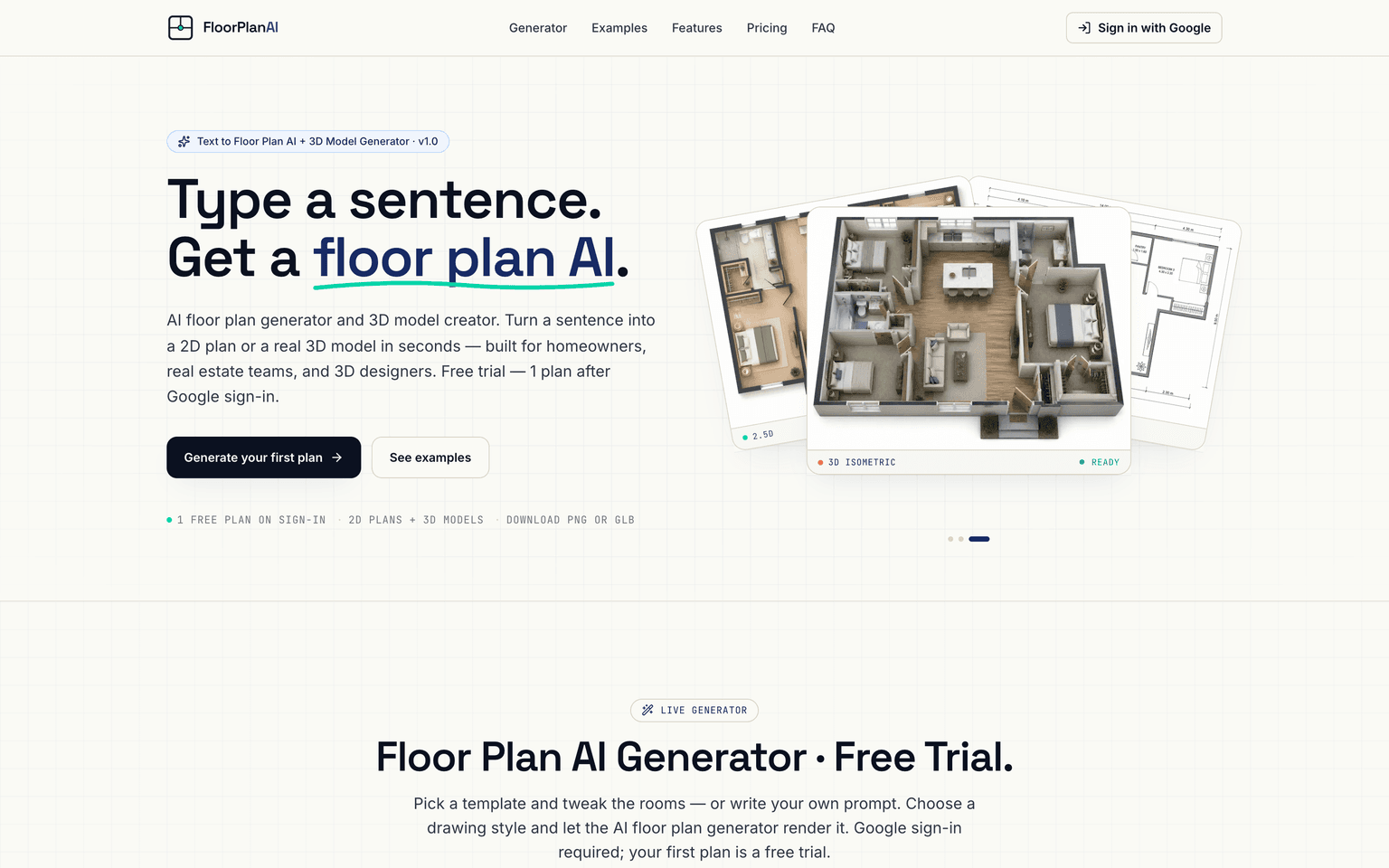
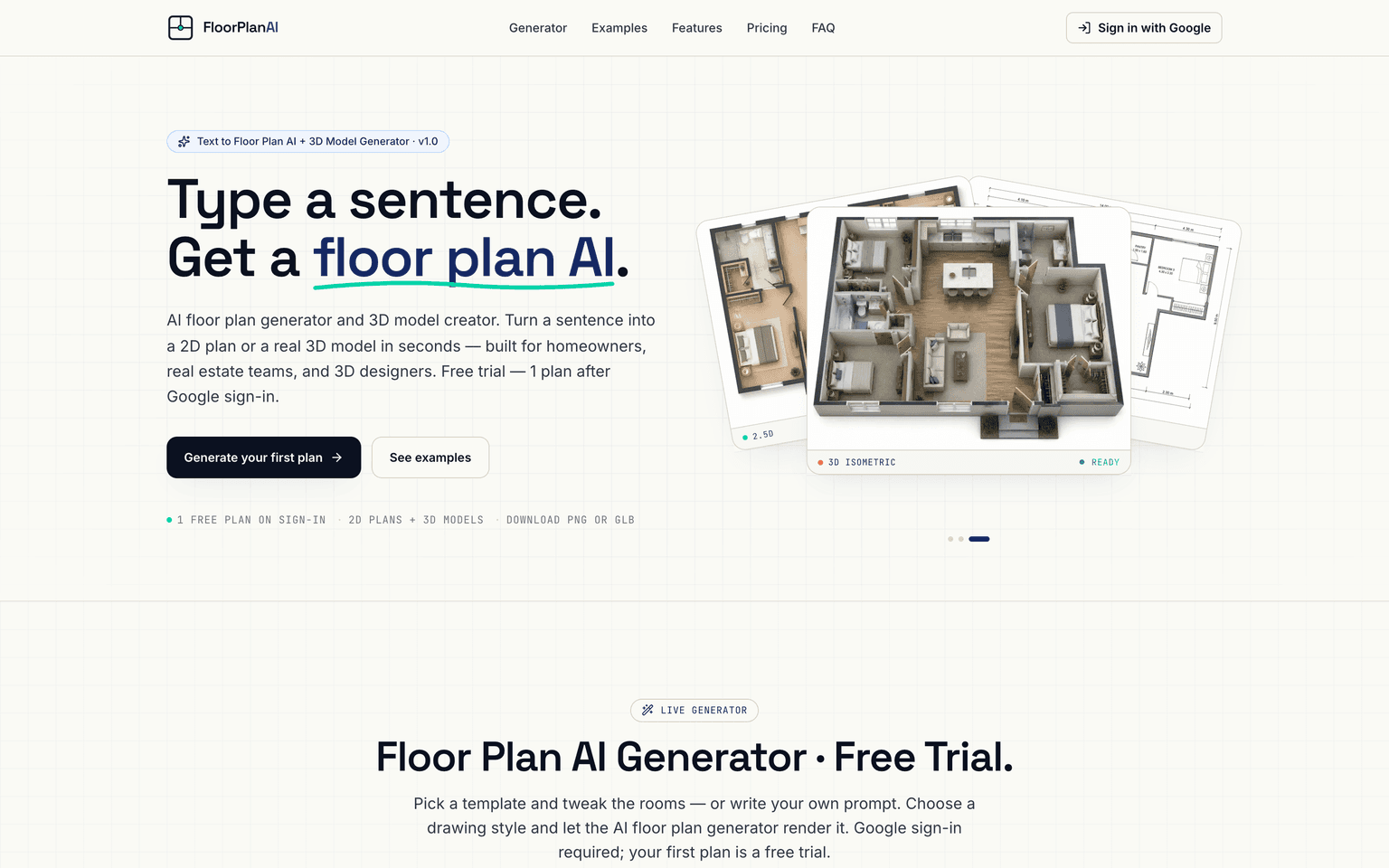
Floor Plan AI is an AI floor plan generator and 3D model creator that turns a plain-English sentence into a usable layout. Describe a space — "a two-bedroom apartment with an open kitchen and a shared bathroom" — and Floor Plan AI returns a top-down 2D plan in seconds or a downloadable 3D model in minutes, with no CAD skills required. Built for homeowners, real estate teams, and 3D designers, Floor Plan AI offers seven drawing styles, seven interior-design presets, and export to PNG or GLB so the output drops straight into Blender, Unity, Unreal, or a property listing.
Production credibility: Floor Plan AI is an independent, single-purpose product built around text-to-floor-plan generation with optional 3D export. Its 3D output is standard GLB (glTF binary) that opens in Blender, Unity, Unreal Engine, three.js, and Apple Vision Pro; 2D plans export at 1K, 2K, or 4K; and a generation can be guided by up to 16 reference images. Downloads are watermark-free, and the maker states that prompts, reference images, and generated plans and models stay the user's own.
Key Features
- Text-to-plan generation: describe a layout in plain English and get a top-down 2D floor plan, no CAD experience needed
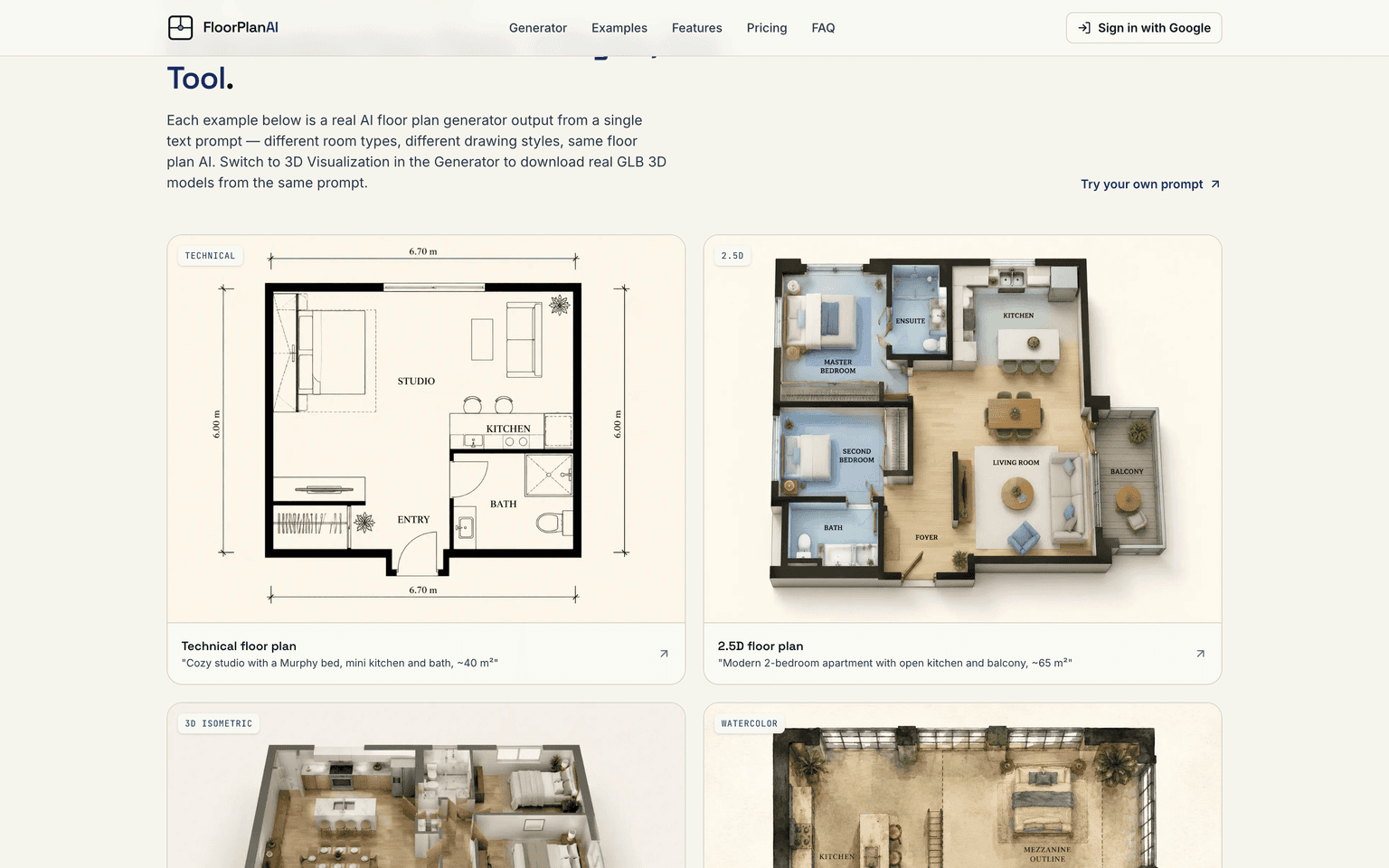
- Seven drawing styles — technical blueprint, 2.5D, 3D isometric, watercolor, marker pen, anime, and photorealistic
- Seven interior-design presets: Modern, Scandinavian, Japandi, Mid-Century, Bohemian, Farmhouse, and Industrial
- 3D model export in GLB format, ready for Blender, Unity, Unreal Engine, three.js, and Apple Vision Pro
- Image-to-image references: upload up to 16 photos to steer the look and layout of a generation
- Output resolutions of 1K, 2K, and 4K for 2D plans, with watermark-free downloads
- Starter prompt templates for apartments, houses, studios, tiny houses, offices, and restaurants
- A free tier to try generation after Google sign-in, with paid plans for higher monthly credit limits
Ideal Use Case
Homeowners sketching a renovation before paying an architect, real estate teams that need MLS-ready floor plans and quick 3D walkthroughs of a listing, and 3D designers or indie game makers who want a furnished layout they can drop straight into Blender, Unity, or Unreal. If you can describe a space in a sentence but don't want to learn CAD software, Floor Plan AI turns that description into something you can show, edit, or hand off.
How Floor Plan AI differentiates
Most floor-plan tools — Planner 5D, SketchUp, MagicPlan — start from manual drawing or a room scan, and most AI room tools only restyle a photo of an existing space. Floor Plan AI's organizing idea is to start from a sentence and end with either a 2D plan or an actual 3D model file, skipping the drafting step entirely. The trade-off is control: a CAD package gives you exact, dimensioned edits, while Floor Plan AI gives you a fast first draft in a chosen style, so it fits ideation and visualization better than construction-grade documentation. Pairing the text prompt with up to 16 reference images is how it keeps that speed without giving up creative direction.
FAQ
Q: What is Floor Plan AI? A: Floor Plan AI is an AI floor plan generator that turns a plain-English description into a 2D floor plan or a downloadable 3D model. It is built for homeowners, real estate teams, and 3D designers, and it does not require any CAD experience.
Q: Can I download 3D models, and what format are they? A: Yes. Floor Plan AI exports 3D models as GLB (glTF binary) files that open directly in Blender, Unity, Unreal Engine, three.js, and Apple Vision Pro. Each 3D model costs 10 credits.
Q: Is Floor Plan AI free? A: There is a free tier that gives one plan after Google sign-in, capped at 1K resolution. Paid plans start at $19/month for 300 credits with all resolutions and 3D unlocked, and there is a one-time $19 option for 240 credits with no subscription.
Q: Floor Plan AI vs Planner 5D — what's the difference? A: Planner 5D is a manual home-design app where you place walls and furniture yourself; Floor Plan AI generates the plan from a text prompt and can also output a 3D model file. Planner 5D gives more hands-on control, while Floor Plan AI is faster for a first draft.
Q: Can I guide the output with my own images? A: Yes. You can upload up to 16 reference photos to steer the layout and style, and choose from seven drawing styles and seven interior-design presets to match the look you want.
tl;dr
Floor Plan AI is an AI floor plan generator and 3D model creator that turns a plain-English sentence into a 2D plan or a downloadable GLB model — no CAD needed. It offers seven drawing styles, seven interior-design presets, up to 16 reference images, and 1K–4K exports. A free tier gives one plan after Google sign-in; paid plans start at $19/month, with a one-time $19 / 240-credit option.
Why Use Floor Plan AI
User Reviews
Similar Tools