AI Tool Directory MCP Server
Public MCP server to query the AI Tool Directory catalog from your AI agent — search, compare, find alternatives, and check whether a tool is still alive.
Overview
The AI Tool Directory, callable from inside your agent
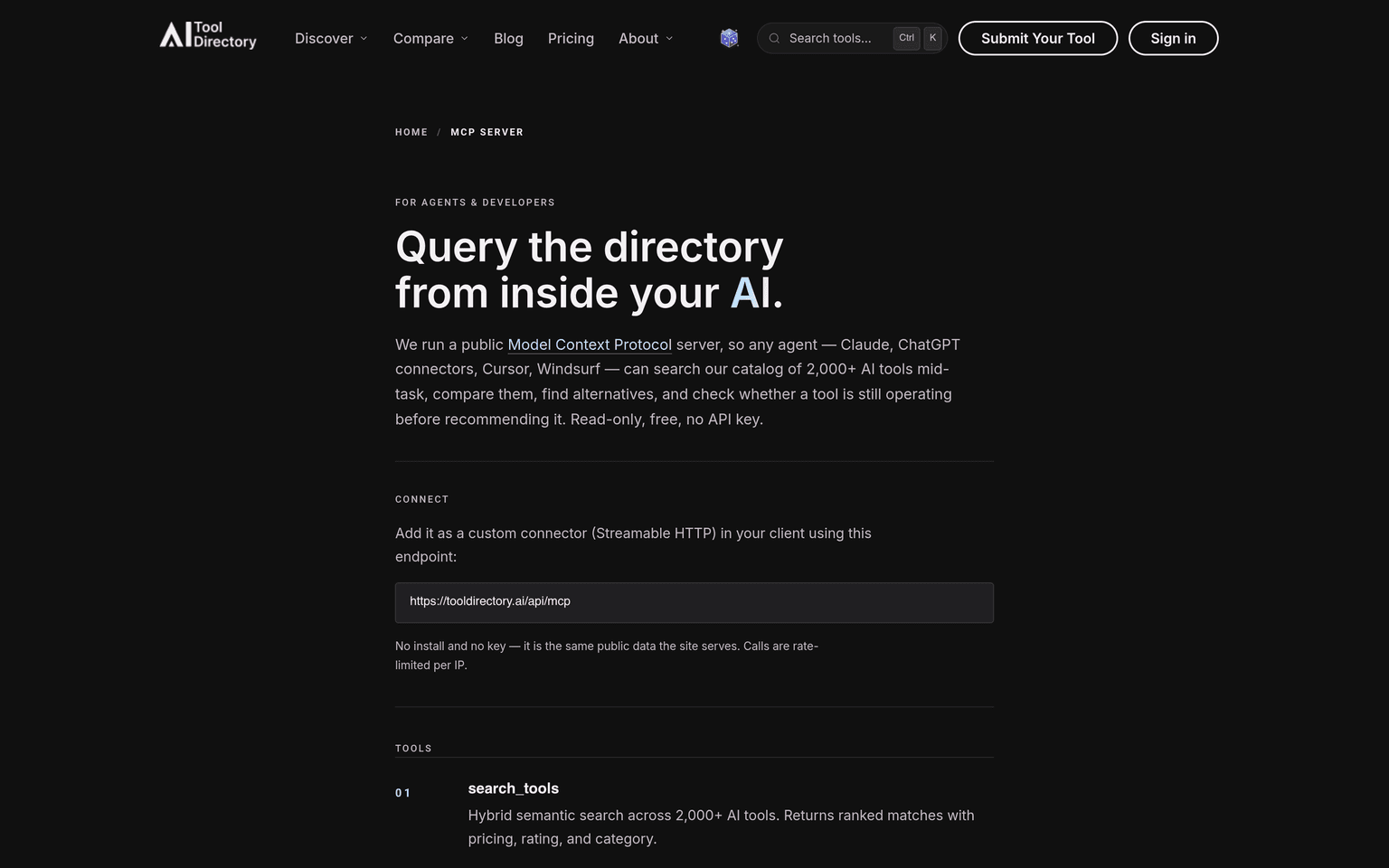
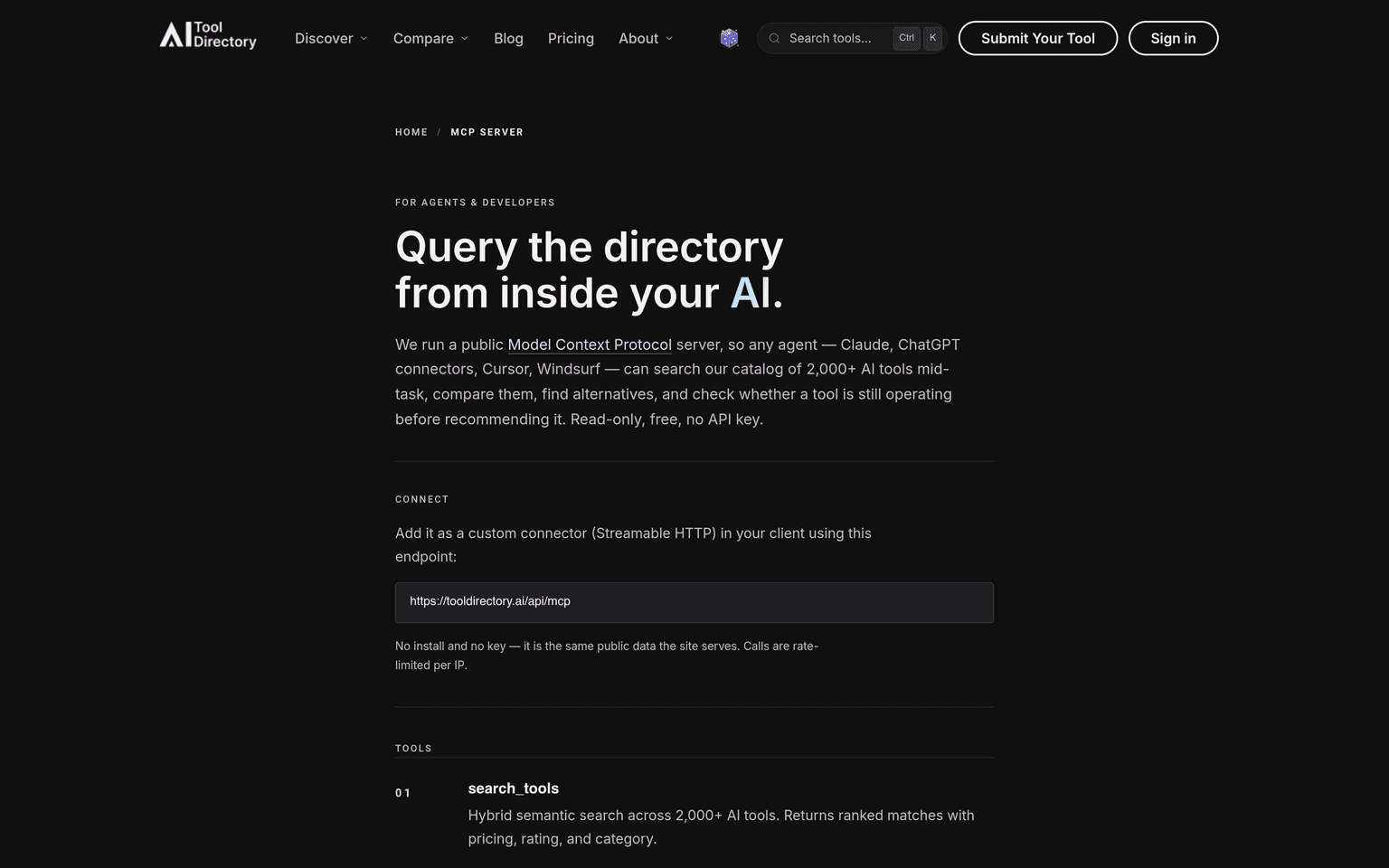
The AI Tool Directory MCP server is a public, read-only Model Context Protocol endpoint that lets any AI agent query our catalog of 2,000+ AI tools mid-task. Add it as a custom connector over Streamable HTTP at https://tooldirectory.ai/api/mcp — no install, no API key, free, and rate-limited per IP. It is the same vetted, human-verified data the site serves, exposed so an agent can reach for it the moment a user asks "what should I use for X?" or "is that tool still around?"
Unlike a raw web search, the directory knows whether a tool is still alive — active, deceased, or acquired — so your agent stops recommending products that shut down months ago, and offers live replacements instead.
Key Features
- search_tools — hybrid semantic search across 2,000+ AI tools, returning ranked matches with pricing, rating, and category.
- get_tool — the full profile for one tool: description, pricing, key features, the editor's verdict and rating, the date we last verified it, and the official link.
- check_tool_status — whether a tool is active, deceased, or acquired, with the shutdown date and cause, and live alternatives if it is gone. The fact models get wrong most.
- find_alternatives — curated alternatives to any tool; if it has shut down you get live replacements rather than a dead recommendation.
- compare_tools — two tools side by side, with the editor's head-to-head verdict when we have published one for the pair.
- list_tools — the top-rated active tools in a category or for a job role, with an optional pricing filter.
Ideal Use Case
Coding agents and chat assistants that recommend software. Drop it into Claude, ChatGPT connectors, Cursor, or Windsurf and your assistant can search the catalog, compare options, and verify a tool still exists before it suggests one — grounding answers in maintained data instead of stale training memory.
How it differentiates
Most tool-recommendation data is a static list scraped once and left to rot. The directory is human-verified on a rolling basis and tracks lifecycle: every entry carries a last-verified date and a live/deceased/acquired status, and the check_tool_status tool surfaces it directly. That liveness signal — and the curated alternatives for tools that have died — is what an agent cannot reliably get from web search alone.
FAQ
Do I need an API key? No. The server is public and read-only — add the endpoint as a custom connector and start querying.
What does it cost? Nothing. It is free and rate-limited per IP. Building something that needs a higher limit? Email hello@tooldirectory.ai.
Which clients work? Any MCP client that speaks Streamable HTTP — Claude, ChatGPT connectors, Cursor, Windsurf, and others.
What can it do that web search can't? It knows whether a tool is still alive — active, deceased, or acquired — and returns live replacements for tools that have shut down.
tl;dr
A free, public, read-only MCP server for the AI Tool Directory catalog. Connect your agent at https://tooldirectory.ai/api/mcp to search 2,000+ AI tools, pull full profiles, compare them, find alternatives, and — uniquely — check whether a tool is still operating before you recommend it.
Why Use AI Tool Directory MCP Server
User Reviews
Similar Tools